4. Unboxing
MiR250 Dynamic Integrator Manual (en) 09/2023 - v.2.1 ©Copyright 2020–2023: Mobile Industrial Robots A/S. 45
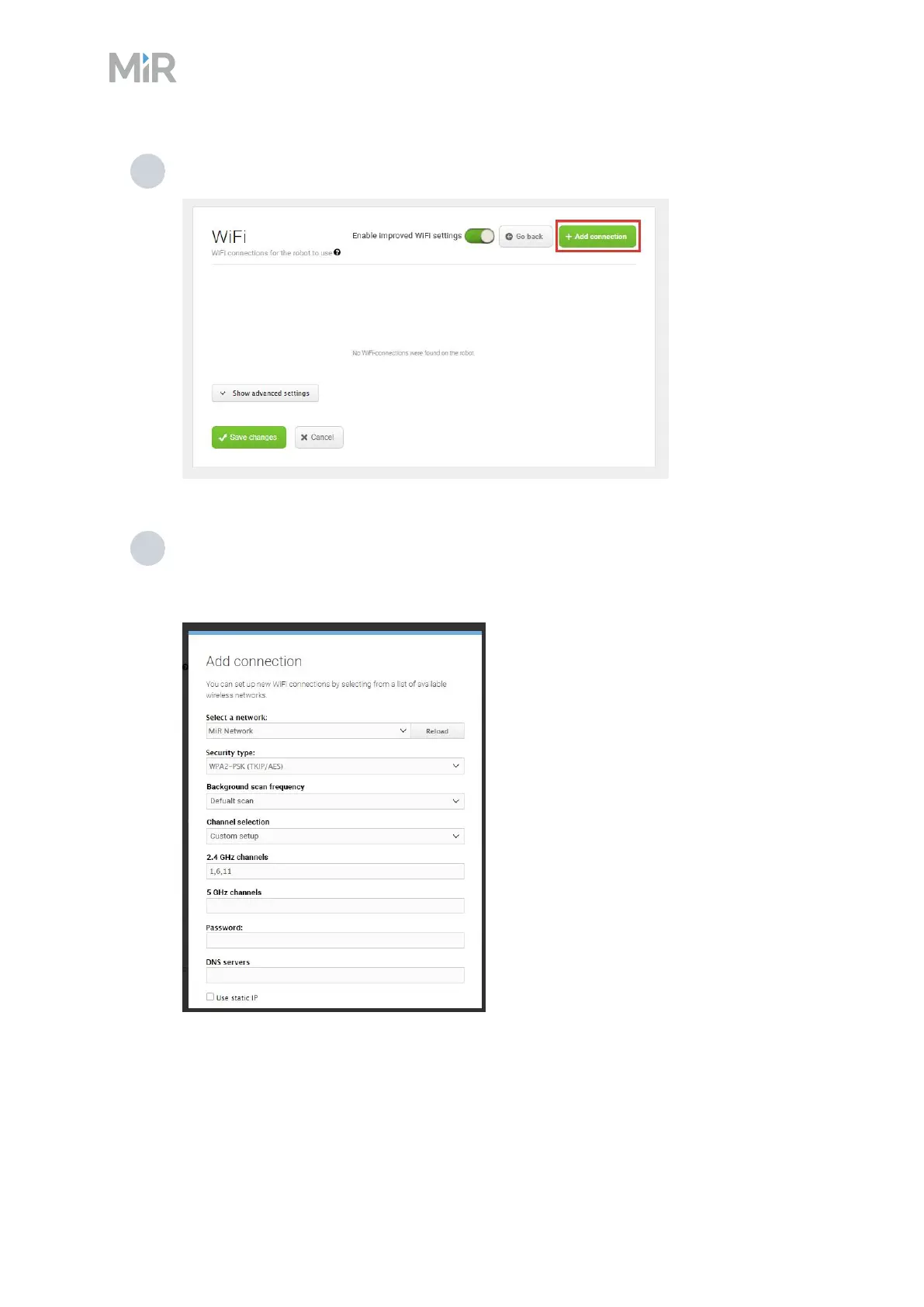
2 Go to System > Settings >Wi-Fi, and select Add connection.
3 Select the network you want the robot to be connected to, and fill out the displayed
fields—see the guide How to connect a MiR robot to a Wi-Fi network for more information
about the Wi-Fi settings. You can find this guide on MiR Support Portal.



 To Next Page