2. Product presentation
MiR250 Dynamic Integrator Manual (en) 09/2023 - v.2.1 ©Copyright 2020–2023: Mobile Industrial Robots A/S. 14
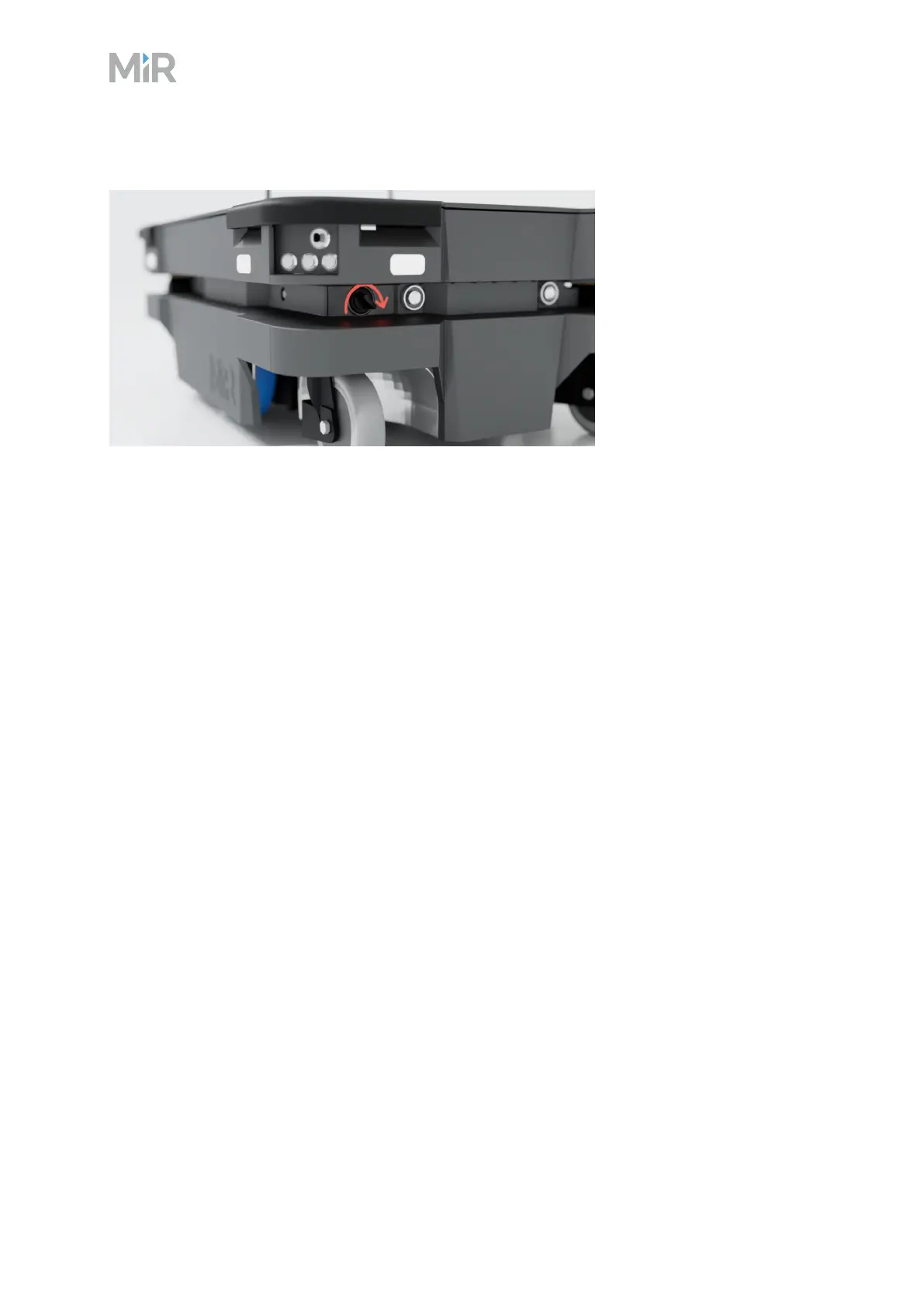
Figure 2.3 Turn the Manual brake release switch clockwise to release the brakes
The mechanical brakes require electrical power to be released. To release the brakes, the robot
must be connected to an active and charged battery when you turn the switch—see "Connecting
the battery" on page36.
When the robot is driving, the robot engages and releases the mechanical brakes automatically.
You should only release the brakes manually when you want to move the robot by hand.
When you release the brakes manually, all power to the motors is cut. This means the robot loses
connection to some of the CAN bus nodes and the robot does not receive data that it needs to
localize itself. After moving the robot manually, you must correct the robot's location on the
map—see the guide How to use adjust localization. You can find this guide on MiR Support Portal.
Once you engage the automatic brake system, the connection to the CAN bus nodes is re-
established, and the robot can update its location on the map automatically.
The robot cannot operate while the mechanical brakes are released manually.



 To Next Page