2. Product presentation
MiR250 Dynamic Integrator Manual (en) 09/2023 - v.2.1 ©Copyright 2020–2023: Mobile Industrial Robots A/S. 22
The signal lights work similarly to lights used on cars; white at the front, red at the back, and
indicating a left or right turn by blinking.
When the robot drives with muted Protective fields, for example, when docking to a charging
station, all signal lights blink yellow.
Speaker
In Setup > Sounds, you can upload new sounds to the robot or edit the volume and length of the
default sounds.
Sounds can be used in missions and zones to alert or to attract people's attention.
For more information about how to set up sounds, see MiR Commissioning Guide. You can find this
guide on MiR Support Portal.
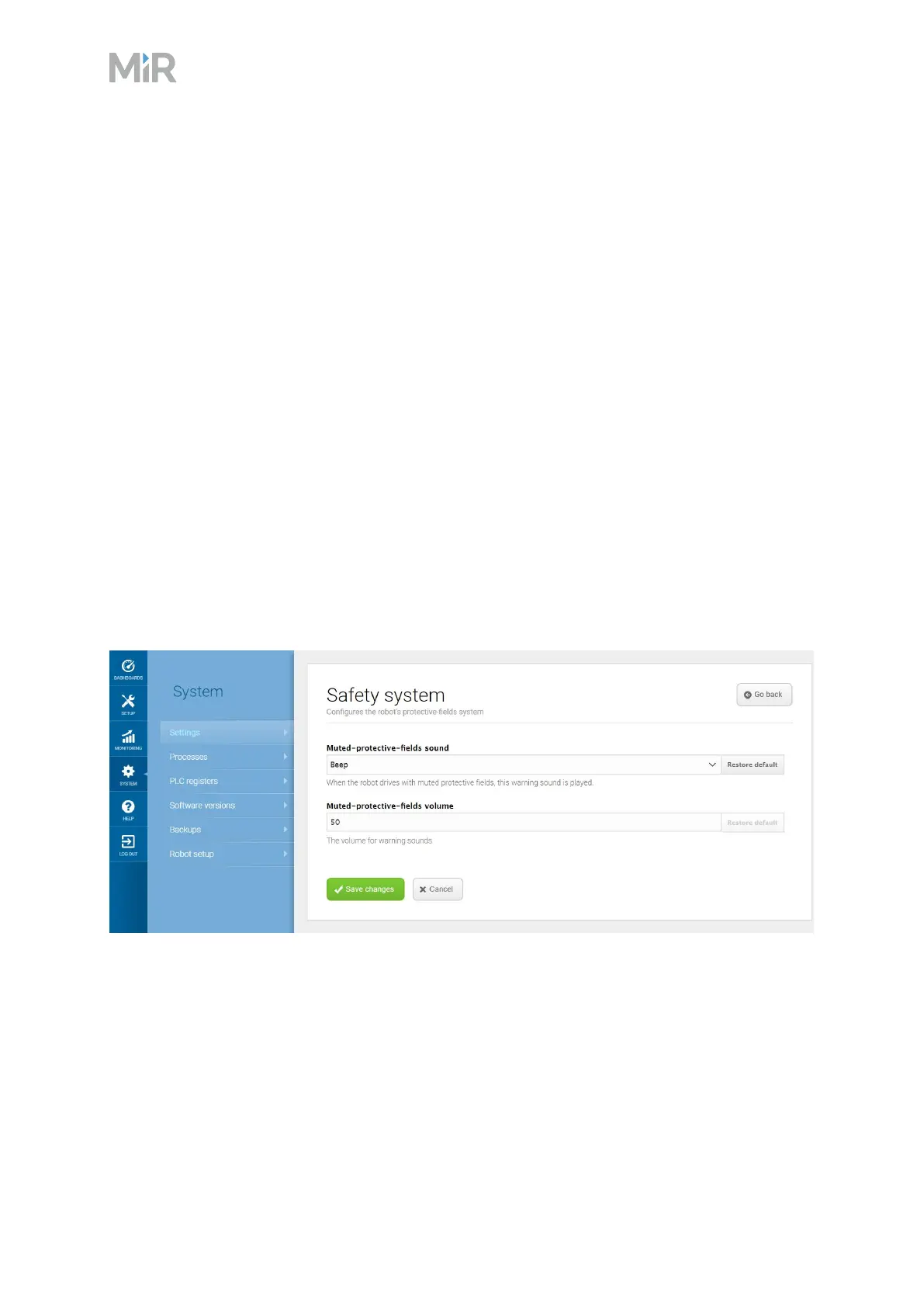
When the robot drives with muted Protective fields it emits a warning sound. In System >
Settings > Safety system, you can choose which sound the robot makes and the volume of the
sound.
Figure 2.10 In the Safety system settings, you can modify the sounds the robot plays when the robot mutes
its Protective fields



 To Next Page