4. Unboxing
MiR250 Dynamic Integrator Manual (en) 09/2023 - v.2.1 ©Copyright 2020–2023: Mobile Industrial Robots A/S. 48
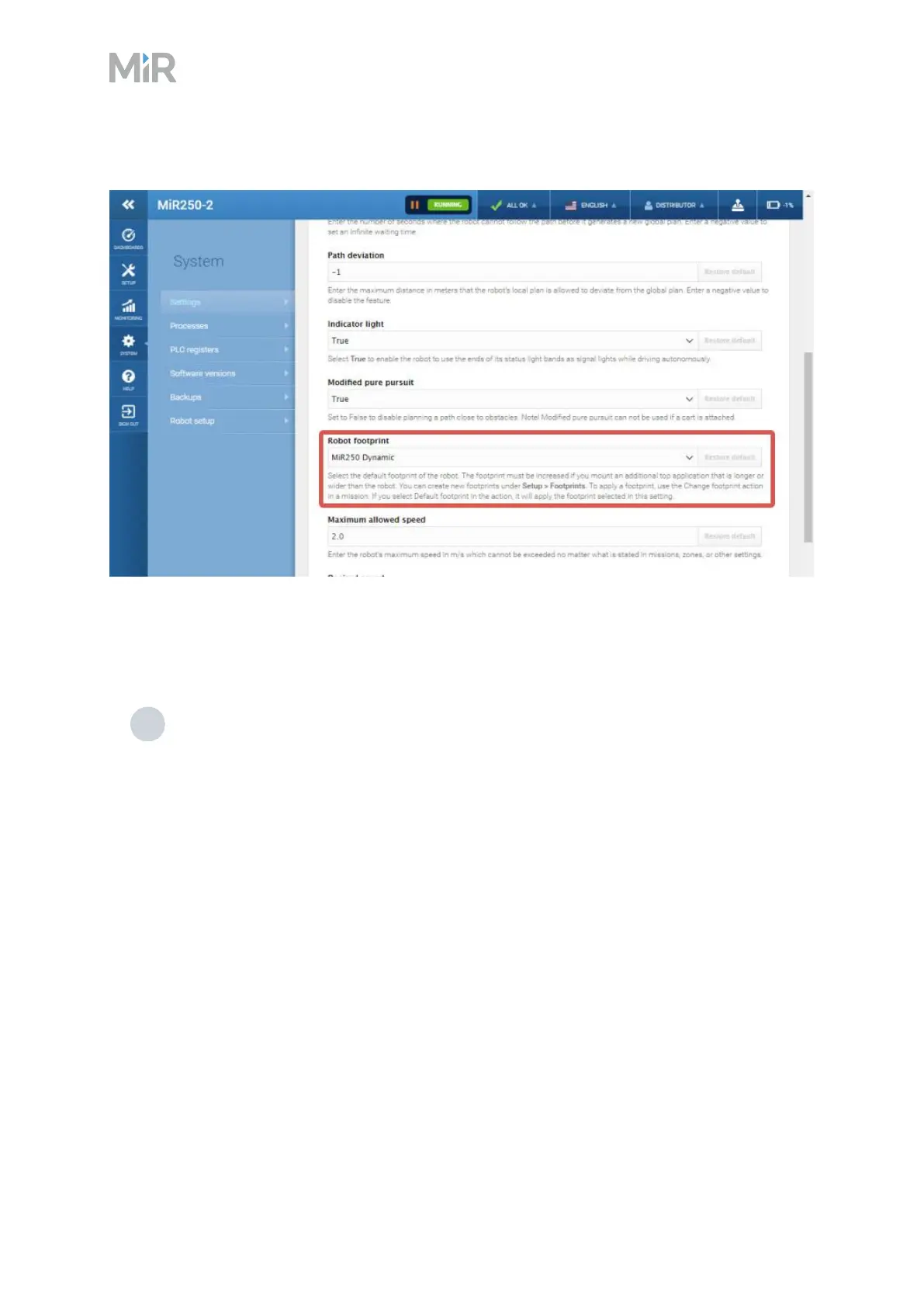
Figure 4.1 Enabling the dynamic footprint for MiR250 Dynamic
Apply the MiR250 Dynamic SICK configuration
To apply the MiR250Dynamic SICKconfiguration, follow these steps:
1 Apply the MiR250Dynamic SICKconfiguration as described in the guide How to apply
the default SICKconfiguration on MiR250, MiR500, MiR600, MiR1000, and MiR1350. You can
find this guide on MiR Support Portal.
Contact MiR Technical Support for the password to modify the SICKsafety system.



 To Next Page