Making Calls
Note:
1. When the Outgoing Redial List is full, the oldest call records are deleted to accommodate the
information of new called parties.
2. If the telephone number of an incoming or outgoing call matches a number that you have
programmed with a name in a softkey or the Directory, the Outgoing Redial List display the same
name and number.
3. For details on the total number of Outgoing Redial List entries currently stored on your phone, see
“Phone status via IP phone UI”.
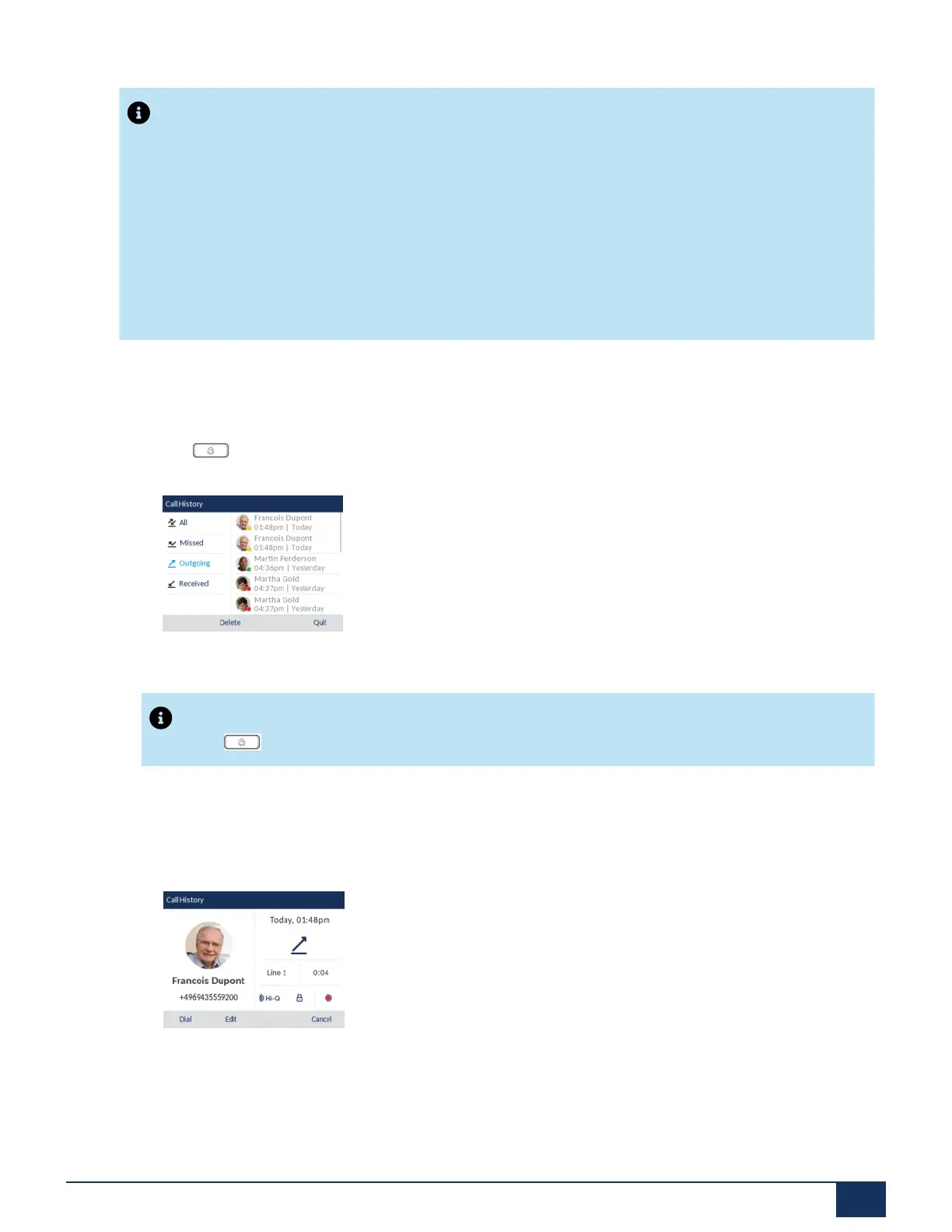
Accessing the Outgoing Redial List
1.
Press once to access the Outgoing Redial List.
Note:
Press twice to dial the most recent number you dialed from the phone.
2. With Outgoing highlighted press the right navigation key to move to entry column.
3. Use the up and down navigation keys to scroll through the entries in the Outgoing Redial List.
4. Press right navigation key to see more detailed information about the redial entry.
Version 1.0
User Guide 116



 To Next Page