Managing Calls
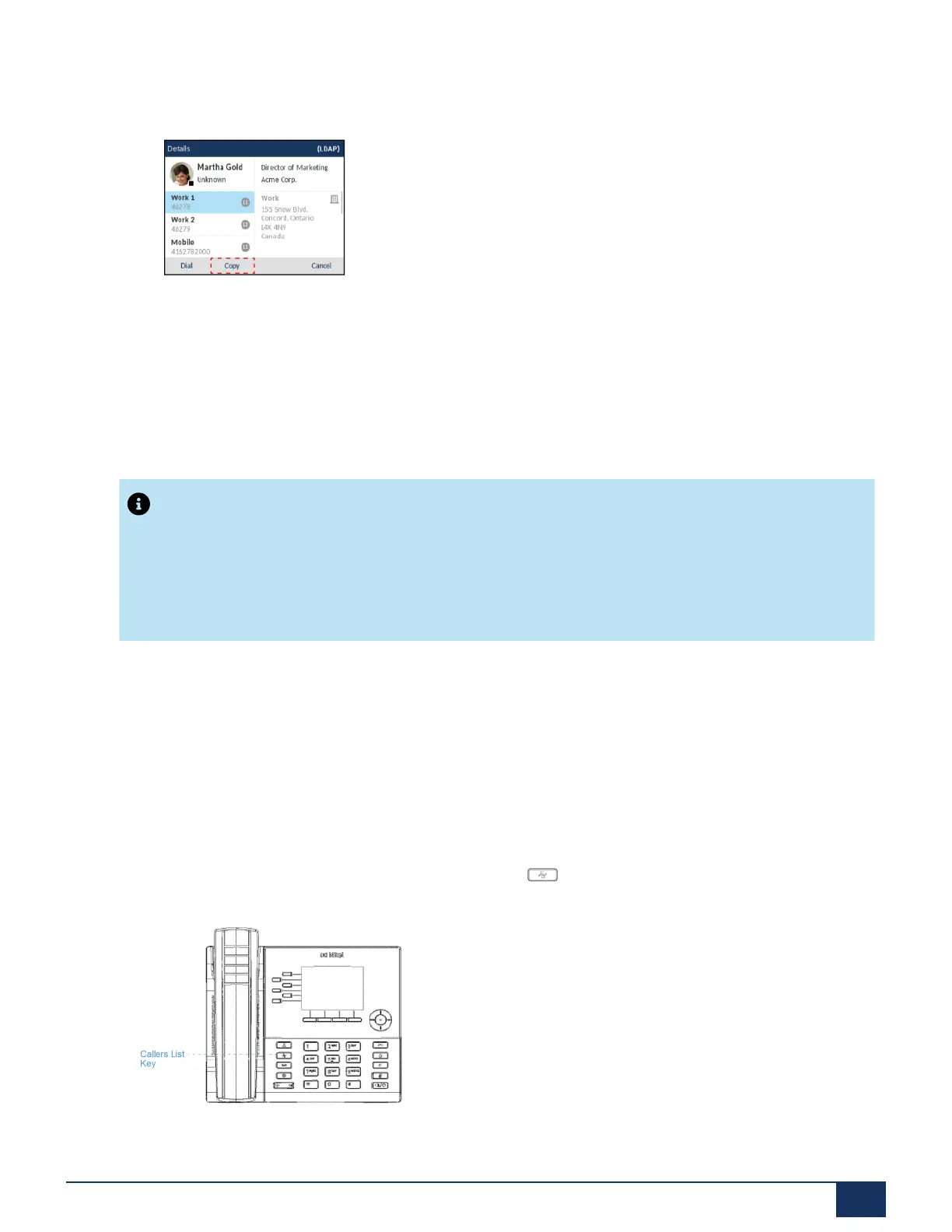
4. Press the right navigation key to view the contact’s Details page and press the Copy key.
An “Entry copied to Local” message will be displayed indicating the contact was saved to the Local
Directory successfully.
11.2 Received Callers List
Note:
Received Callers List information in this User Guide describes the phone’s native Received Callers
List. In some environments, the Received Callers List key may bring up a Received Callers List
provided by the call manager; therefore, depending on your call manager, the Received Callers List
on your phone may function and behave differently then what is documented in this User Guide. If this
is the case, contact your System Administrator for more information regarding your specific Received
Callers List.
The Received Callers List is a stored log of your incoming calls. The 6915 telephone stores information on
up to 200 incoming calls in the Received Callers List. Your telephone logs the name/number of the caller,
when they last called, and if the call was answered or missed. Additional information such as the duration
of the call, line used, and call features utilized during the call can also be viewed.
You can view, scroll, and delete line items in the Received Callers List from the IP phone UI as wells as
copy selected entries to the Local Directory. You can also dial out directly using a displayed entry in the
Received Callers List.
On the 6915, you access the Received Callers List by the key.
Version 1.0
User Guide 146



 To Next Page