Configuring Softkeys
BLF State LED Behavior Softkey Icon
Connected Solid Red
On Hold Slow Flashing Red
Unknown Off
Not monitored Off
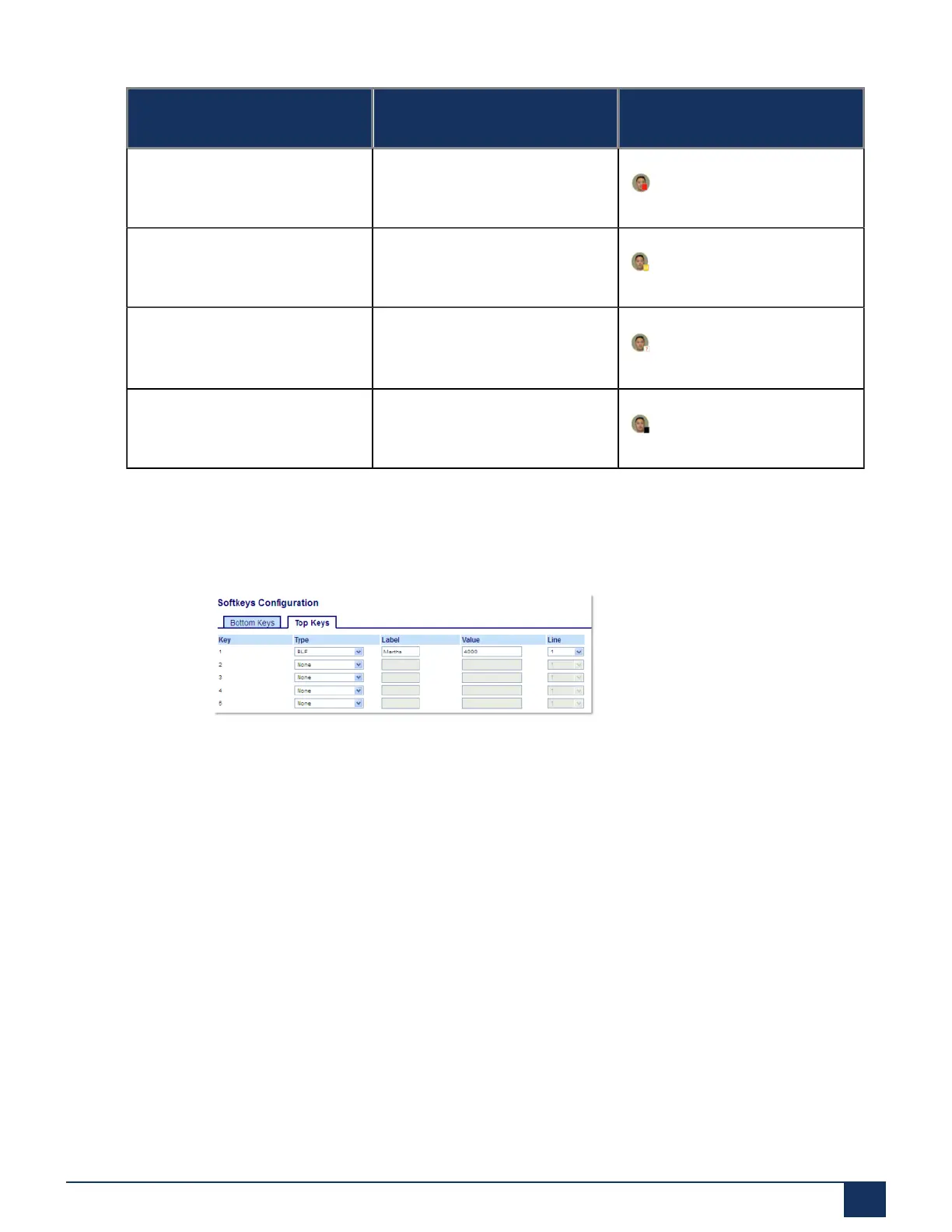
Configuring a BLF Key Using the Mitel Web UI
1. Click on Operation > Softkeys and XML.
2. Select from Key 1 through Key 20 on the Top keys.
3. In the Type field, select BLF to apply to the key.
4. In the Label field, enter a label to apply to this key.
5. In the Value field, enter the phone number or extension you want to monitor.
6. In the Line field, select a line for which to apply this key. Valid values are:
• global
• 1 through 24
7. Click Save Settings.
7.6 BLF/List Key
Version 1.0
User Guide 84



 To Next Page