Customizing your phone
5. Press the Save softkey to save your changes.
6.
Press the on your phone.
7. Press the Log Issue softkey, and wait five minutes for log processing to occur.
The phone UI displays 'Logging the issue - Please wait...'.
6.2 Phone Options via Mitel Web UI
In addition to the IP phone UI options, you can customize options on the IP phone using the Mitel Web UI.
In order to access your phone using the Mitel Web UI, you need to know your phone’s IP address.
Using the Mitel Web UI
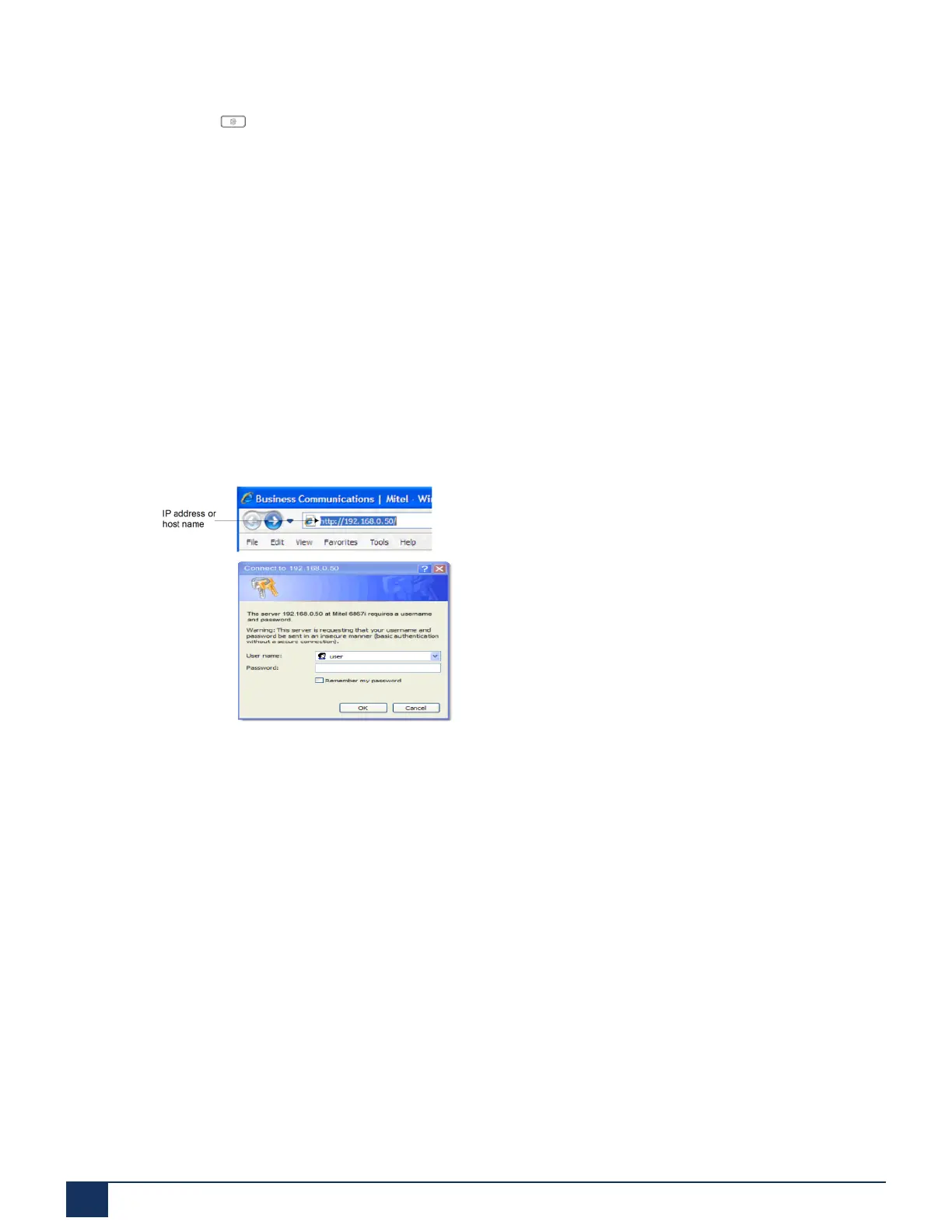
1. Open your web browser, enter the phone’s IP address or host name into the address field and press
Enter.The following Login screen displays.
2. At the prompt, enter your user name and password and click OK.The Status window displays for the IP
phone you are accessing.
Version 1.0
25 User Guide



 To Next Page