Customizing your phone
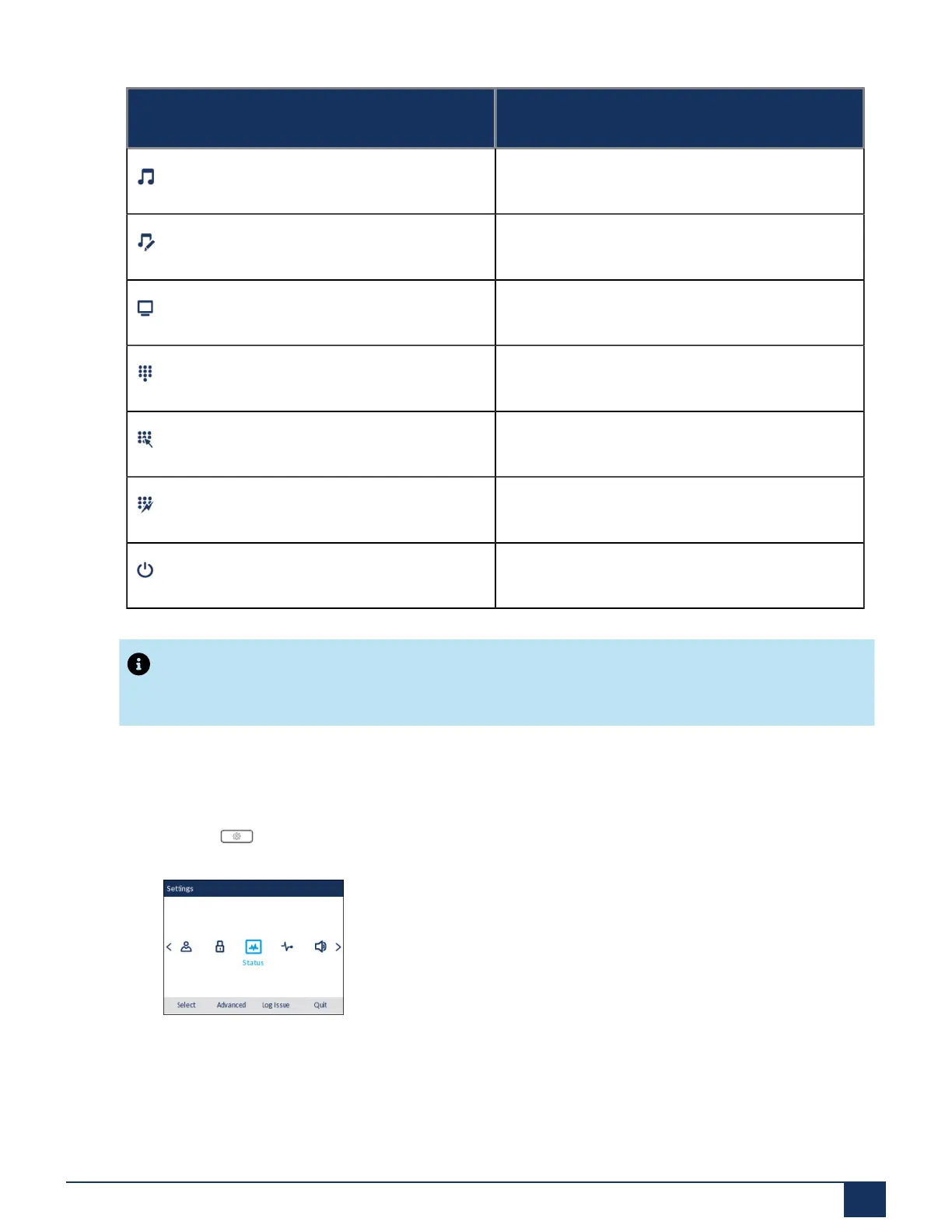
Icon Option
Ring Tones
Tone Set
Display
Dialing
Live Dialpad
Speed Dial Edit
Restart
Note:
Advanced options are Administrator-level functions only, and are not accessible by the user. These
options should only be set up and changed by your System Administrator.
Using the IP Phone UI
1.
Press the (Settings) key on the phone to enter the Settings menu.
2. Use the left and right navigation keys to highlight an option and the up and down navigation keys to
scroll through the sub options.
3. Press the select button or Select softkey to select an option.
4. Use the navigation keys, dialpad keys, and softkeys that display for each setting to make any applicable
changes.
Version 1.0
User Guide 24



 To Next Page