Phone keys
y Voicemail Key h Navigation Keys/Select
Button
u Options Key j Context-Sensitive
Softkeys
i Volume Control k Programmable Keys
o Dialpad l LCD Screen
4.1 Key description
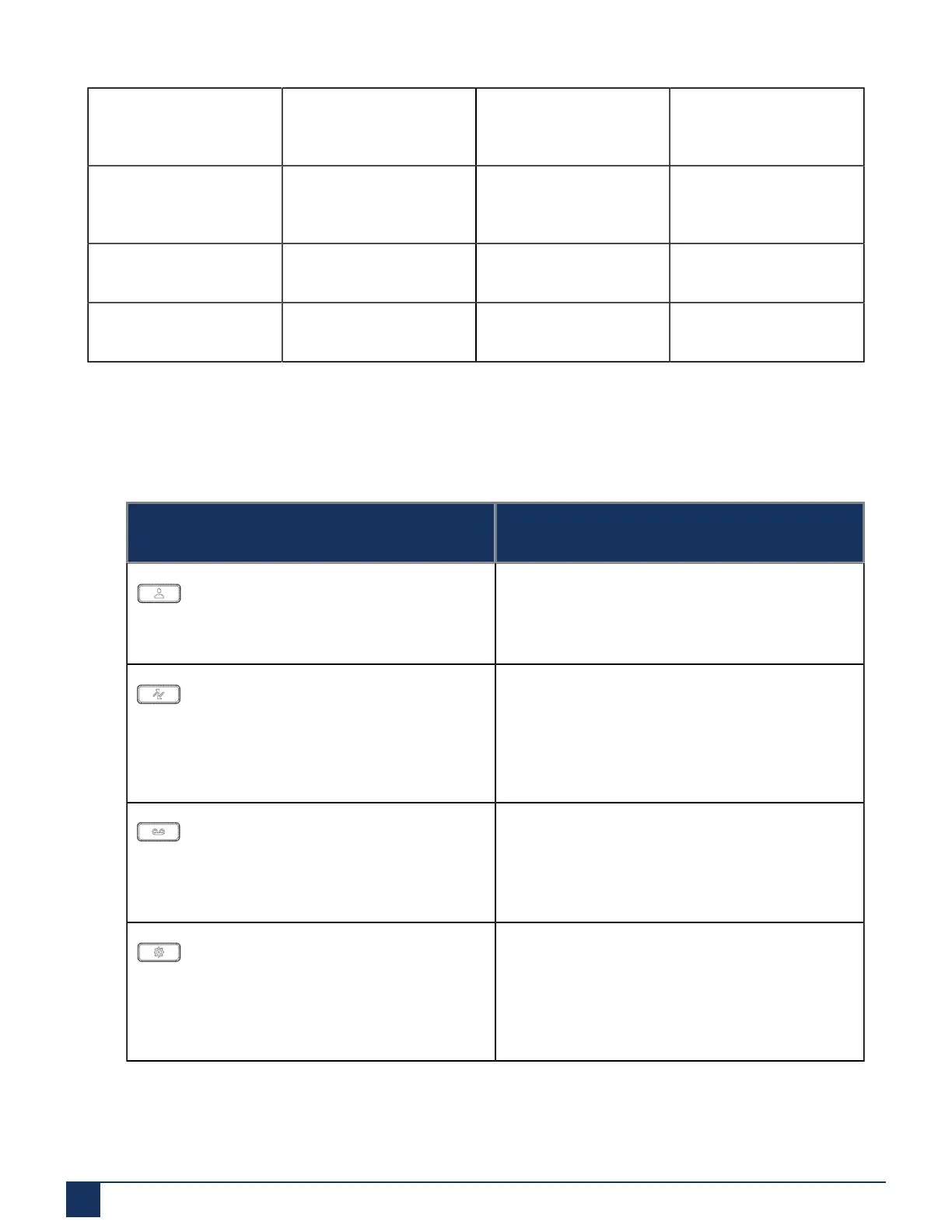
The following table describes the keys on the Mitel 6915 SIP IP phone:
Key Description
Directory key - Displays a list of your contacts.
For more information, see “Directory”.
Call History key - Call History key displays All
folder list which includes the list of your missed,
outgoing, and received calls.
For more information, see “Call History Key”
Voicemail key - Provides access to your voicemail
service (if configured).
For more information, see “Voicemail”
Options key- Provides services and static settings
that allow you to customize your phone.
For more information, see “Customizing your
phone”
Version 1.0
7 User Guide



 To Next Page