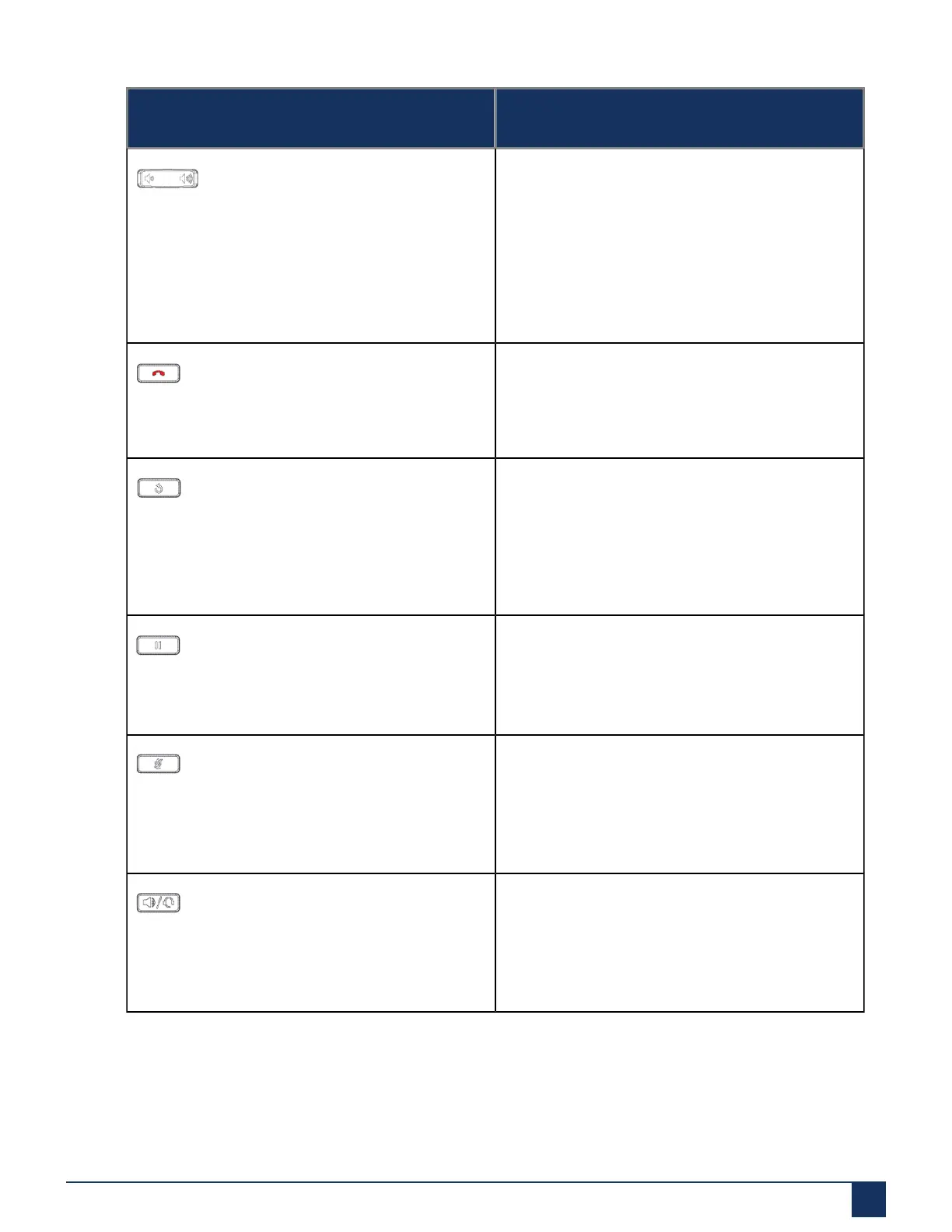
Phone keys
Key Description
Volume controls - Adjusts the volume for the
ringer, handset, headset, and speakerphone.
Press the volume control keys while the phone is
ringing to adjust the ringer volume. Pressing these
keys during an active call adjusts the volume of
the audio device being used (handset, headset, or
speaker).
Goodbye key- Ends an active call. The Goodbye
key also exits an open list (such as Call History)
and menus (such as the Static Settings menu)
without saving changes.
Redial key - Displays a list of your previously
dialed calls. Pressing the Redial key twice redials
the last dialed number displayed on the Home
screen.
For more information, see “Outgoing Redial Key”
Hold key - Places an active call on hold. To
retrieve a held call, press the applicable Line key.
For more information, see “Placing a Call on Hold”
Mute key - Mutes the microphone so that your
caller cannot hear you (the LED beside the key
turns on when the microphone is on mute).
For more information, see “Mute”.
Speaker/Headset key - Transfers the active call to
the speaker or headset, allowing handsfree use of
the phone.
For more information, see “Audio”.
Version 1.0
User Guide 8



 To Next Page