Additional Features
3. In the Preferred Line Timeout field, enter the amount of time, in seconds, that the phone switches
back to the preferred line after a call (incoming or outgoing) ends on the phone, or after a duration of
inactivity on an active line. Default is 0.
Valid values are: 0 to 999
4. Click Save Settings.
12.11 Goodbye Key Cancels Incoming Calls
The 6915 has a feature that allows you to configure the Goodbye key to drop a second incoming call or
ignore incoming calls presented to the phone when you are on an active call. The parameter is called
Goodbye Key Cancels Incoming Call and is configurable via the Mitel Web UI.
If you enable this parameter, which is the default, pressing the key hangs up the active call.
Configuring Goodbye Key to Cancel Incoming Calls
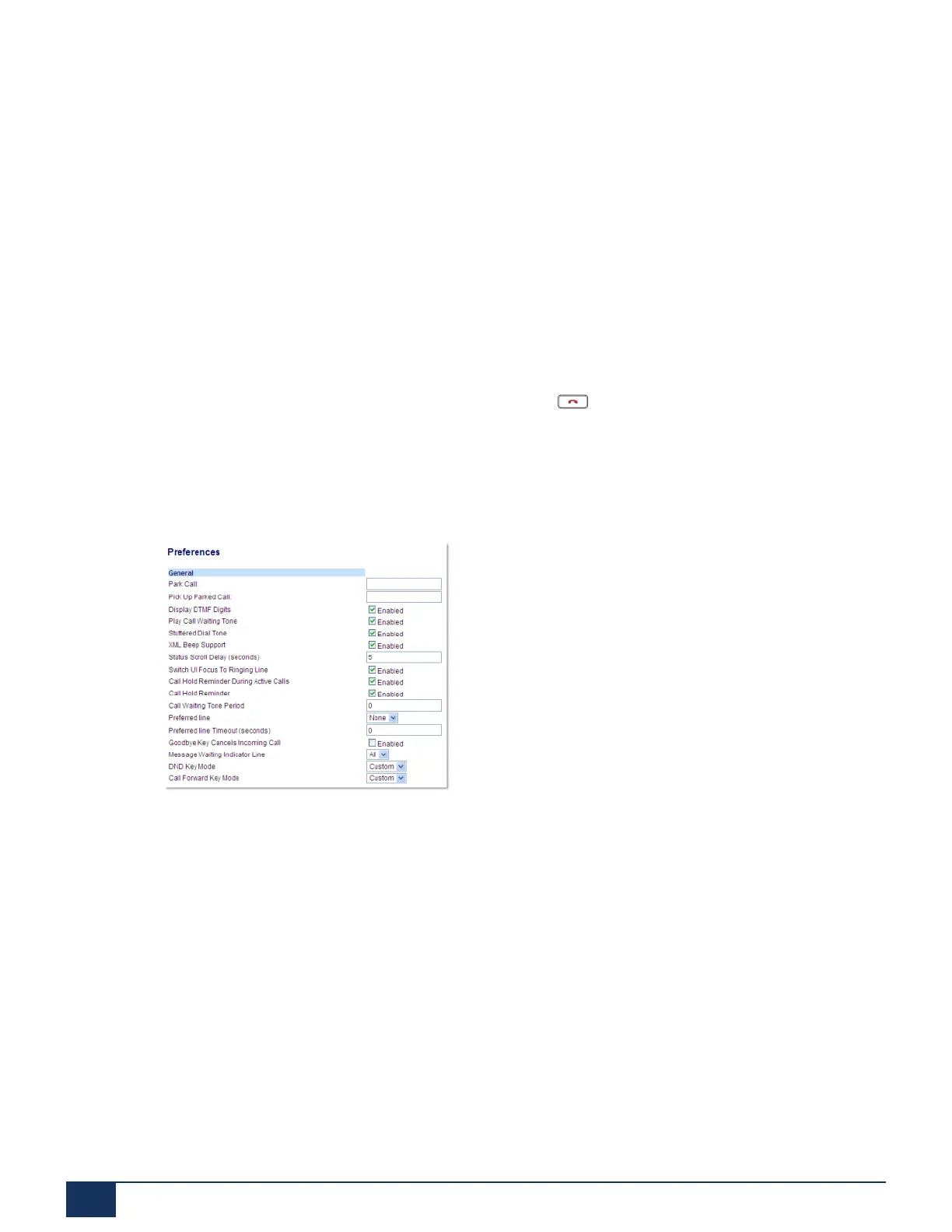
1. Click on Basic Settings > Preferences > General.
2. The Goodbye Key Cancels Incoming Call field is enabled by default. To disable this field, uncheck the
box.
3. Click Save Settings to save your settings.
12.12 Message Waiting Indicator
You can configure the Message Waiting Indicator (MWI) to illuminate for a specific line or for all lines. For
example, if you configure the MWI LED on Line 2 only, the LED illuminates if a voicemail is pending on Line
2. If you configure the MWI LED for all lines, the LED illuminates if a voicemail is pending on any line on
the phone (lines 1 through 24).
You configure the MWI using the Mitel Web UI.
Version 1.0
175 User Guide



 To Next Page