Additional Features
Phone Feature Preferred Line Behavior
Factory Default Factory default and recovery mode clears
the preferred line and preferred line timeout
parameters, and the phone operates in a non-
preferred line mode.
Note:
1. you specify a value of 0 for the Preferred Line parameter, it disables the preferred line focus
feature.
2. If you specify a value of 0 for the Preferred Line Timeout parameter, the phone returns the line to
the preferred line immediately.
Configuring Preferred Line and Preferred Line Timeout
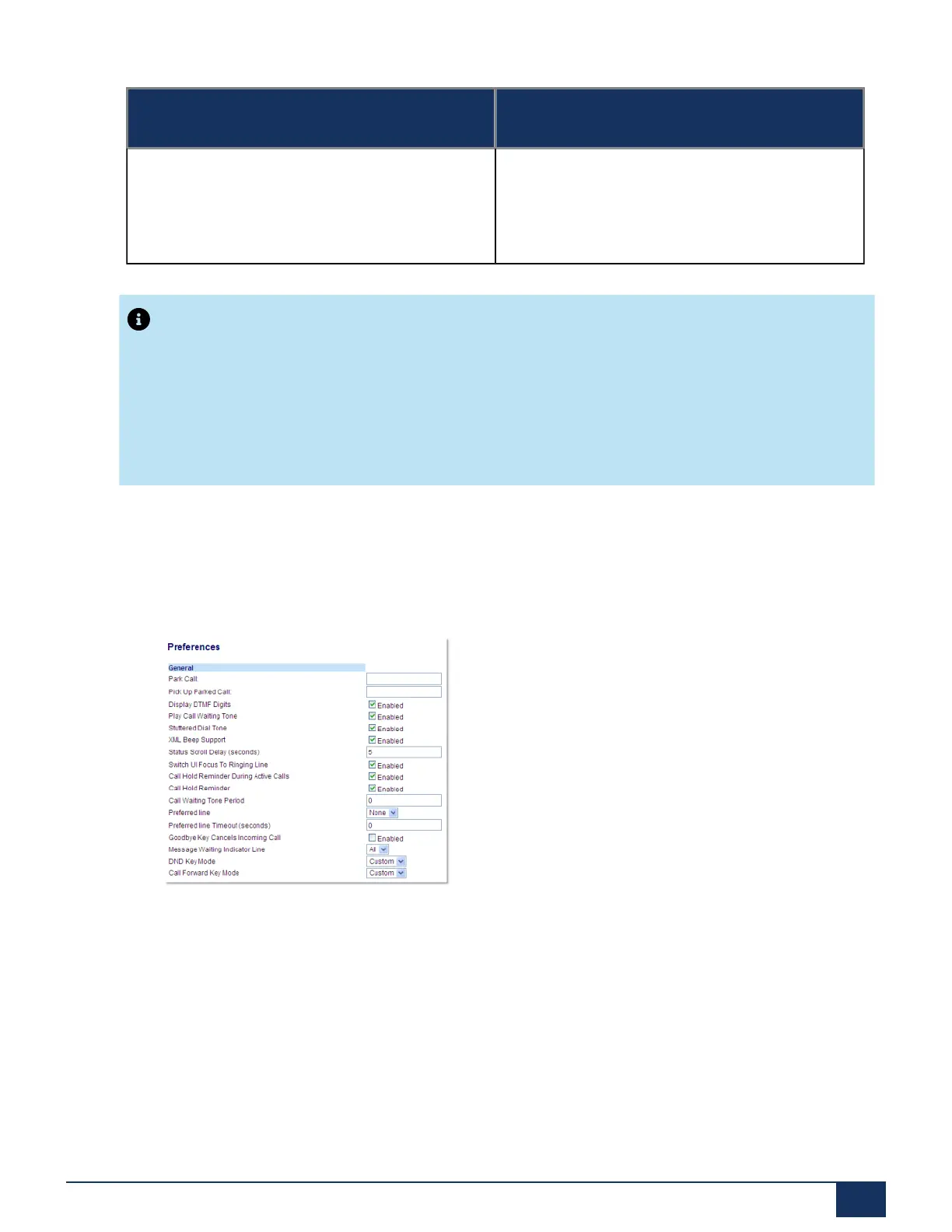
1. Click on Basic Settings > Preferences > General.
2. In the Preferred Line field, select a preferred line to switch focus to after incoming or outgoing calls end
on the phone. Default is 1. Valid values are:
• None (disables the preferred line focus feature)
• 1 through 24.
For example, if you set the preferred line to 2, when a call (incoming or outgoing) ends on the phone (on
any line), the phone switches focus back to Line 2.
Version 1.0
User Guide 174



 To Next Page