Handling Calls
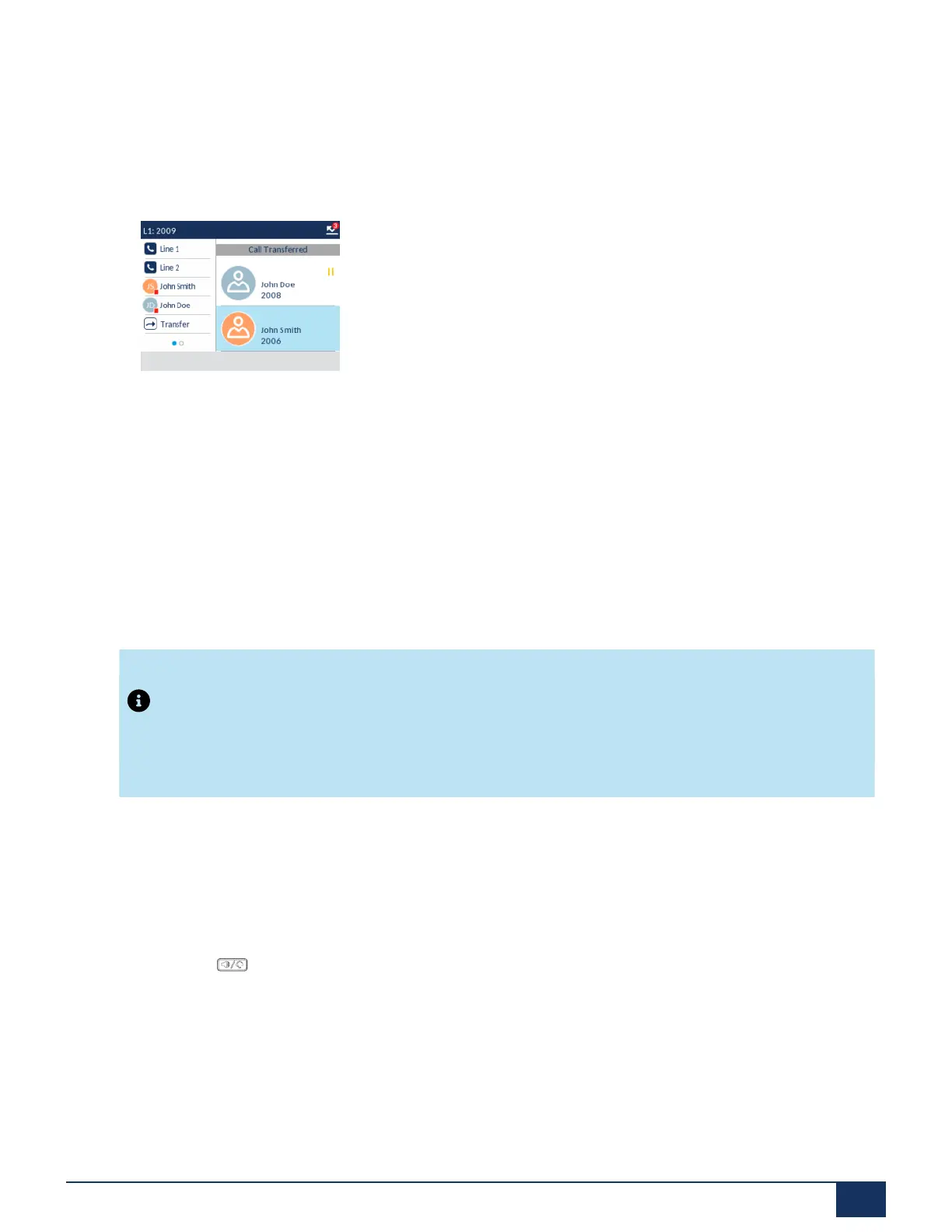
Indication of Transferred Calls
When you transfer an active call, the near-end phone displays a Call Transferred screen when a call is
transferred and the far-end call is dropped. The figure below illustrates the Call Transferred screen on the
6915 phone.
10.3 Conferencing Calls
In the 6915 IP phone, you can create conference calls using the Conf softkey offered on screen when in a
connected call.
Local Conferencing
The 6915 phone supports up to three parties (including yourself) in a conference call. This is called local
conferencing and is the default method of conferencing on the 6915.
Note:
Your System Administrator can set your Conference key to speed dial a specific number. Contact your
System Administrator for more information.
Creating a Conference Call Using Local Conferencing
Use the following procedure to create a conference call using local conferencing.
1. When you begin a conference, you are the first party in the conference (Party 1). Pickup the handset or
press the key. A line opens up.
2. Call Party 2 by dialing their number (or answer an incoming call of a party).
Version 1.0
User Guide 128



 To Next Page