Customizing your phone
Note:
The availability of this feature is dependent on your phone system or service provider.
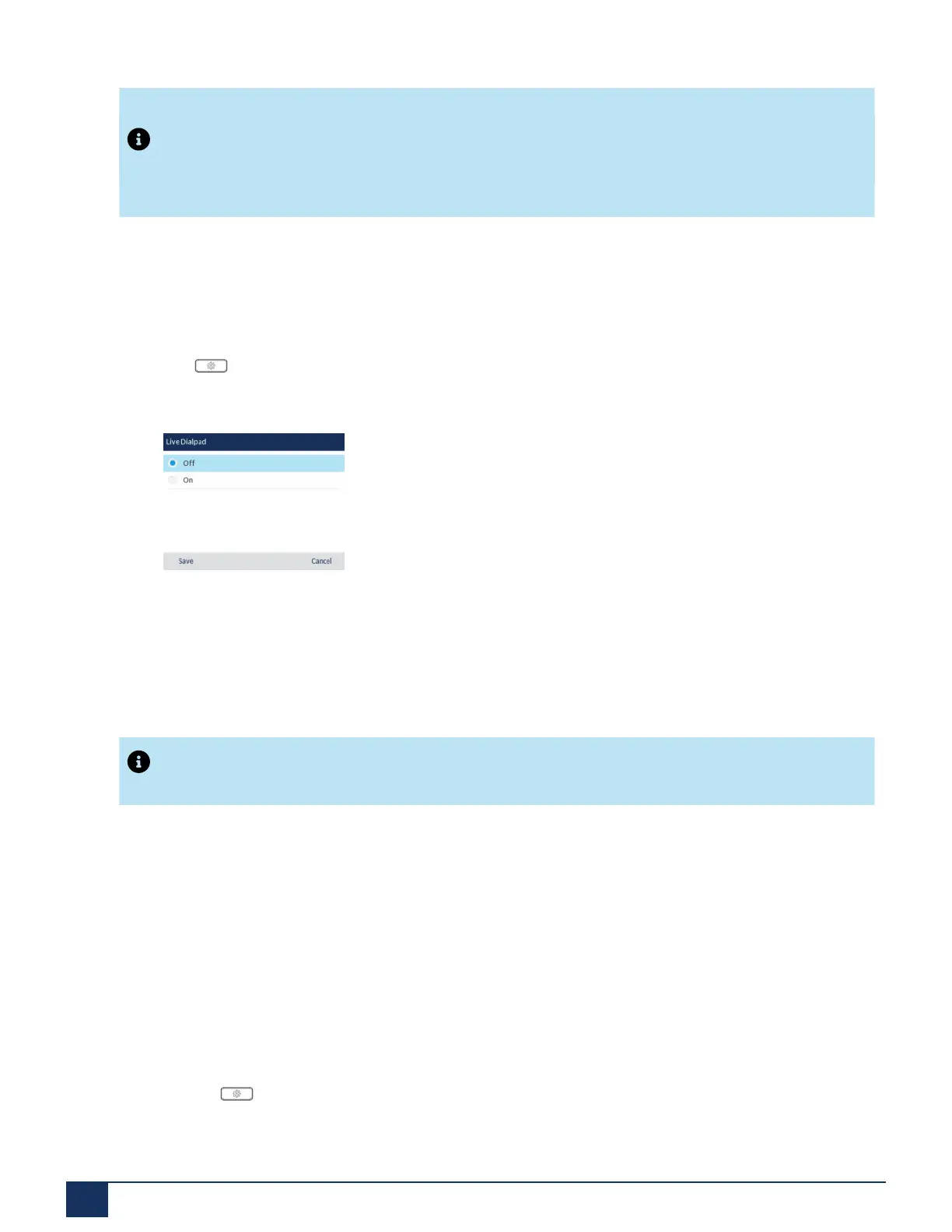
You can enable/disable the live dialpad using the IP phone UI only.
Enabling/Disabling Live Dialpad Using the IP Phone UI
1.
Press on the phone to enter the Options List.
2. Navigate to the Dialing > Live Dialpad option and press the select button or Select softkey.
3. Use the up and down navigation keys to scroll through and enable ( On ) or disable ( Off) the live
dialpad feature.
4. Press the Save softkey to save your changes.
Speed Dial Edit
Note:
For details on speed dial configuration, see “Speed Dial Key”.
6.13 Restart
You may want to restart your phone to check for updates on the server or you may occasionally need to
restart your phone for configuration changes to your phone or network settings to take effect. You may also
need to restart your phone if you have been asked to do so by your System Administrator or should you
experience any unexpected behavior.
Restarting Your Phone Using the IP Phone UI
1.
Press the button on the phone to enter the Options List.
Version 1.0
69 User Guide



 To Next Page