Managing Calls
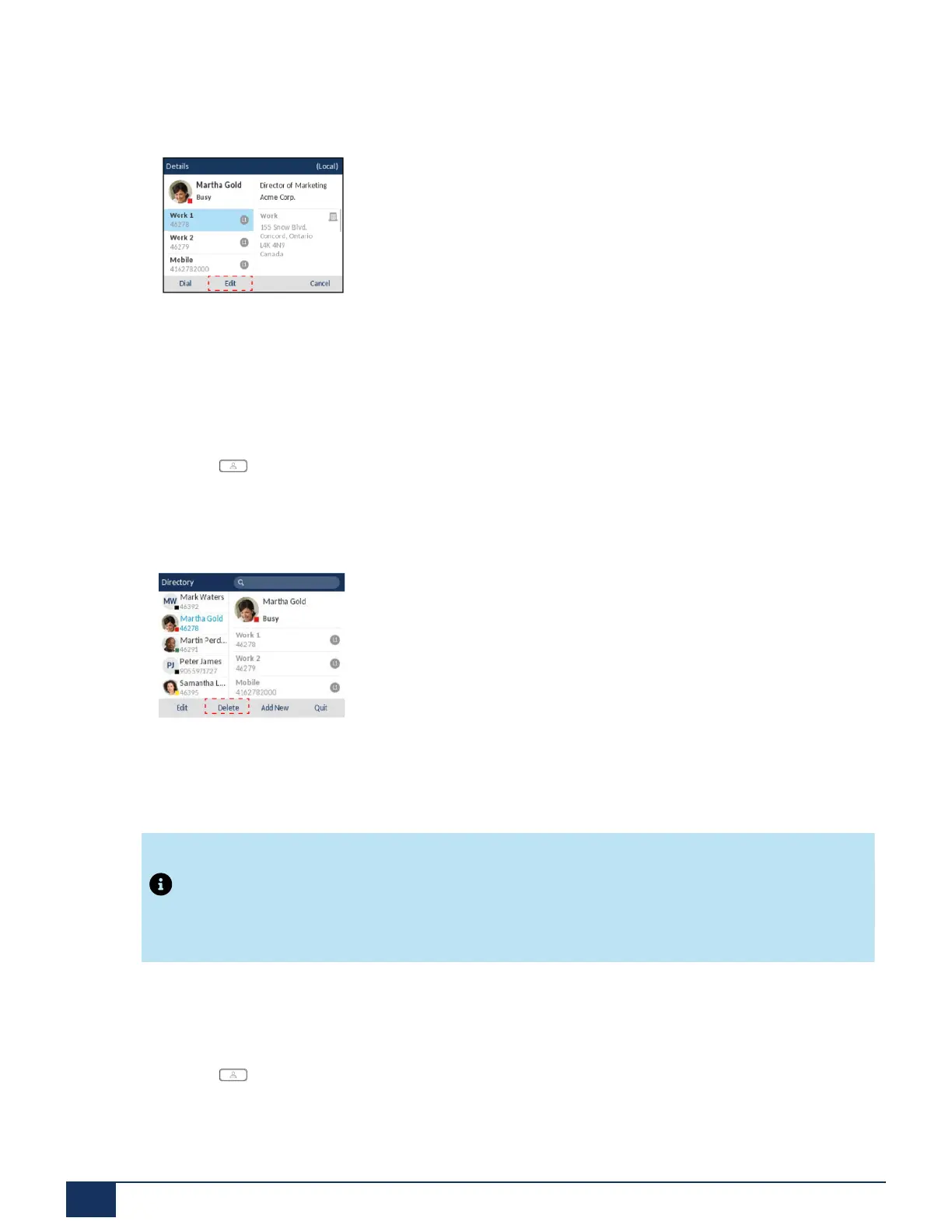
4. Press the Edit softkey (if no external Directory sources are configured/enabled) or navigate to the
contact’s Details page and press the Edit softkey.
5. Use the navigation keys to navigate through the various tabs and fields and edit any desired information
using the dialpad keys.
6. Press the Save softkey to save your changes.
Deleting Entries from the Local Directory (No External Directory Sources Configured/Enabled)
1.
Press the softkey.
2. (Optional) If you want to delete an individual entry, using the dialpad keys input the first letters of the
contact’s name to initialize the search function.
3. Highlight the desired entry (if applicable) and press the Delete softkey.
A “Delete selected item or delete all items?” message will appear on screen.
4. Press the Delete All softkey to delete all contacts from your Local Directory. or Press the Delete Item
softkey to delete the individual entry from your Local Directory.
Note:
Press the Cancel softkey to cancel the delete process.
Deleting All Entries from the Local Directory (External Directory Sources Configured/Enabled)
1.
Press the softkey.
Version 1.0
141 User Guide



 To Next Page