Managing Calls
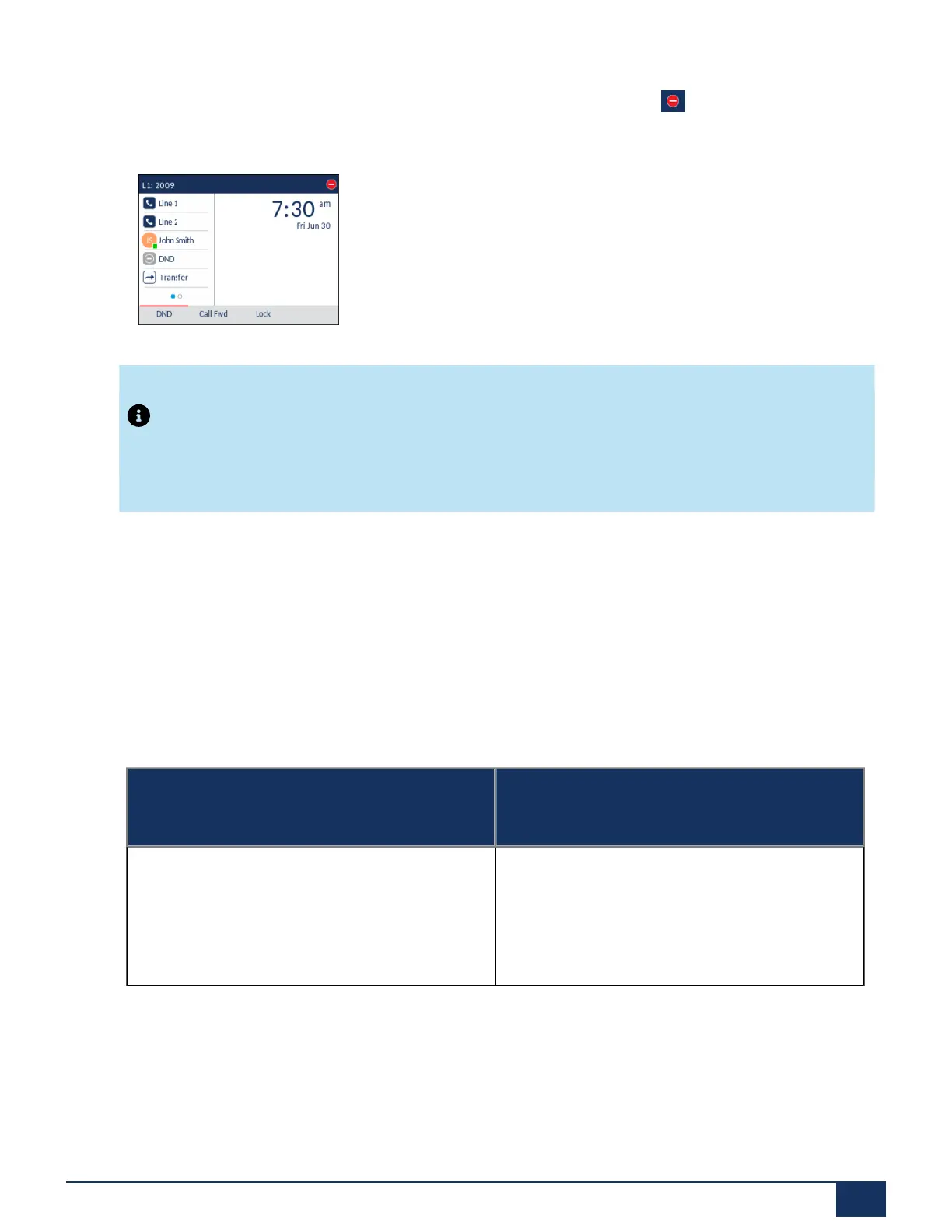
the path, Basic Settings > Account Configuration. Once you enable DND, the icon displays on screen
for the applicable account.
Note:
If there is only one account configured on the phone, then the mode setting is ignored and the phone
behaves as if the mode was set to Phone.
The following describes the key behavior for each DND mode.
• Account: The DND key toggles the account in focus on the IP phone UI to on or off.
• Phone (default): The DND key toggles all accounts on the phone to on or off.
• Custom: The DND key displays custom screens on the IP phone UI. The user can select whether to
enable/disable DND per account, enable DND on all accounts, or disable DND on all accounts.
The following table describes the key and Message Waiting Indicator (MWI) LEDs when you enable DND
on the IP phone.
Key LED Behavior for All Modes (Left Softkeys
Only)
MWI LED Behavior for All Modes
DND key LEDRED if current account in focus has
DND on.
DND key LED off when current account in focus
has DND disabled.
MWI LED on if current account in focus has DND
on.
MWI LED off if current account in focus has DND
off.
Version 1.0
User Guide 154



 To Next Page