Additional Features
Note:
Your Administrator must enable/disable the beep on the server-side.
If a phone is configured for SCA bridging and it attempts to join a call, but the account on the server does
not have this functionality enabled, an error message displays to the LCD on the phone.
The SCA call bridging feature is disabled by default on all phones. Your Administrator can enable/disable
this feature if required. Contact your System Administrator for more information.
Keys States and LED/Button Behavior
There are two call states on the phones that support SCA bridging:
• Bridge-active - A bridged call is in progress.
• Bridge-held - The 3rd-party (i.e., non-SCA party) in the bridge is on hold.
The following tables provide the key states and LED/image behavior in an SCA bridge call for users
involved in an SCA call (local) and users not involved in the SCA call (remote).
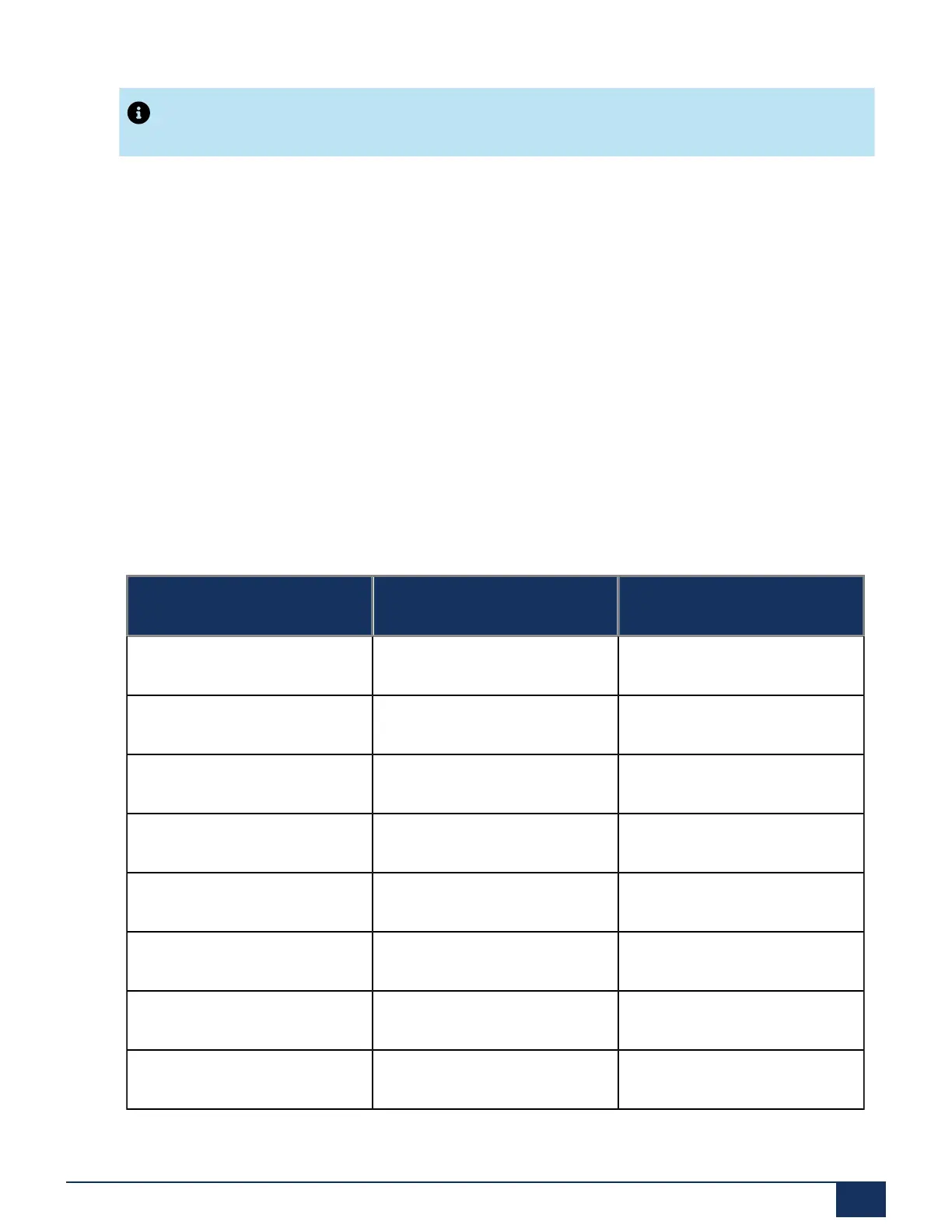
Line Keys
State Line LED for Local Line LED for Remote
Idle Off Off
Seized Solid Green Solid Red
Progressing (outgoing call) Green Solid Red
Alerting (incoming call) Flashing Red Off
Active Solid Green Solid Red
Held Slow Flashing Green Slow Flashing Red
Hold Private Slow Flashing Green Solid Red
Bridge-Active Solid Green Solid Red
Version 1.0
User Guide 180



 To Next Page