Getting started
Note:
New updates to your phone can be automatically scheduled from the server. This is set up on the
phone system by your System Administrator and should be scheduled during non-business hours or
slow call periods.
Warning:
Do not unplug or remove power to the phone while it is checking or installing firmware and
configuration information.
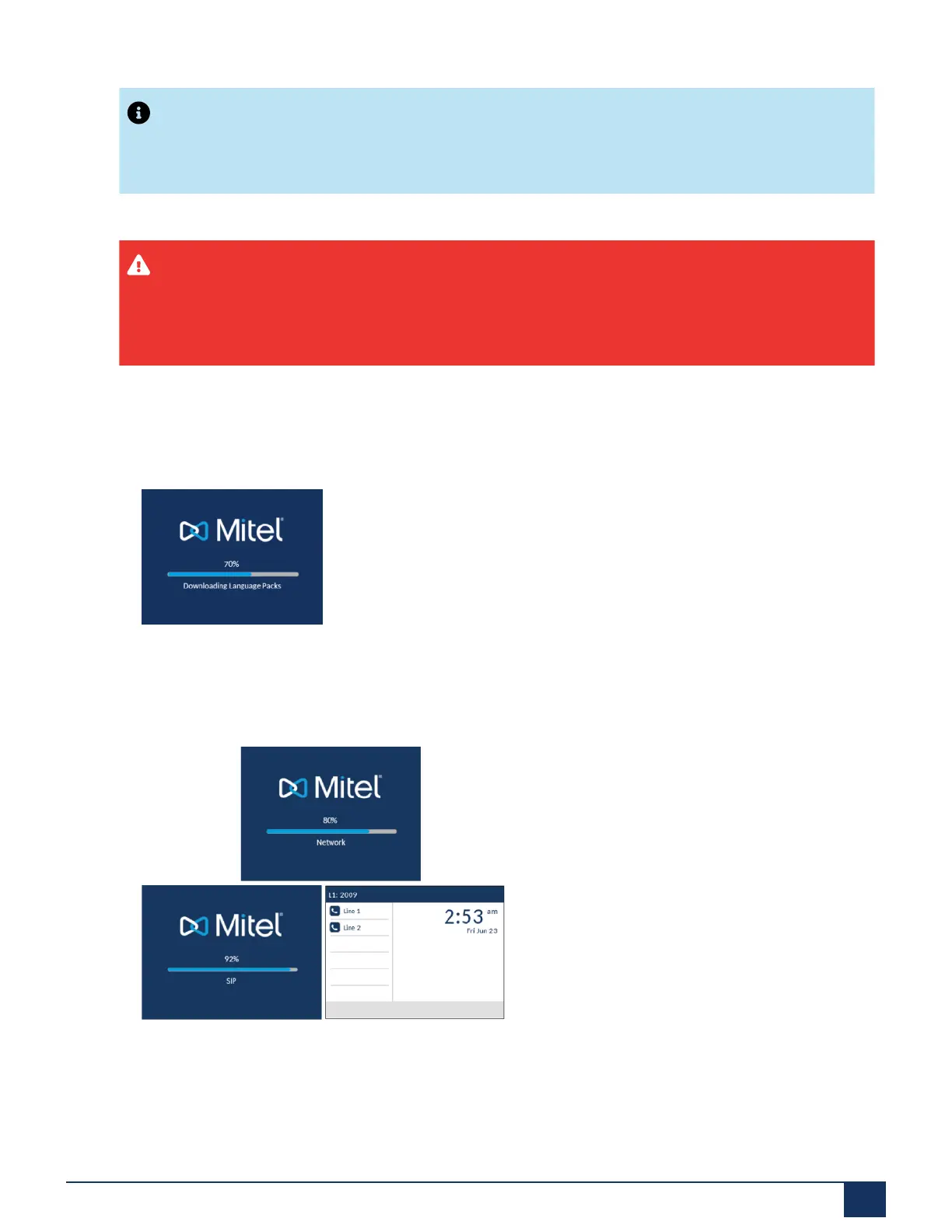
If language packs were loaded to your phone by your System Administrator, the following screen displays
during startup.
When the configuration update is complete, the phone displays the following screens and then displays the
Home screen.
Network Connected/Network Disconnected
If your phone successfully connects to the network the phone will go directly to the Home screen.
Version 1.0
User Guide 14



 To Next Page