Icon Description
The Time and Date are displayed on the screen
saver.
Note:
If both Call Forward Always and DND are enabled, then the DND icon is displayed on the screen
saver.
UI navigation
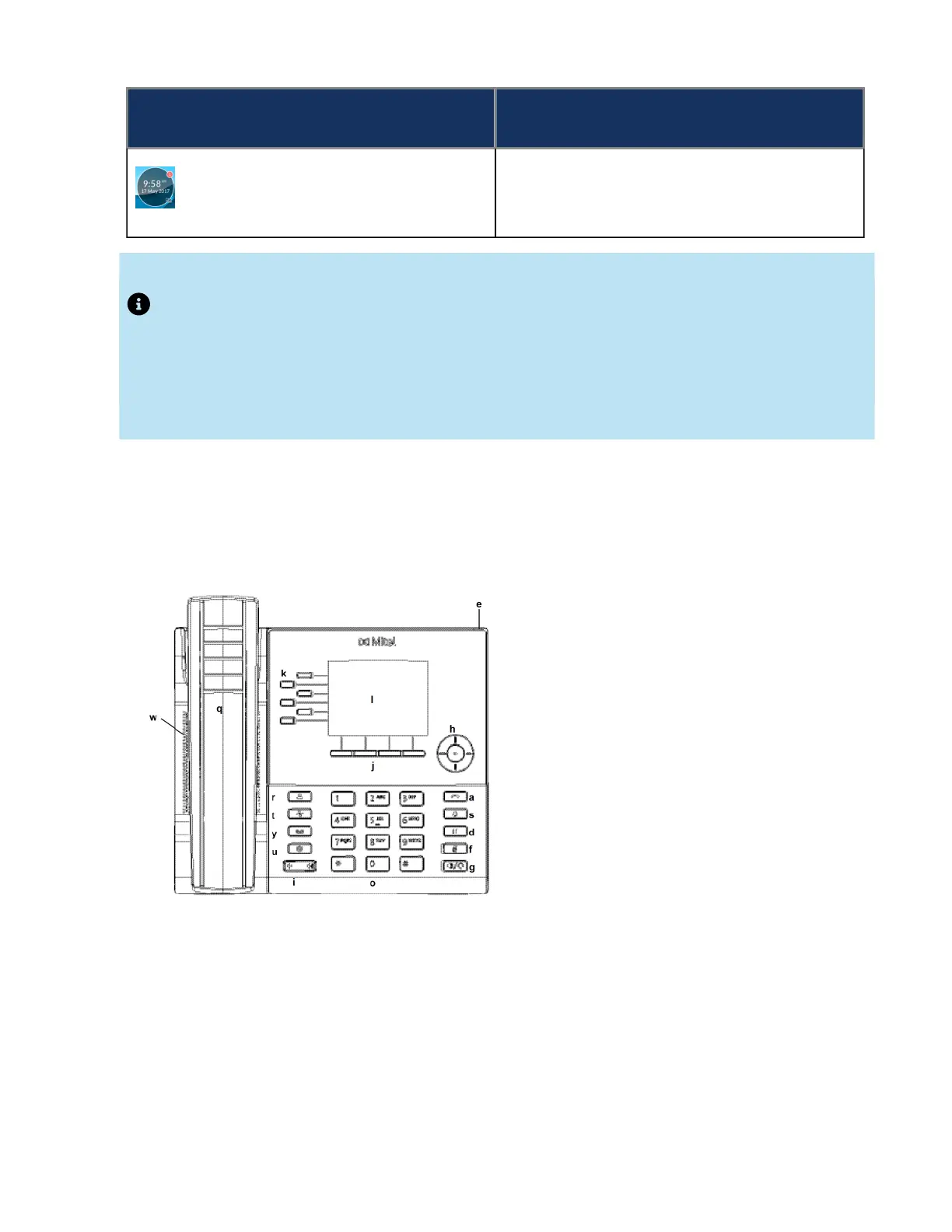
UI navigation is performed using the navigation keys located to the right of the softkeys.
There are four directional keys (up, down, left, and right) on the navigation cluster that can be used to
navigate through the various applications and settings menus. The center key acts as a Select button
that is used to set options and perform actions such as dialing out from the Contacts or Call History
applications.
On the home screen, the left and right navigation keys can be used to switch between the home screen,
the line manager, and active calls.



 To Next Page