Customizing your phone
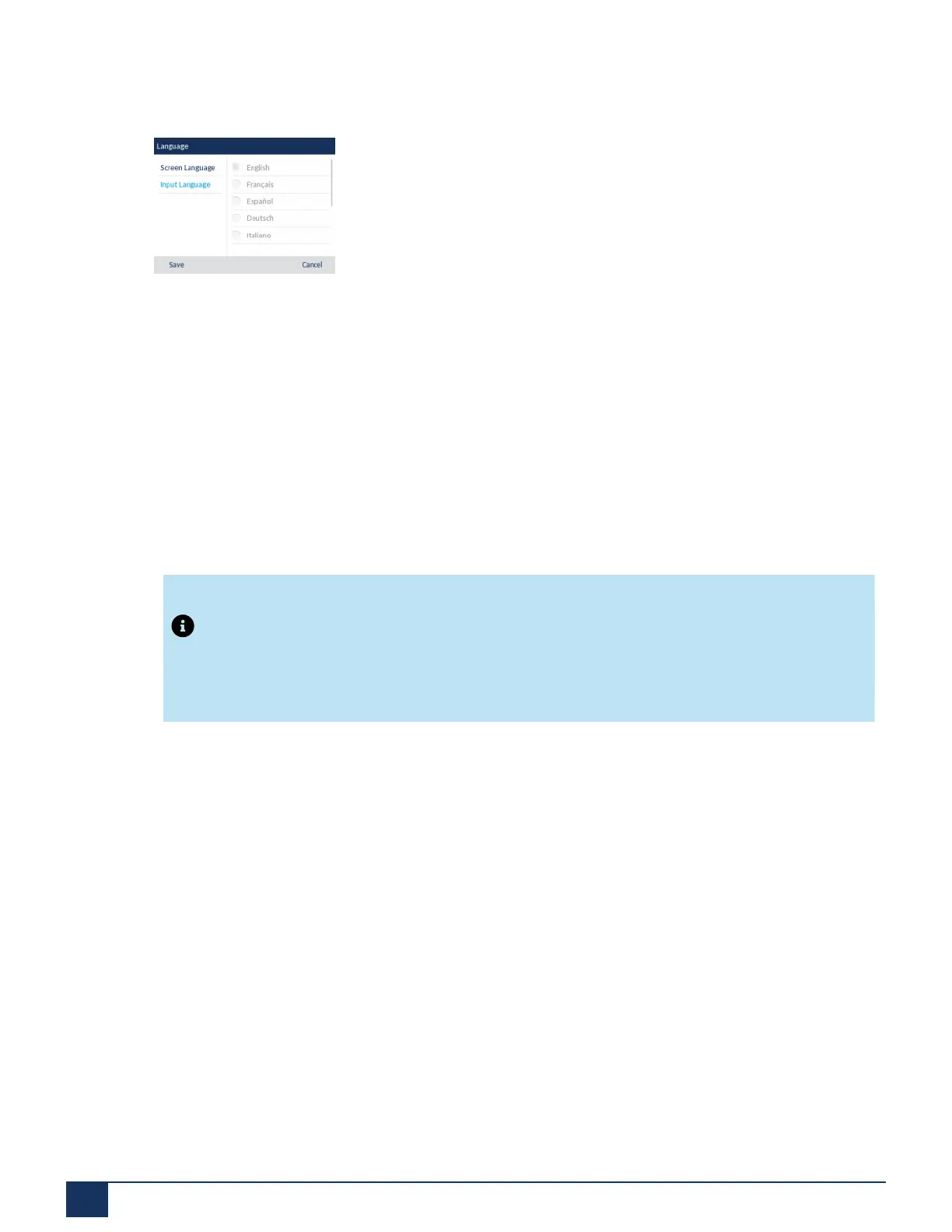
3. Press the down navigation key to highlight theInput Language option.
4. With Input Language highlighted press the right navigation key to move to selection column.Use the up
and down navigation keys to scroll through and choose the desired input language. Valid values are:
• English (default)
• Français (French)
• Español (Spanish)
• Deutsch (German)
• Italiano (Italian)
• Português (Portuguese)
• Русский (Russian)
• Nordic
• ελληνικά (Greek)
Note:
Available input languages are dependent on the configuration enabled by your System
Administrator.
5. Press the Save softkey to save your changes.The change is dynamic. The phone and the Mitel Web UI
allow you to enter text and characters in the language you selected.
Specifying the Input Language Using the Mitel Web UI
1. Click on Basic Settings > Preferences > Language Settings .
Version 1.0
43 User Guide



 To Next Page