Customizing your phone
Configuring Lock Settings Using the Mitel Web UI
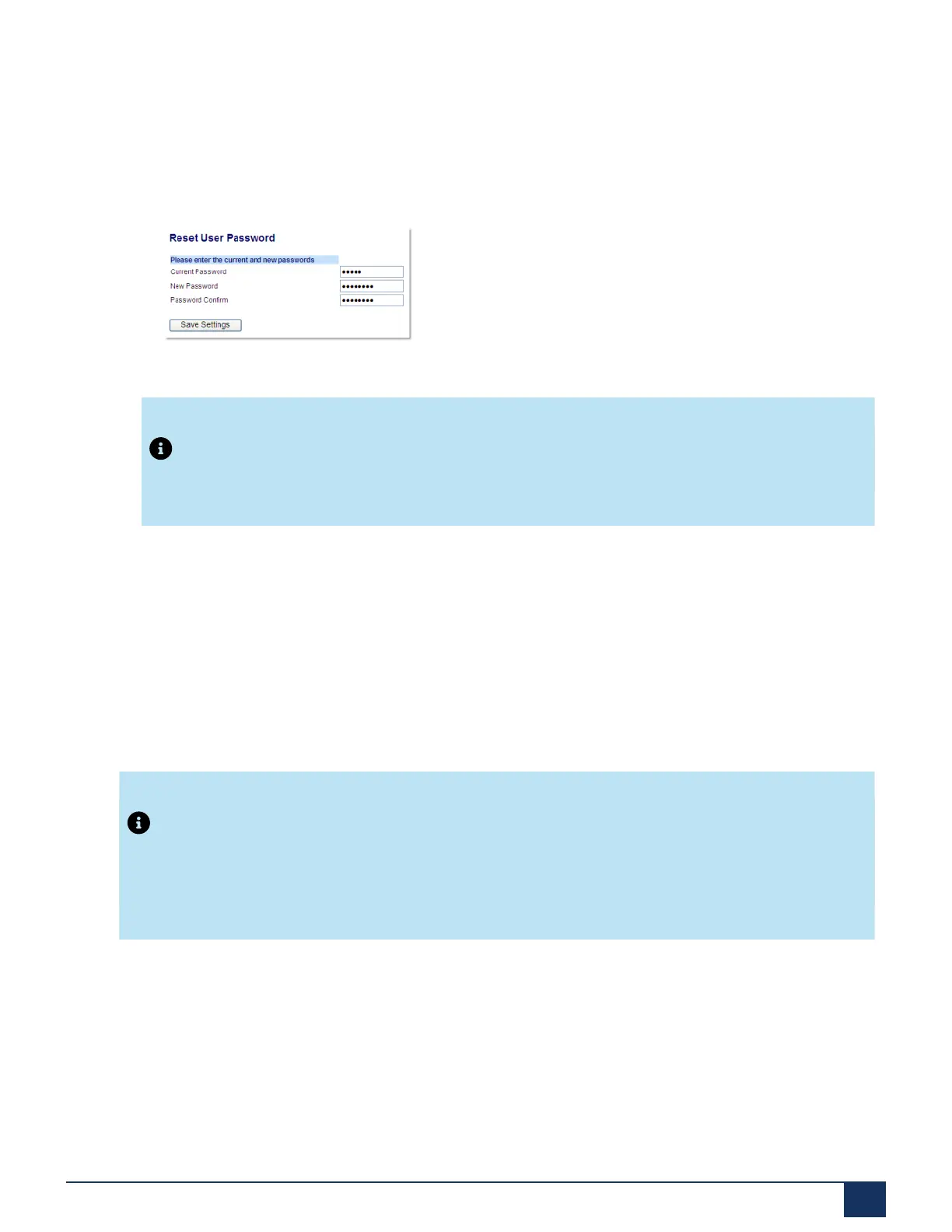
Setting a User Password
1. Click on Operation > User Password.
2. In the Current Password field, enter the current user password.
Note:
By default, the user name is user (all lowercase) and the password field is left blank.
3. In the New Password field, enter the new user password.
4. In the Password Confirm field, enter the new user password again.
5. Click Save Settings.
Resetting a User Password
If you forget your password, you can reset it and enter a new password. The reset user password feature
resets the password to the factory default which is blank (no password). You can reset a user password
using the Mitel Web UI only.
Note:
The IP phones support alphanumeric password with the supported characters.
Version 1.0
User Guide 54



 To Next Page