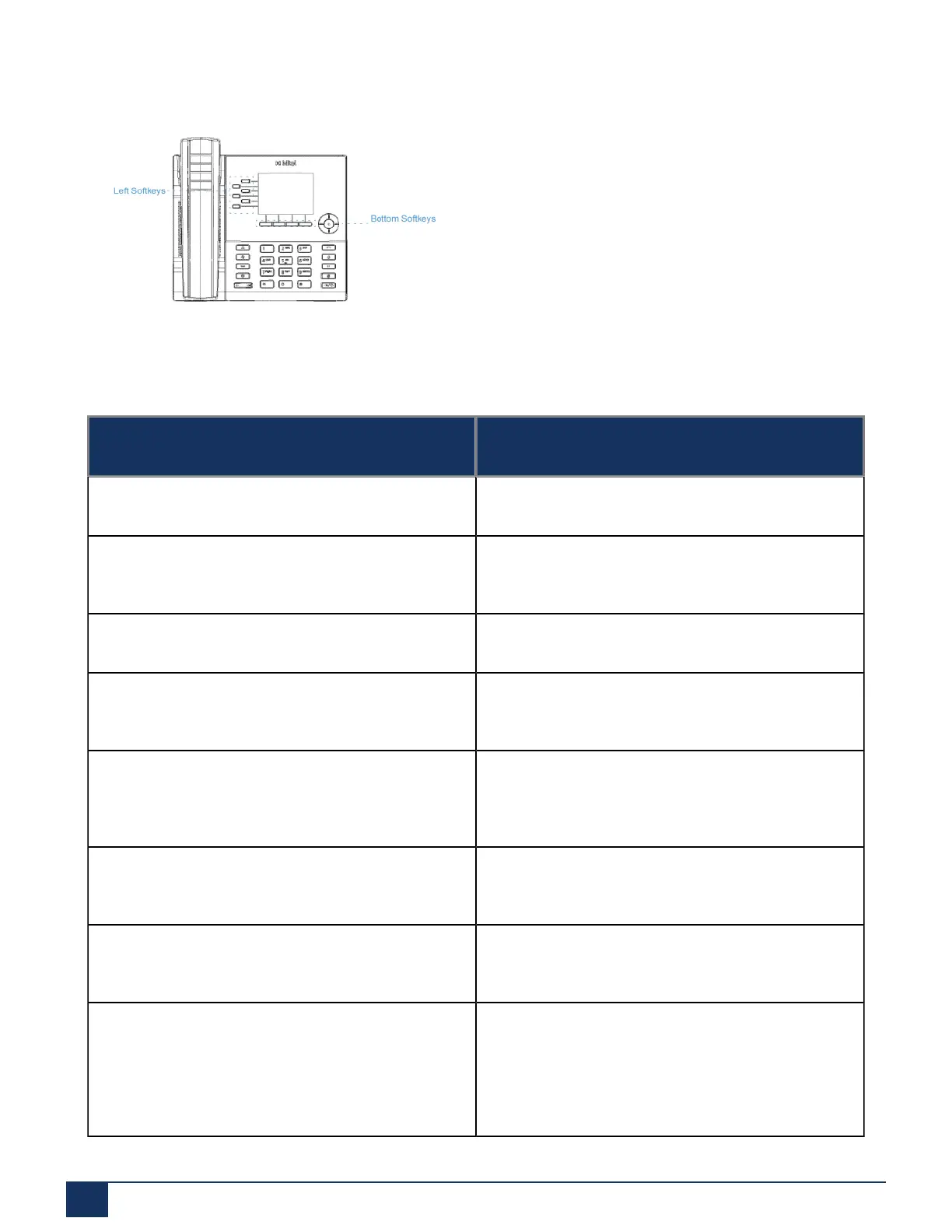
Configuring Softkeys
• 4 bottom softkeys: programmable state-based softkeys (up to 9 programmable functions)
You can use the Mitel Web UI to configure key functions.
The following table lists the functions you can set on the softkeys and provides a description for each function.
Key Function Description
None Indicates the key has no function assigned.
Line Indicates the key is configured for line use
(programmable on the left softkeys only).
Speed Dial Indicates the key is configured for speed dial use.
Do Not Disturb Indicates the key is configured for Do Not Disturb
(DND) functionality.
BLF Indicates the key is configured for Busy Lamp Field
(BLF) functionality (programmable on the left softkeys
only).
BLF/List Indicates the key is configured for BLF/List
functionality (programmable on the left softkeys only).
XML Indicates the key is configured to accept an XML
application for accessing customized XML services.
Flash Indicates the key is set to generate a flash event
when it is pressed. The IP phone generates flash
events only when a call is connected and there is an
active RTP stream (for example, when the call is not
on hold).
Version 1.0
73 User Guide



 To Next Page