Data conversion mode
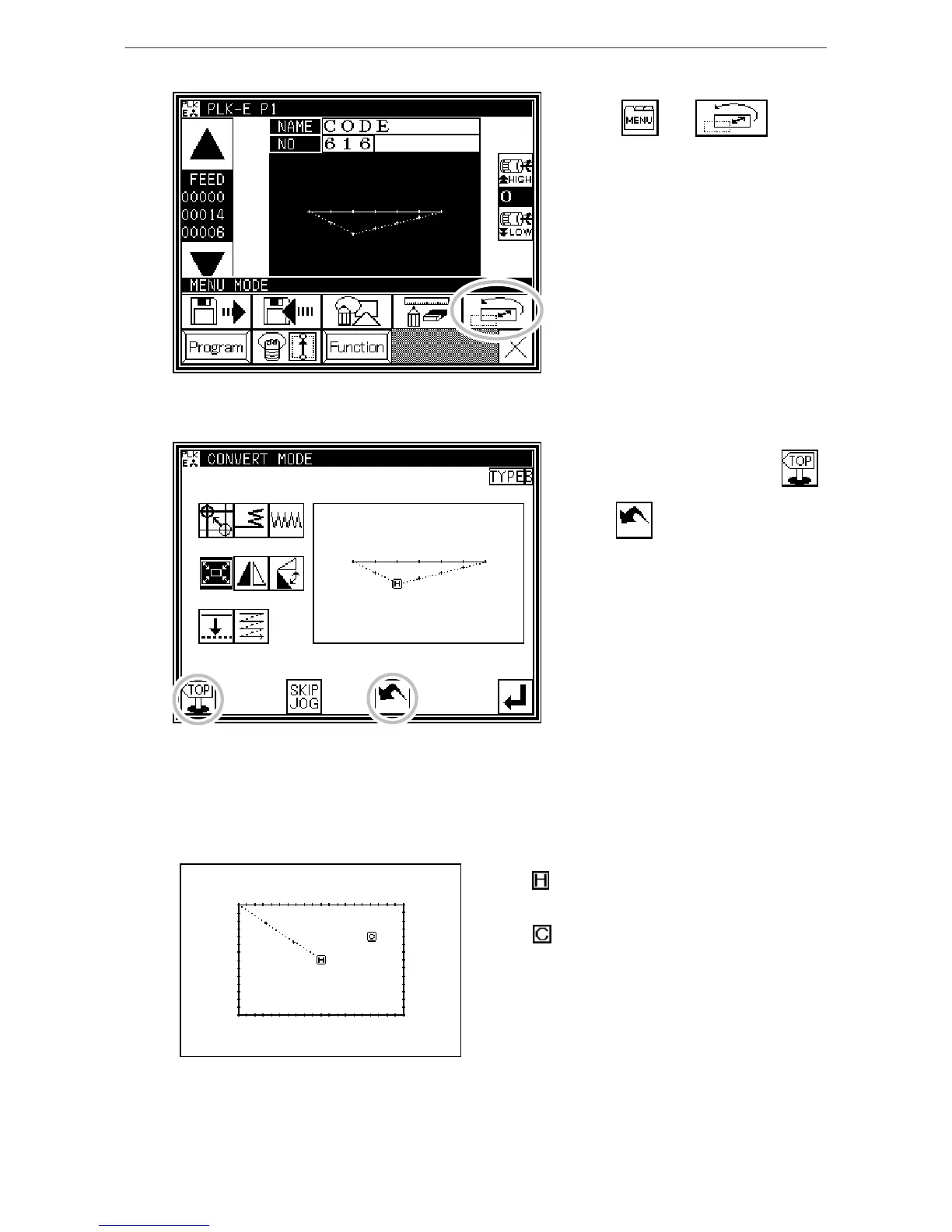
(2) Entering the conversion mode
* Press and on
the Standard screen to enter the
conversion mode.
(3) Quitting the conversion mode
* After converting the data, press
to quit the conversion mode.
(When is pressed,
the conversions executed last will be
undone.)
(4) Confirming on the image screen (for the conversion mode)
(Refer to the section "Confirming on the image screen " for the modification mode for explanations
common for the modification mode and conversion mode.)
* Scaling, rotation
: Indicates the home position.
(Common for all Image screens.)
: Indicates the center position.
[13]-2



 To Next Page
 Loading...





