Modification mode
(21) Modifying the stitching speed (All sections after designated position)
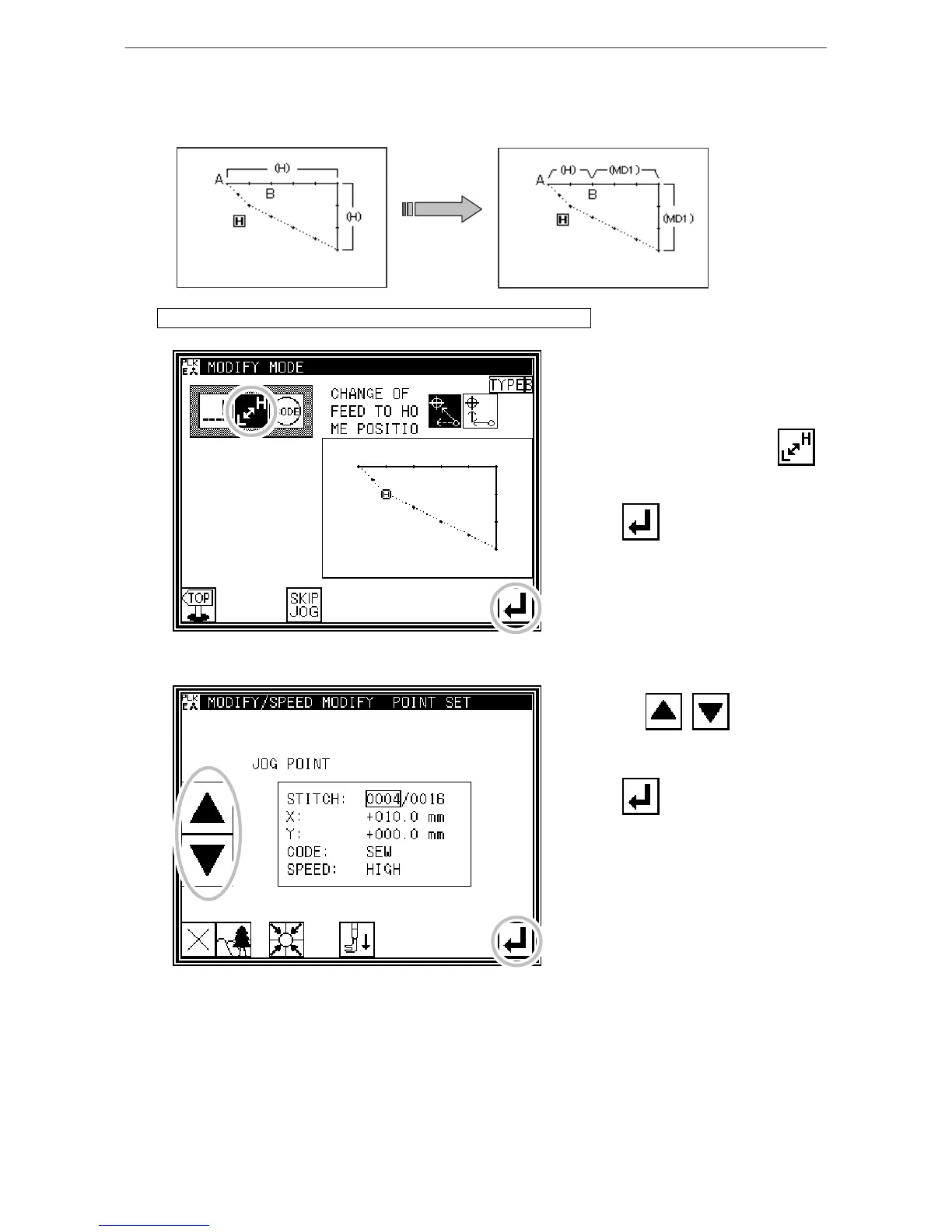
[Example] The stitching speed for all sections after the B point in the following type of stitching data will
be changed to medium-high speed(MD1).
Operation details (All sections after designated position)
1. Selecting stitching speed modification
* Enter the modification mode. (Refer to
the methods for entering the
modification mode.)
* Press Stitching Speed Change .
* Press to open the next screen.
2. Determining the modification position
* Using Jog , , determine
the start point position to be
modified(B point).
* Press after determining the
positions.



 To Next Page
 Loading...





