Reading data (short cut function)
[7] Reading data (short cut function)
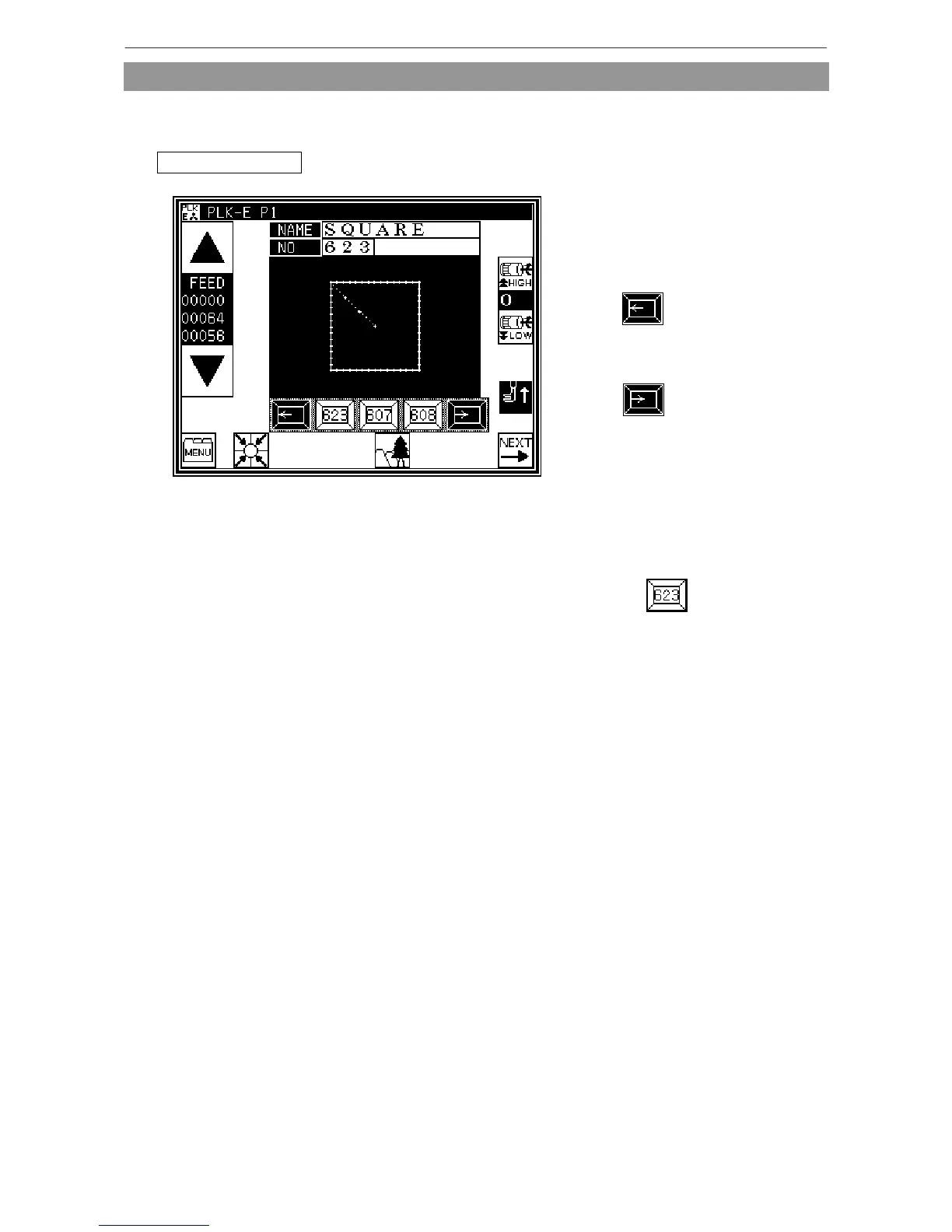
Data can be read out with the shortcut keys.
Data can be read out with easy operations.
Operation details
Reading data
* Use the key under the image area of
the standard screen for call-up
operation.
(No. 623 is used as an example here.)
* Press to sequentially display
the No. key for the data written in the
internal memory from left to right.
* Press to sequentially display
the No. key for the data written in the
internal memory from right to left.(*1)
(*1) 20 data recently used are stored.
Display order is a according to setting
program mode (「Other」-[SCP]).
Please refer to “ [17].Program mode
list.”
* Press the (No. key).
The data written in the internal
memory will be called out. (The data
having the number indicated on the
key will be called out.)



 To Next Page
 Loading...





