Reading, writing and erasing data (floppy disk)
[5] Reading, writing and erasing data (floppy disk)
(1) Reading (from floppy disk)
Operation points
* Select Read from the menu.
* Change the target to the floppy disk.
* Select the data, and execute reading.
Operation details
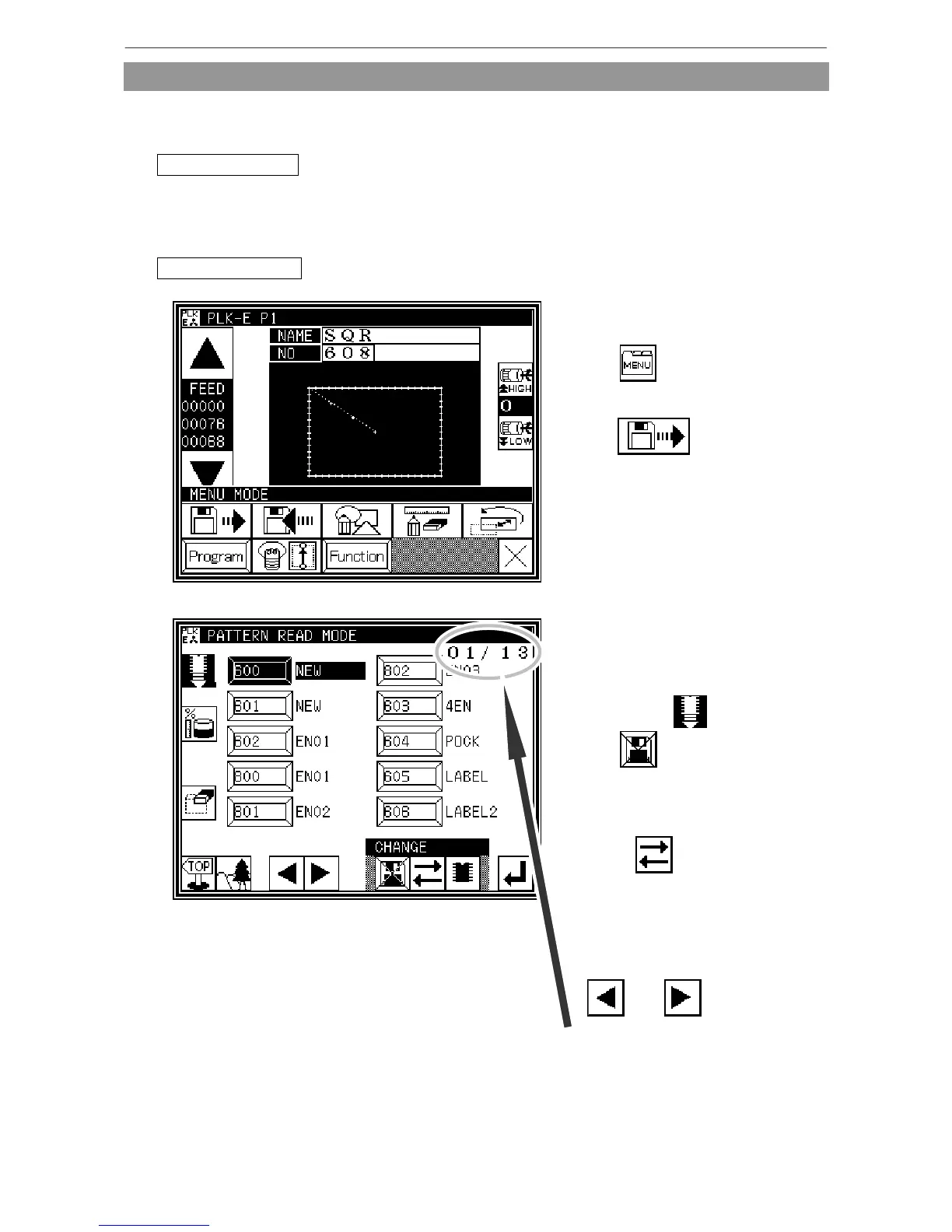
1. Selecting data read
* Press on the Standard
screen, and open the Menu mode.
* Press
2. Changing from internal memory to floppy disk
* When the screen first opens, the mode
to read from the internal memory is
selected.
(The mode display at the upper left of
the screen is .)
* Press to change to reading
from
the floppy disk.
(The mode can also be changed by
pressing .)
[Memo] If a floppy disk is not inserted, a
message indicating this will appear.
* If there is a large amount of data,
press
and to change
the screen.
The page of the currently-displayed
screen will be displayed.



 To Next Page
 Loading...





