Reading, writing and erasing data (internal memory)
3. Completing reading
* The read data will be displayed.
(2) Writing (to internal memory)
Memo The sewing data of 255 patterns can be written in the maximum. (The
number of patterns which can be written according to the content of the data. )
Operation points
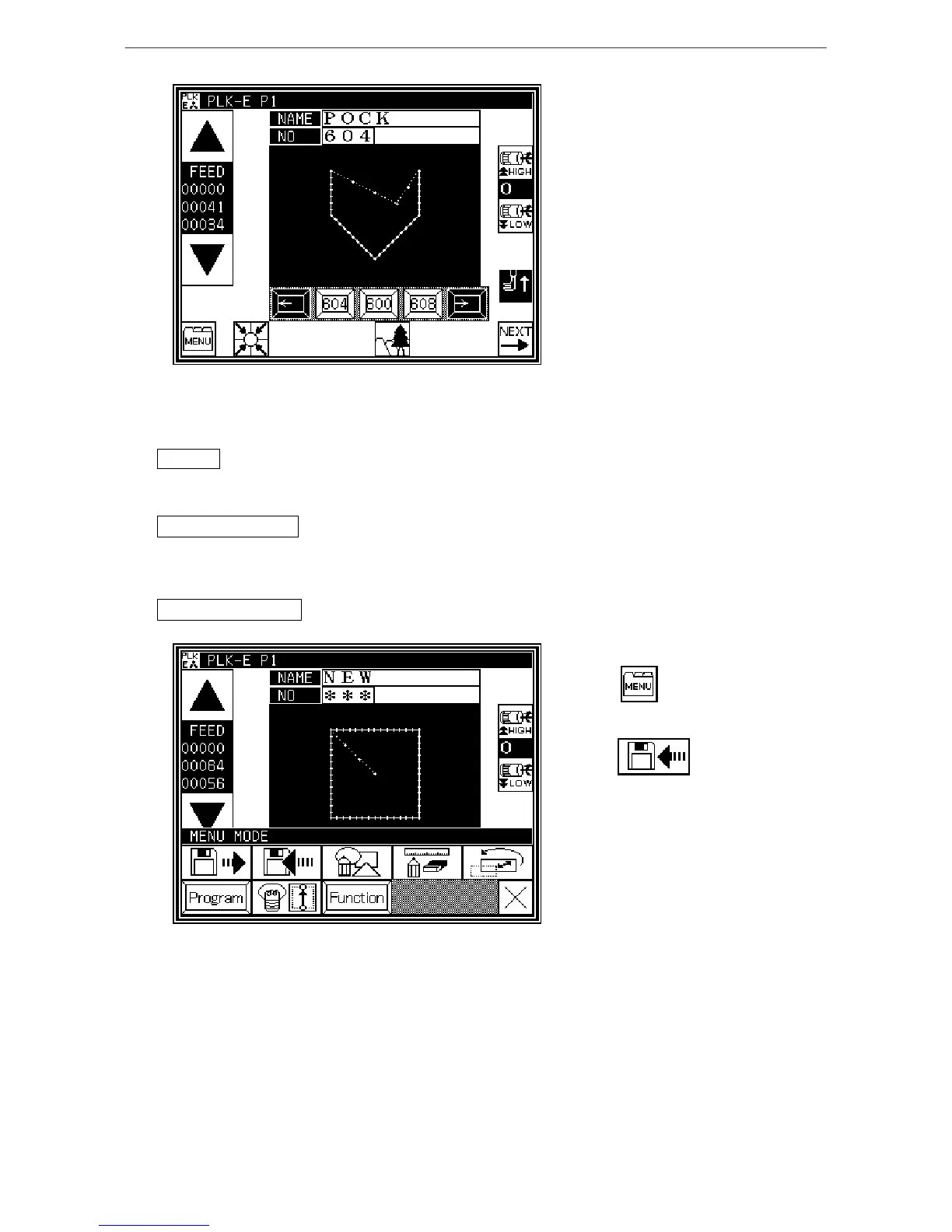
* Select Write from the menu.
* Select the data, and execute reading.
Operation details
1. Selecting data write
* Press on the Standard screen,
and open the Menu mode.
* Press



 To Next Page
 Loading...





