Chapter Three: Overview Front Panel
27
Chapter Three: Overview
Front Panel
Front Panel Components
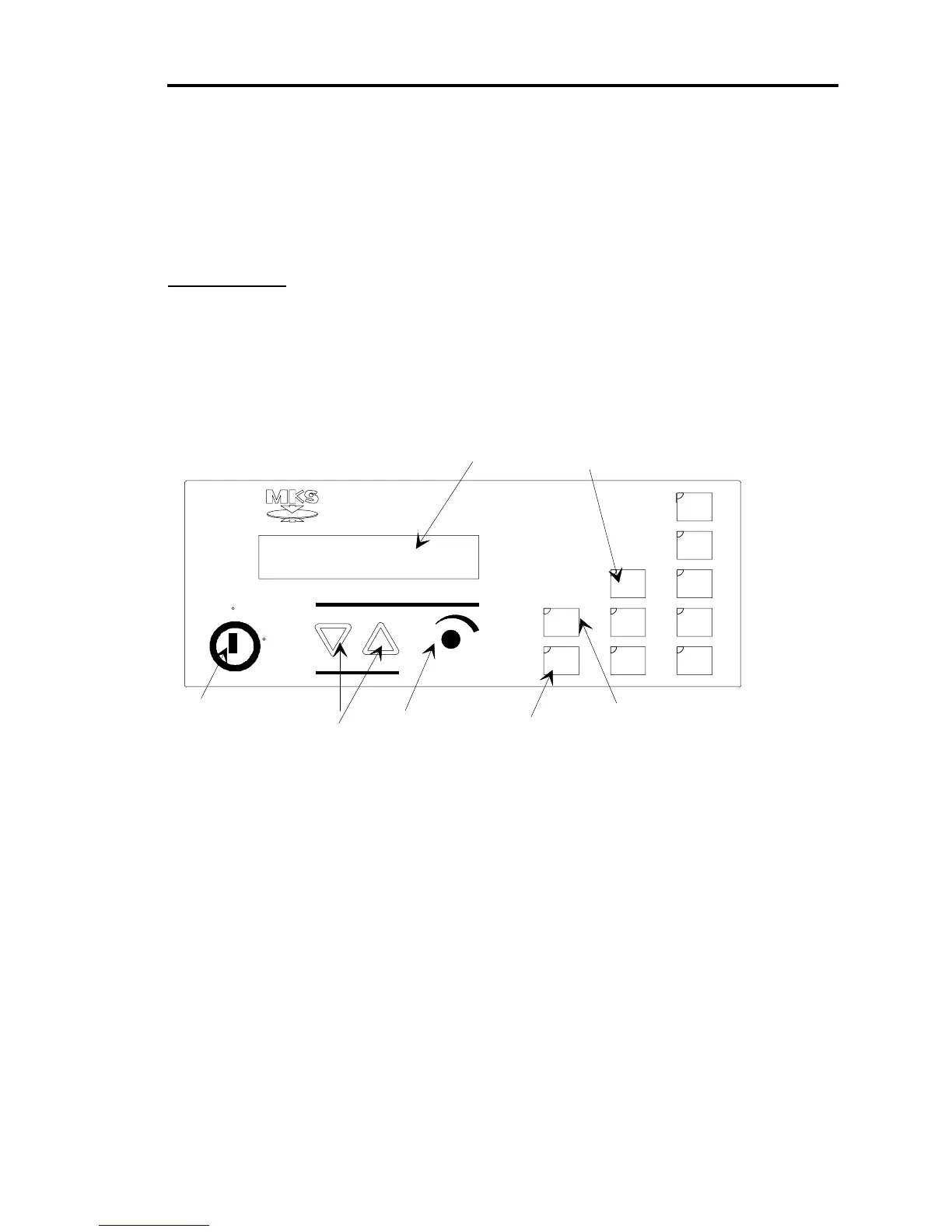
Figure 3 labels all the components located on the front panel of the 651 instrument. Table 6,
page 28, summarizes the functions of the front panel components.
Key Lock
switch
Parameter
scrollin
keys
Adjust knob
Sensor zero
function keys
Learn
function
key
Setpoint
selection
keys
Display window
Valve position control keys
Set
Point
A
B
C
Stop
Open
Close
Learn
Zero
Select
Ad
ust
600 Series
Pressure Controller
Valve
Local
Remote
Parameters
D
E
Figure 3: Front Panel of the 651 Instrument



 To Next Page