Chapter Five: Local Operation How To Calibrate S
an of the A/D Converte
59
How To Calibrate Span of the A/D Converter
The controller’s A/D (analog-to-digital) converter converts the analog input to a digital value that
the controller uses. The span of the A/D converter is calibrated at the factory before you receive
your controller. You should perform this calibration if you receive a checksum error when you
power up the controller, or if the transducer’s readings are incorrect.
To calibrate the span of the A/D converter:
1. Apply a
known
voltage of between +6.6 Volts and +7.4 Volts to the pressure input pins on
the transducer connector. Connect a differential voltage to pins 2 and 12 with pin 12 tied
to pin 5.
Refer to Table 11, page 36, for the transducer connector pinout. You must know the
exact voltage applied, in order to complete step 4.
2. Press [
] and [S
TOP
] key simultaneously for about three seconds. The following
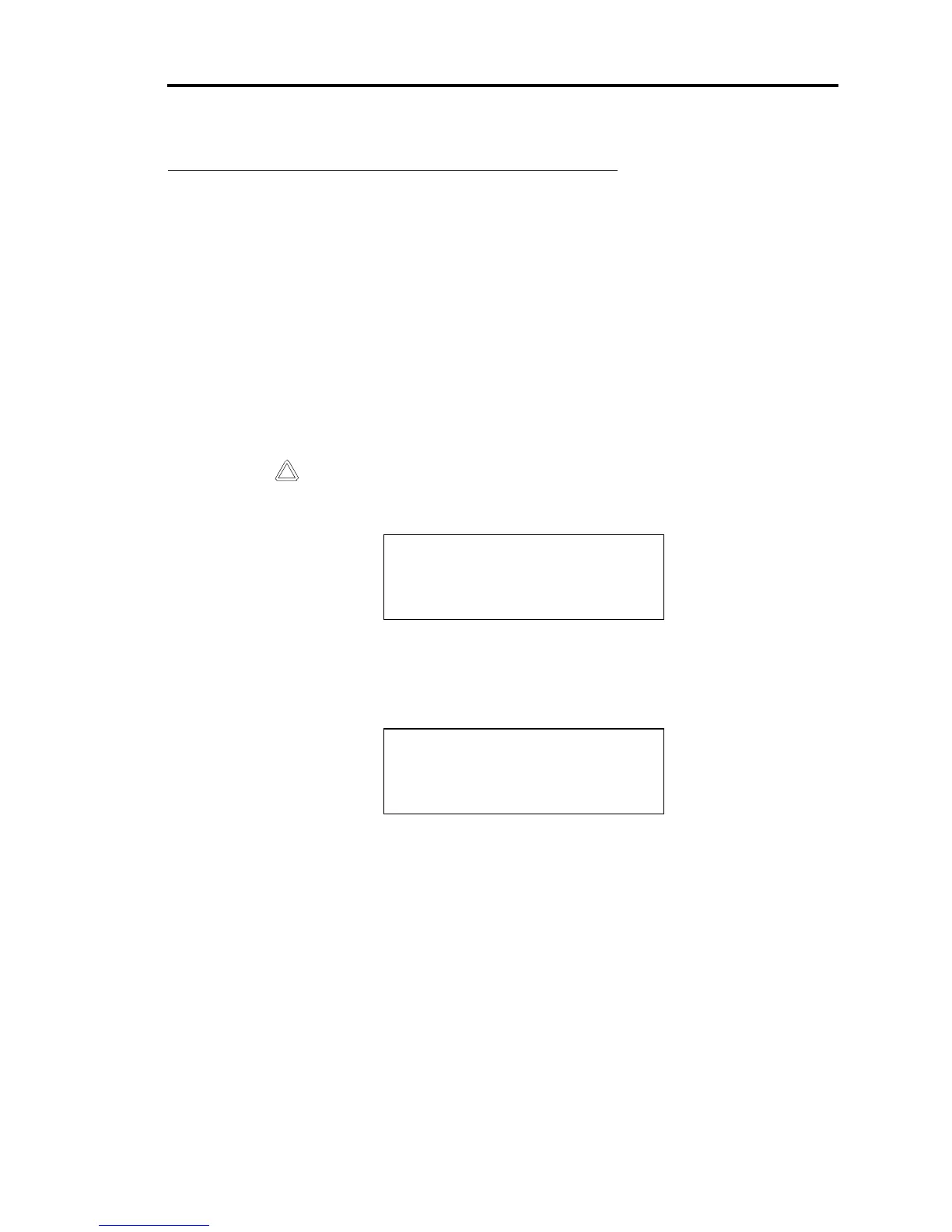
display appears.
CAUTION
CALIBRATION MODE
3. Press the following keys, in the following order:
[Set Point C] [Set Point A] and [Set Point E]. The following display appears.
CAL VOLTS:
REF COUNTS:
4. Use the Adjust knob to enter the value from Step 1 as the Cal Volts.
5. Press the [S
TOP
] key to exit the calibration procedure.
The controller takes the Cal Volts value and assigns it to the converter reading of the
pressure, as an analog input.
Calibrating the span of the A/D converter may take up to 5 seconds.



 To Next Page