Chapter Six: Remote Operation How To Confi
ure the Sensor Parameters
67
How To Change the Sensor Range
The 651 controller is initially configured to work with a 100 Torr pressure sensor. If your sensor
covers a different range, issue the command:
E
value
ENTER
where
value
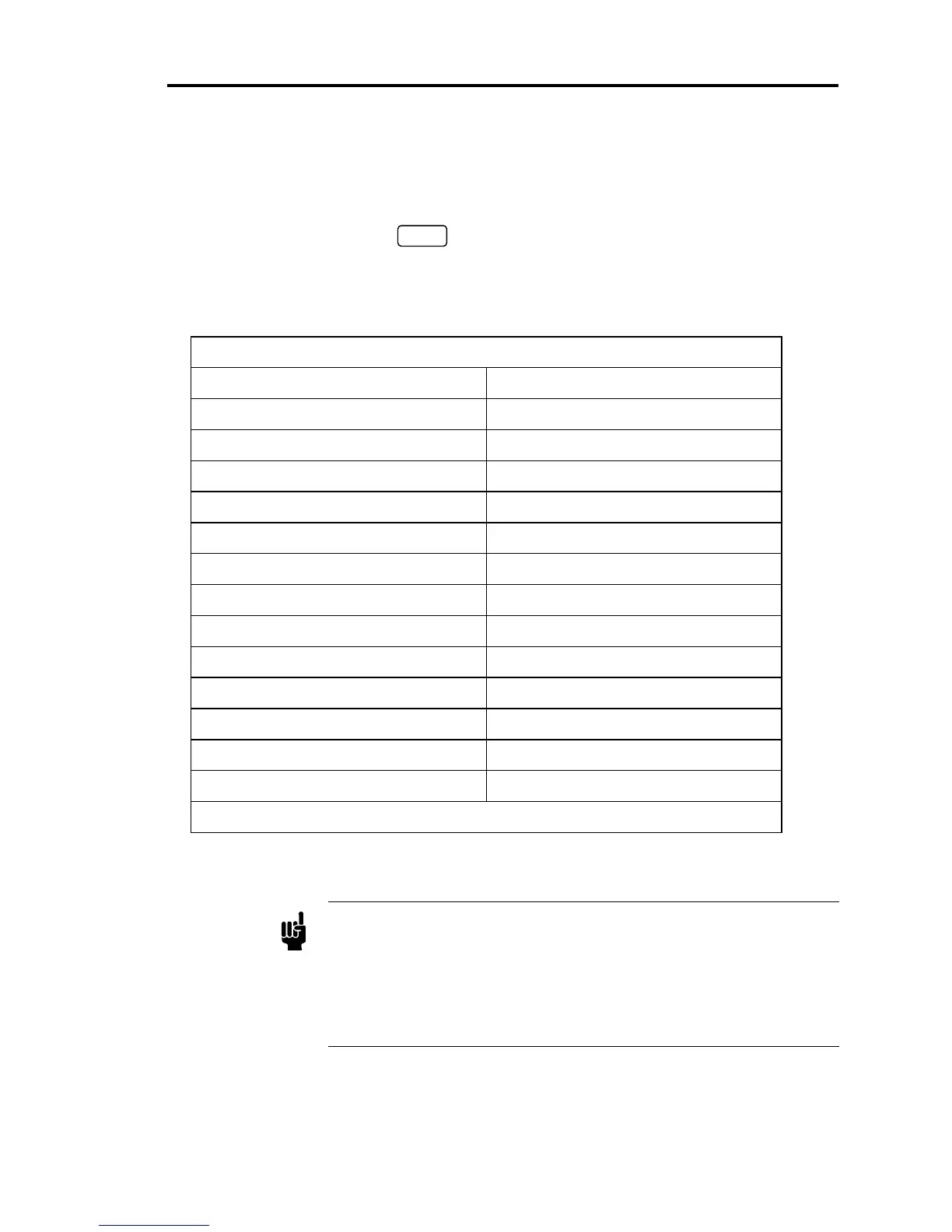
is a valid sensor range. Refer to Table 15 for the complete list of valid sensor
ranges.
Sensor Range Values
Torr millibar
0 = 0.1 13 = 1.33
1 = 0.2 14 = 2.66
2 = 0.5 15 = 13.33
3 = 1 16 = 133.3
4 = 2 17 = 1333
5 = 5 18 = 6666
6 = 10 19 = 13332
7= 50
8 = 100*
9 = 500
10 = 1000
11 = 5000
12 = 10000
* initial value
Table 15: Sensor Range Values
Note
Pressure readin
s are re
orted as % of full scale (F.S.), where full scale is
the sensor range value shown in the table. For example, if the actual
pressure is 10 Torr for a 10 Torr F.S. unit, then the 651 controller reports
a pressure reading
value
= 100 (for 100%).
If the pressure is 10 Torr for a 100 Torr F.S. unit, then the 651 controller
reports a pressure reading
value
= 10 (for 10%).



 To Next Page