MSENSE
®
DGA 9 7045899/02 EN – 11.2020 Page 131
9.1.3 Gas extraction principle
The “gas-in-oil” analysis system MSENSE® DGA 9 is based on the so-called “headspace” principle,
which extracts the erroneous gases from the transformer oil. The complete extraction and measuring
device consists of the following components: Connection unit, valves, pneumatic hoses, oil pump, vac-
uum compressor, flow measurement, filling level sensors, pressure monitor, oil separator, extraction
unit (extraction chamber with humidity and temperature sensor and heater), measurement cell with
heating and front panel complete (measuring and control card with alphanumeric keyboard and dis-
play).
9.1.3.1 Extraction cycle
During the extraction cycle, the extraction chamber is partially filled with oil. To extract the erroneous
gases from the oil, the oil is warmed up and circulated. Thereafter, the gas-enriched air is forced into
the measurement cell by completely filling the extraction chamber with oil. After the measurement cycle
has been completed, the oil is pumped back into the transformer.
9.1.3.2 Device activation
Extraction can only work if the device has been activated on the transformer or on a test device. After
the device has been installed correctly, the operator must operate the device by pressing the “Activate
device” key. The initialisation cycle begins and must be successfully completed for the device to be
ready for operation.
The extraction status menu displays the device’s status. In the footer you will find the keys “Deactivate
device” and “Activate device”. Only one key is active at any one time.
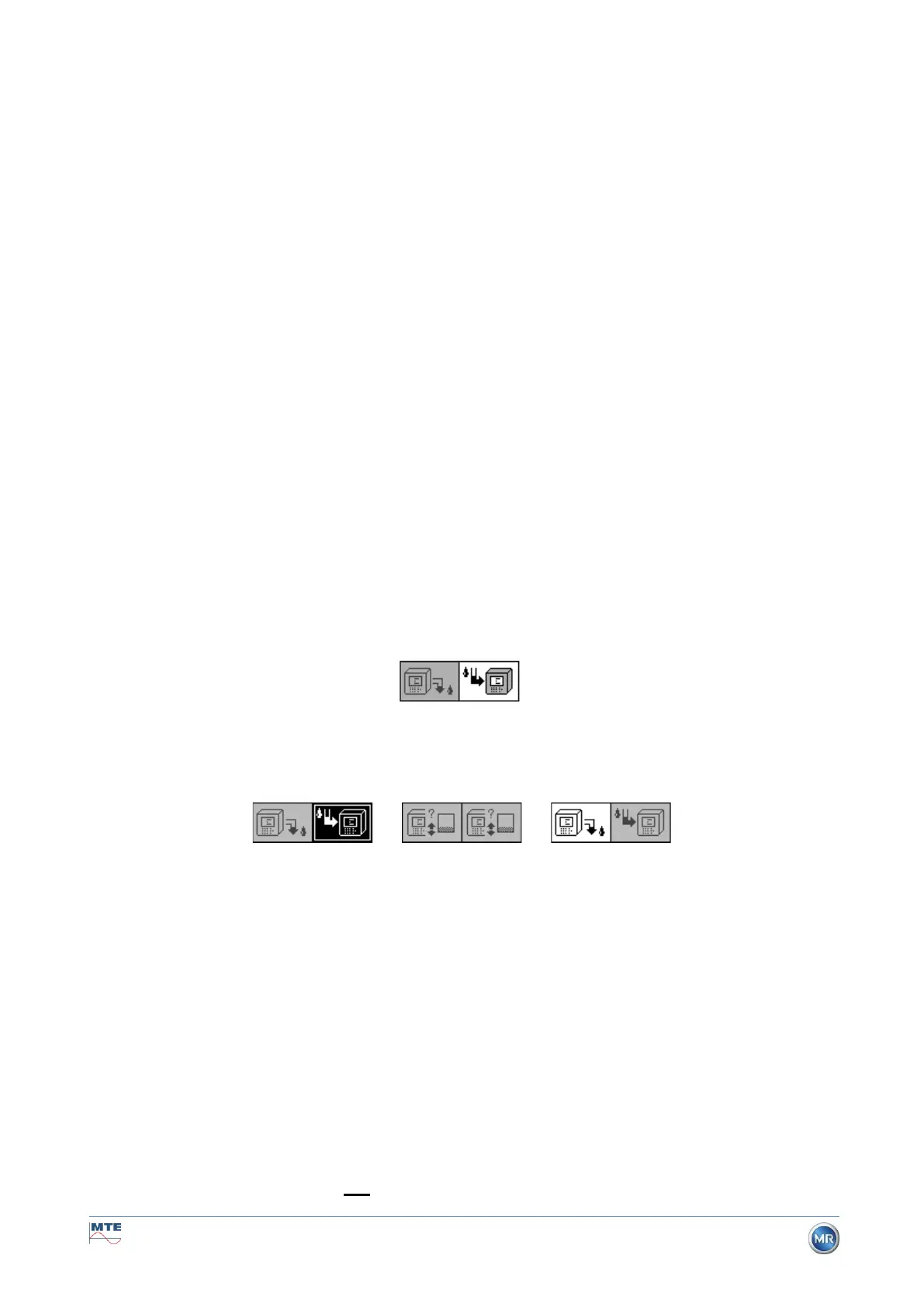
The following figure shows the status “Device inactive”. The key “Deactivate device” (grey background)
can not be selected – the key “Activate device” (white background) can be selected in this case.
Deactivate device / activate device
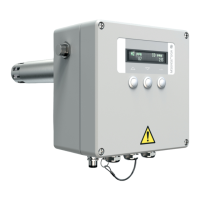
After the “Activate device” key has been pressed, the device changes to the initialisation cycle. The
two keys change as follows:
9.1.4 Fault
With any complex device, there is a risk that it may fail. The same applies to the devices belonging to
the MSENSE® DGA family.
In the event of a fault, the following hazards must be avoided:
• Environmental pollution
• Oil leakage
• Ingress of air into the transformer (Buchholz relay)
The device’s control software (firmware) endeavours to avoid such hazards by means of different con-
trol and test algorithms. If the firmware still detects an abnormal or unfamiliar condition, the extraction
cycle is stopped (pump and compressor “standstill”, all valves “closed”) and the system is set to a fault
state.
This fault state can only be rectified by human intervention.
Important: A loss of power does not reset this fault!


 To Next Page