MSENSE
®
DGA 9 7045899/02 EN – 11.2020 Page 82
Main menu
After the MSENSE® DGA 9 has been connected to the supply voltage, a short beep will sound and,
after a short period of time, the main menu will appear on the LCD display. The current measurement
values of the corresponding gas concentrations and the oil moisture are then displayed. If unconfirmed
alarms are present, the display switches periodically every 5 seconds between the main menu and
alarm status.
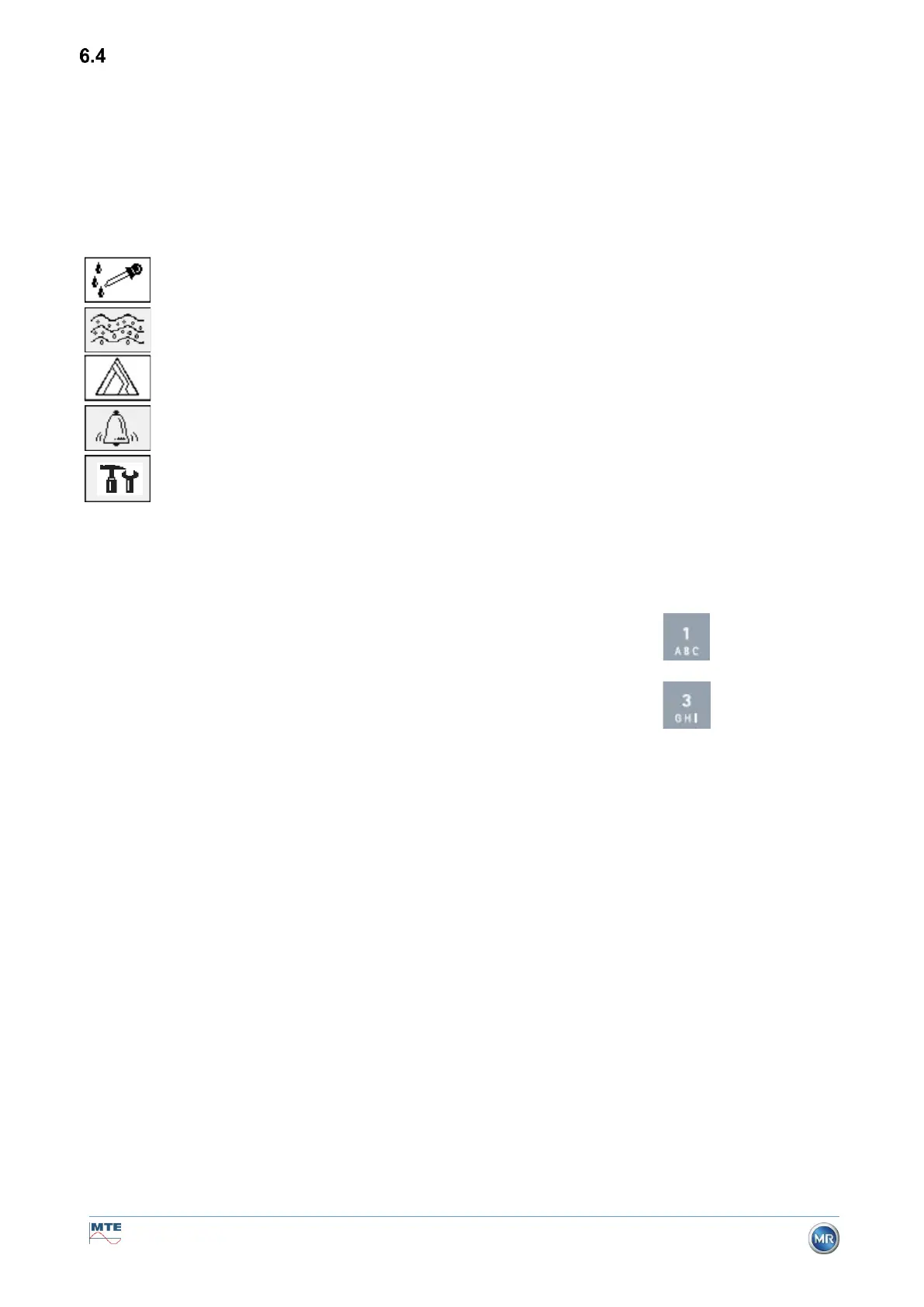
The following sub-menus can be selected from the main menu:
• In the main menu you will find the device’s serial number (e.g. SN99999), the installed firmware
version (e.g. V 2.00-0033), and the device’s IP number (e.g. @ 10.166.1.77) when the Ethernet
connection is active.
• To access the “Main menu” screen directly, press the key
• To access the “Alarm status” screen directly, press the key



 To Next Page