MSENSE
®
DGA 9 7045899/02 EN – 11.2020 Page 49
4.4.4 Turn off the device
Note!!!
The device must always be taken out of operation using the “de-
activation” key, before it becomes de-energised and can then be disas-
sembled!!!!
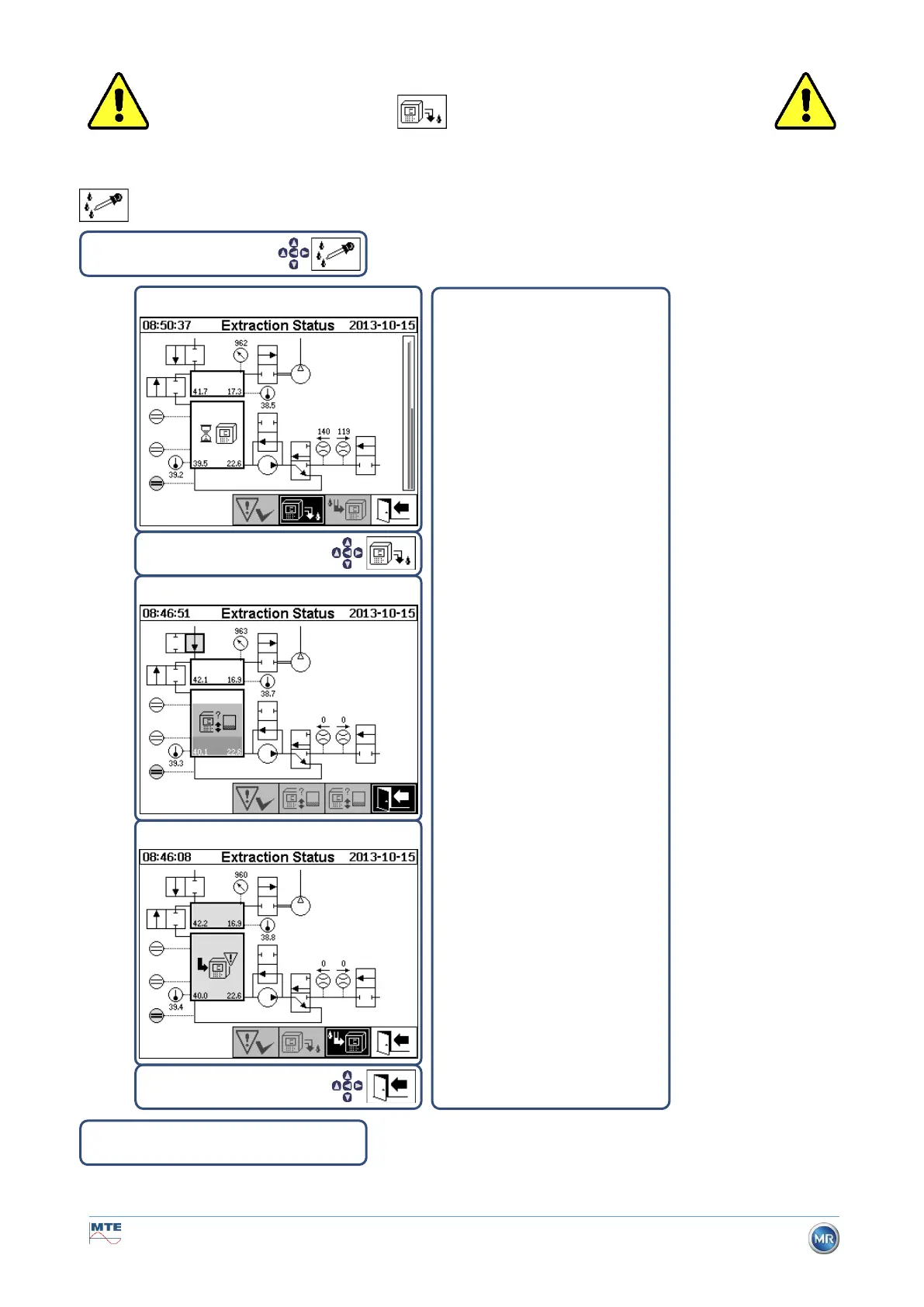
Deactivate device under extraction status
• The device can now be de-energised and disassembled.
The device’s deactivation has to
be done explicitly by the user and
can be done at any time.
Device deactivation
By deactivating the device, the
current process step is stopped
and a controlled draining is trig-
gered.
Following its successful deactiva-
tion, the device is inactive. A
warning symbol indicates this sta-
tus.



 To Next Page