MSENSE
®
DGA 9 7045899/02 EN – 11.2020 Page 80
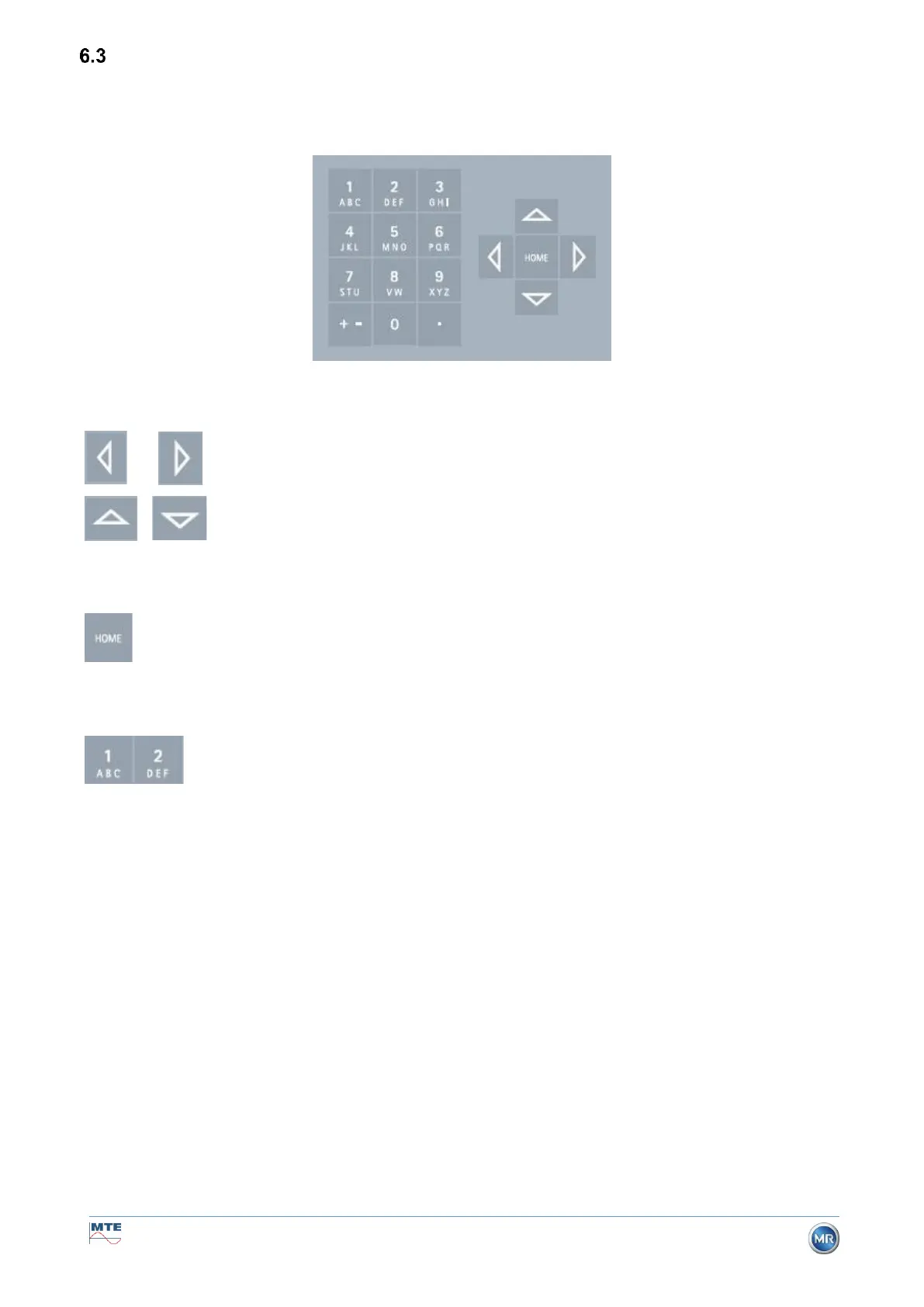
Operation by means of device keyboard
The MSENSE® DGA 9 can be used while in operation via the built-in alphanumeric keypad, the arrow
keys and the enter key. To do so, the protective hood must be removed. Loosen the knurled screws
on the front of the device and carefully remove the protective cover.
6.3.1 Cursor keys
Functions of the cursor keys:
Use the left / right cursor keys to move the cursor horizontally. Entries can be
deleted with the left cursor key.
Use the up / down cursor keys to move the cursor vertically or to adjust the
contrast of the LCD display when the main menu is active.
6.3.2 “Home” key
Functions of the “Home” key:
Pressing the “Home” key activates or exits the selected function or accesses a
sub-menu.
6.3.3 Alphanumeric keypad
Functions of the alphanumeric keypad:
Alphanumeric keypad for customer-specific inputs.
This input is based on the same principle as with mobile phones (not smartphones). By repeatedly
pressing the respective alphanumeric key, the corresponding numbers or characters can be entered.
The following table shows which key can be used to enter which numbers and characters in the corre-
sponding input format:



 To Next Page