MSENSE
®
DGA 9 7045899/02 EN – 11.2020 Page 93
Device settings
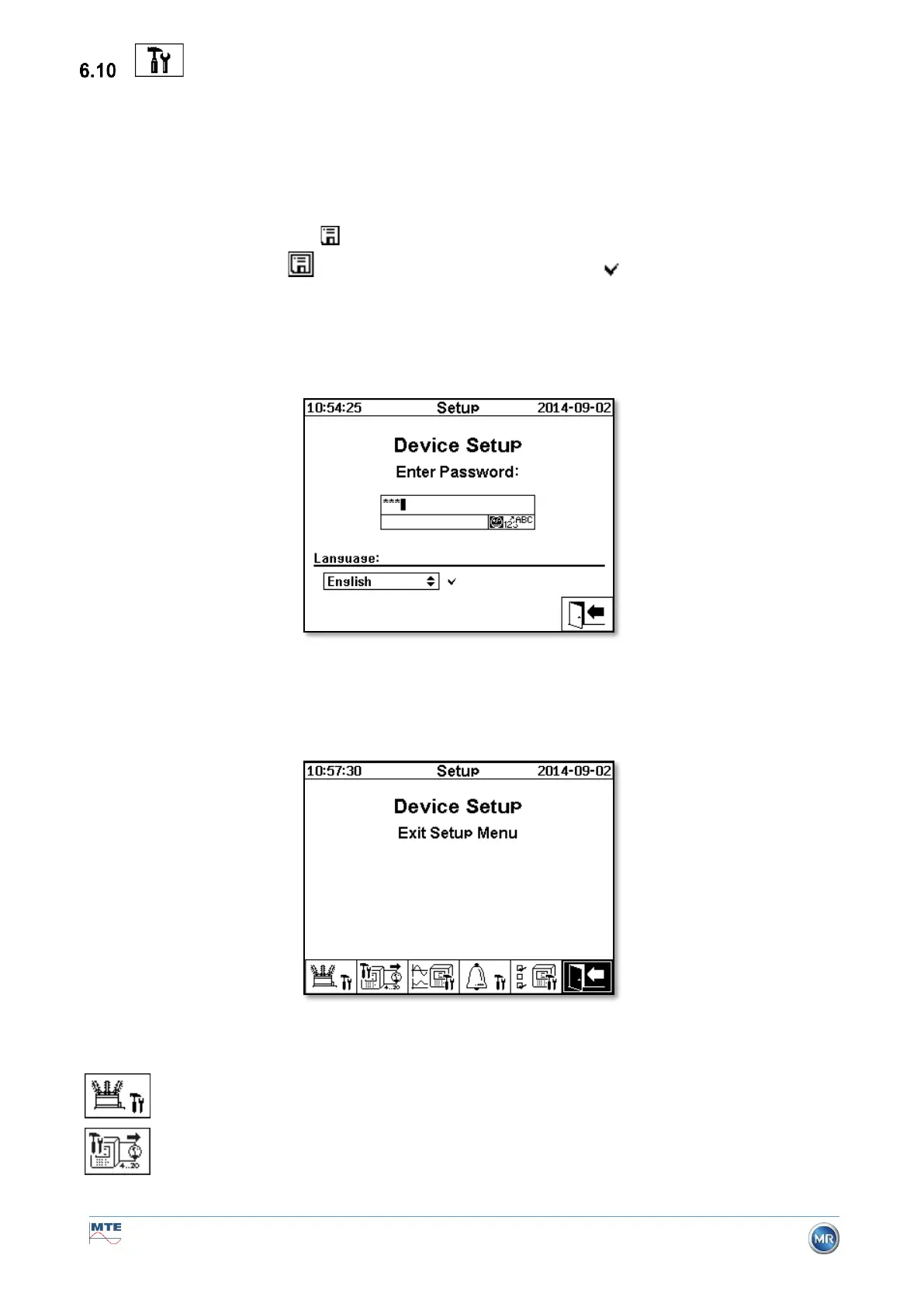
The user language can be selected on the MSENSE® DGA 9. The following languages are available:
English, German, French, Russian, Turkish, Spanish and Polish.
Select the language selection field using the arrow key. By repeatedly pressing the Enter key you can
select the desired language.
If the language is changed, the icon appears to the right of the language selection box. This must
be selected using the arrow and confirmed with the Enter key. The symbol indicates the selected
language.
Before changes can be made to the device settings, the password is requested first (standard pass-
word 123456).
After entering the corresponding password using the alphanumeric keyboard and confirming with the
enter key, the “Device settings” menu is opened.
The following sub-menus can be selected in the menu “Device settings”:



 To Next Page