26
Initial Setup
Chillgard 5000
US
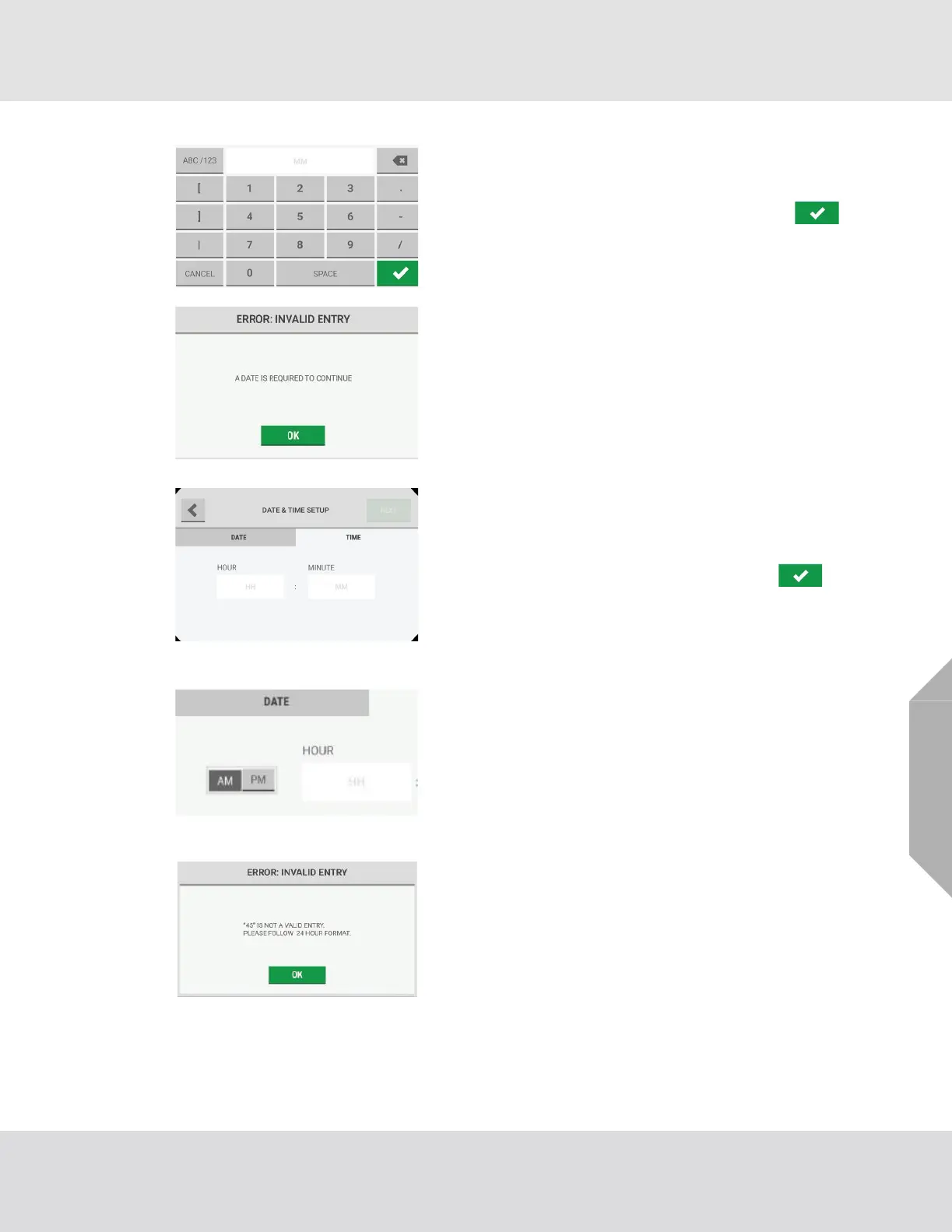
(4) Select the "Month/Day/Year" fields, and use the alpha-
numeric keypad pop-up to enter values. Select
to accept the values.
NOTE: An entry for the date is necessary to continue. If this
error pop-up shows, select "OK" to return to the previous
screen and supply a value.
(5) Select the "Time" tab.
(6) Select the "Hour/Minute" fields, and use the alphanu-
meric keypad pop-up to enter values. Select to
accept the values.
The time format can be 12 hours (AM/PM) or 24 hours
depending on the language setting.
(7) If applicable, select "AM" or "PM".
(8) Select "Next".
NOTE: A valid entry for the time is necessary to continue. If
this error pop-up shows, select "OK" to return to the
previous screen and supply a value.



 To Next Page