GALAXY GX2
12
Introduction
MSA
US
Test Stand is Stand-Alone
If the GALAXY GX2 is not networked to a PC
interface the memory card will save each calibration
and bump test record. Incomplete records will not be saved. If networked and e-mail alerts are
configured, the Test Stand will generate an email alert once the memory card reaches 90% and
again at 99% capacity.
Once a memory card reaches full capacity, the Test Stand will be in fault and prohibit any unit from
performing tests in that bank, until corrected. The Test Stand can be configured to erase the
memory card, or the user can insert a replacement.
An optional end cap [ Fig. 4] can be placed over the port to protect the memory card and all
external connections.
Fig. 4 Optional End Cap
USB Drives
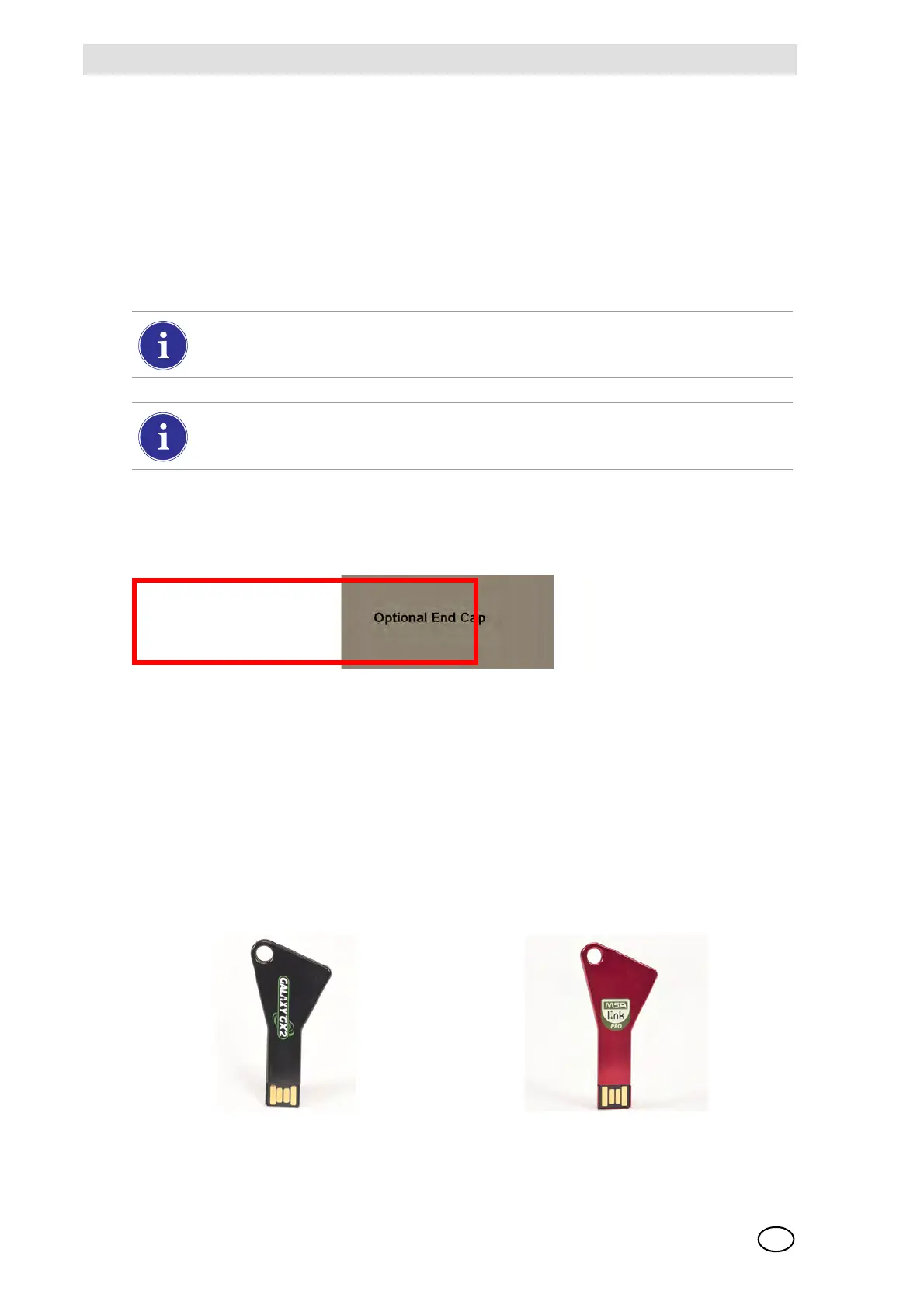
Two optional USB Keys [ Fig. 5] are available for purchase with the GALAXY GX2
Automated Test System:
- Digital Secure USB Key: This black key is inserted in the USB port on the Test Stand in order
to change gas detector settings. The key ensures only authorized users can change settings
on ALTAIR gas detectors; a security step in addition to the four-digit password.
- MSA Link Pro Key: This red key is used to enable the MSA Link Pro application on a single
PC. More information about this key can be found in the software product end-user manual.
Fig. 5 Digital Secure Key and MSA Link Pro Key
The memory card should only be removed when no test activity is occurring. Events that
occur while no memory card is installed will not be stored in the Test Stand.
If no memory card is used, only the most recent bump or calibration record is stored to
the Test Stand internal memory.
DUMMY!
Awaiting final plastic
- mid March



 To Next Page