GALAXY GX2
44
Setting Up the GALAXY GX2
MSA
US
Alarm Setpoint Tabs
Select the LO, HI, STEL, and TWA tabs to enable each alarm, determine setpoints, or enable
latching for each sensor.
The GALAXY GX2 will read alarm limits from the instrument and prevent entered values from ex-
ceeding those limits.
- LO is a warning alarm that indicates the instrument is exposed to a gas level above the first
alarm level. For an oxygen sensor, this alarm level can also be less than 20.7 %Vol.
- HI is a warning alarm that indicates the instrument is exposed to a gas level above the second
alarm level. For an oxygen sensor, this alarm level can also be less than 20.7 %Vol.
- STEL is the Short Term Exposure Limit warning alarm that indicates the instrument is exposed
to a higher than acceptable gas threshold for 15 minutes.
- TWA is the Time Waited Average that projects the current gas readings over an 8-hour period.
The warning alarm indicates if projections reach a higher than acceptable threshold.
To change the Alarm Setpoint:
(1) Select Alarm Setpoint from the LO, HI, STEL, or TWA tabbed screens.
(2) Enter the setpoint on the number keypad.
(3) Select Save.
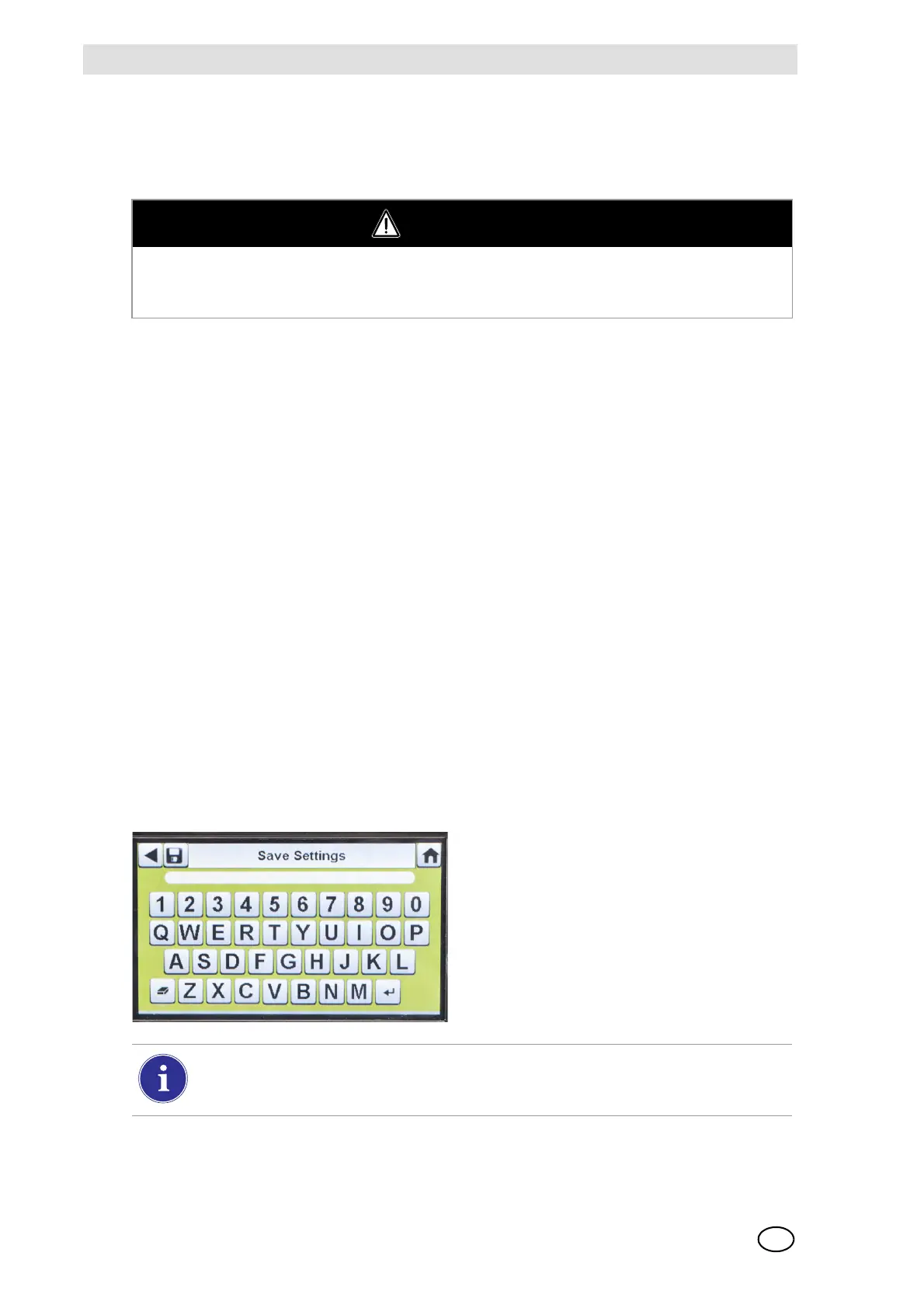
Save Settings
Once the instrument settings are configured, these settings can be saved to a USB drive for future
application onto another instrument.
WARNING
Using an incorrect alarm setting can seriously impair the gas detector's ability to warn the user
of dangerous conditions. Extreme caution must be used when changing alarm levels. Ensure
alarm changes are properly set prior to instrument use.
(1) Select Save Settings () from the
Instrument Configuration screen.
(2) Enter a file name for the settings on the
keypad.
The file name is limited to 24 Western language characters. It is recommended that a
detailed description of changed settings for each file be kept in a secure location to en-
sure proper gas detector configuration.
(3) Select Save.



 To Next Page