GALAXY GX2
24
Installation
MSA
US
3.7 SD or SDHC Memory Card Option
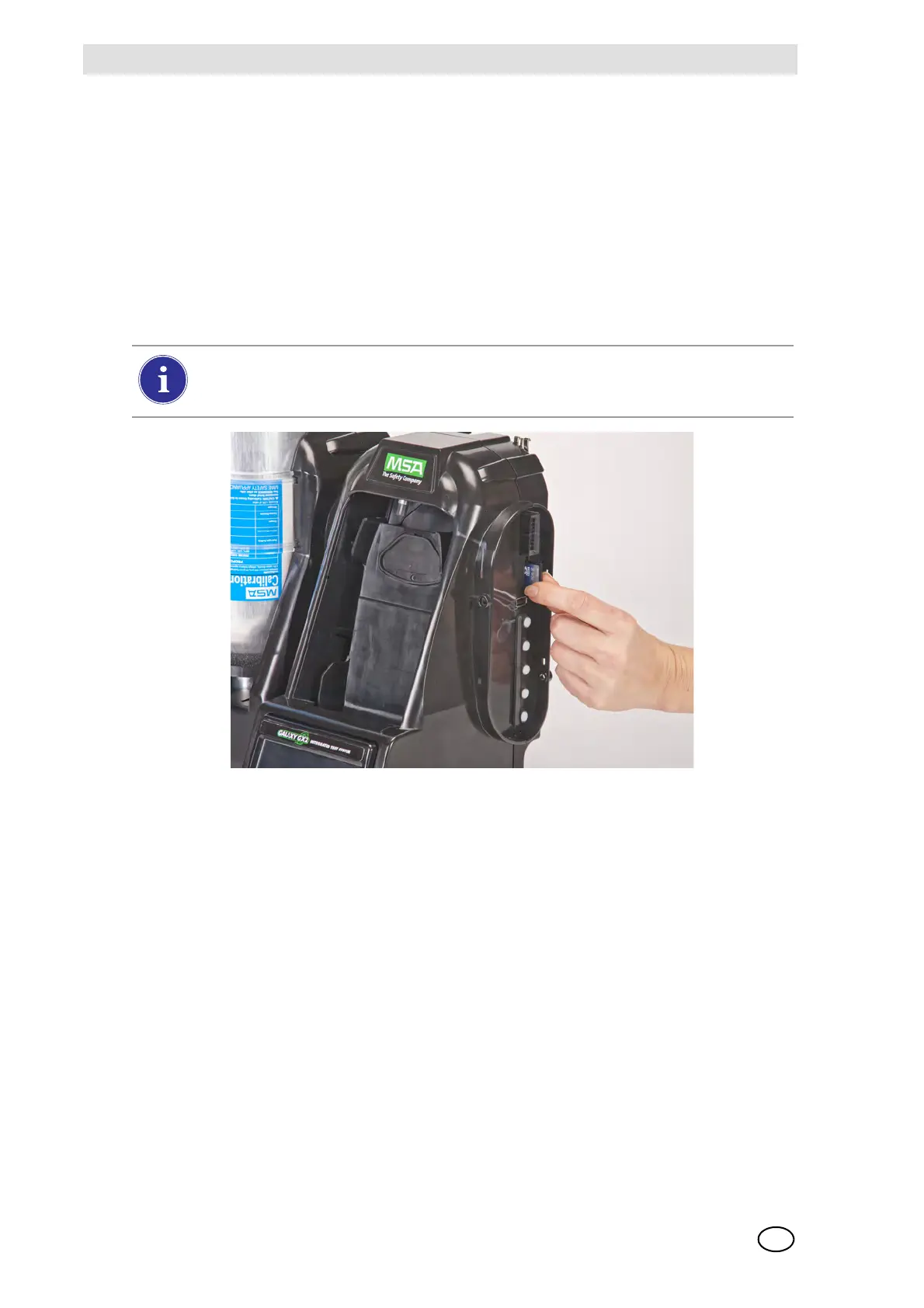
The Test Stand can accommodate an SD or SDHC memory card, inserted in the port on the right
hand side of the farthest right Test Stand. Only one memory card can be used in a bank.
To install the memory card:
(1) Ensure that memory card is not write-protected or locked.
(2) Insert the memory card into the port, located on the right side of the Test Stand [ Fig. 13].
(3) Place the optional end cap over the port to protect the memory card.
(4) To remove the memory card push the card to eject it from the port.
Fig. 13 SD or SDHC Memory Card Installation
The memory card should not be removed when testing or datalog downloads are in
process. The Test Stand will not store events that occur while a memory card is re-
moved.



 To Next Page