Installation
GALAXY GX2
23
US
3.6 Wall Mounting
When wall mounting the Test Stand (and applicable Cylinder Holder), MSA recommends steps
1-5 from the Desktop Mounting section [ chapter 3.5] above be completed prior to installing on
the Din Rail. For a large configuration of Test Stands and Cylinder Holders, MSA recommends
several people be used for installing or uninstalling from the DIN rail.
(1) Complete steps 1-5.
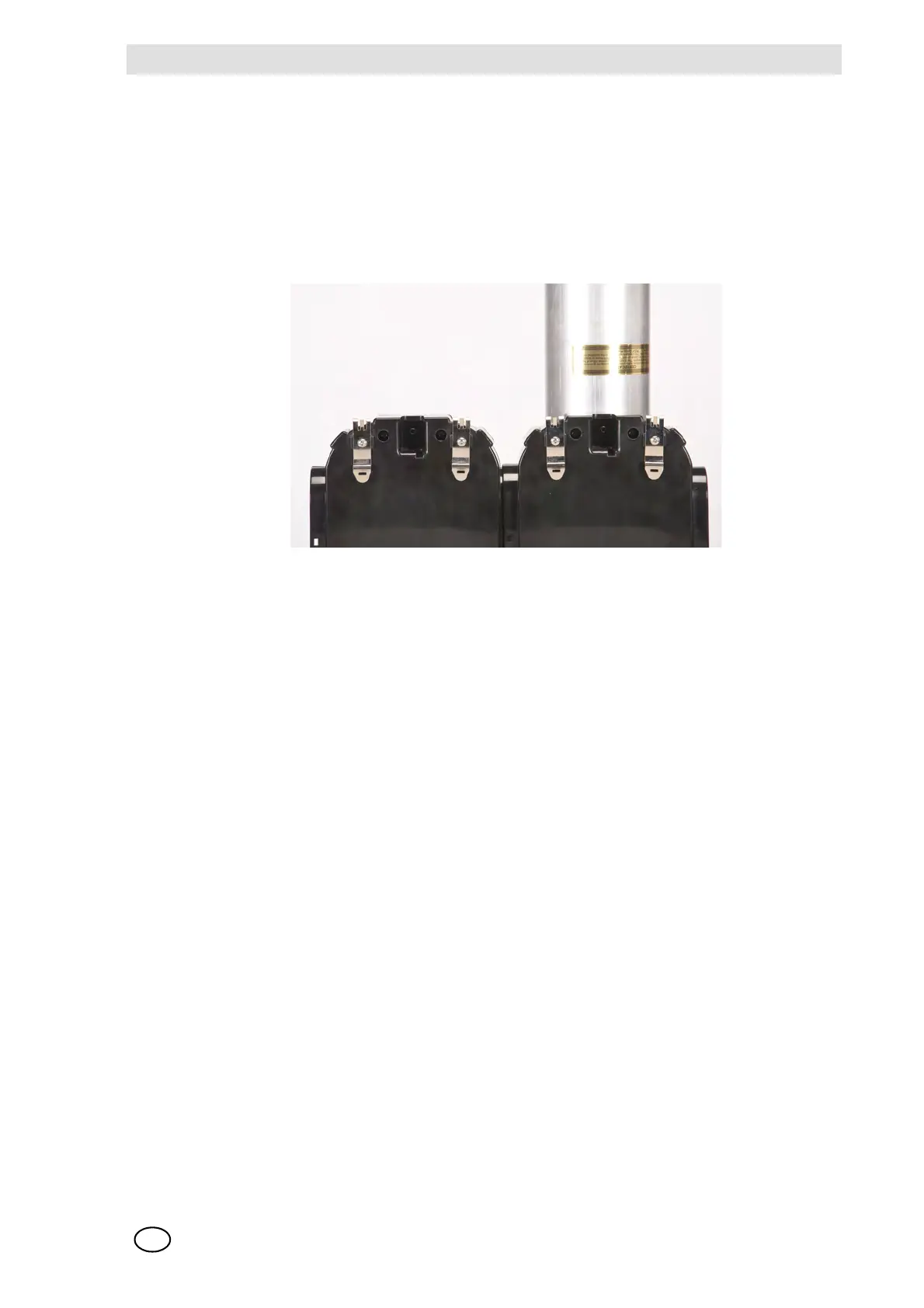
(2) Secure the optional DIN rail Clips to the rear of the GALAXY GX2, using the included screws.
(3) Mount the DIN rail (Type Omega) to the wall by securing it with wall anchors or other suitable
fasteners.
(4) Align the DIN rail clips over the wall-mounted DIN rail and snap into place.
(5) To remove from the DIN rail, grasp the back of the units and pull outward.



 To Next Page