Setting Up the GALAXY GX2
GALAXY GX2
27
US
4.2 Security Setup
The Security Setup is the last screen to autom
atically display. Setting a numeric password
prohibits unauthorized changes to the GALAXY GX2.
4.3 Home Screen
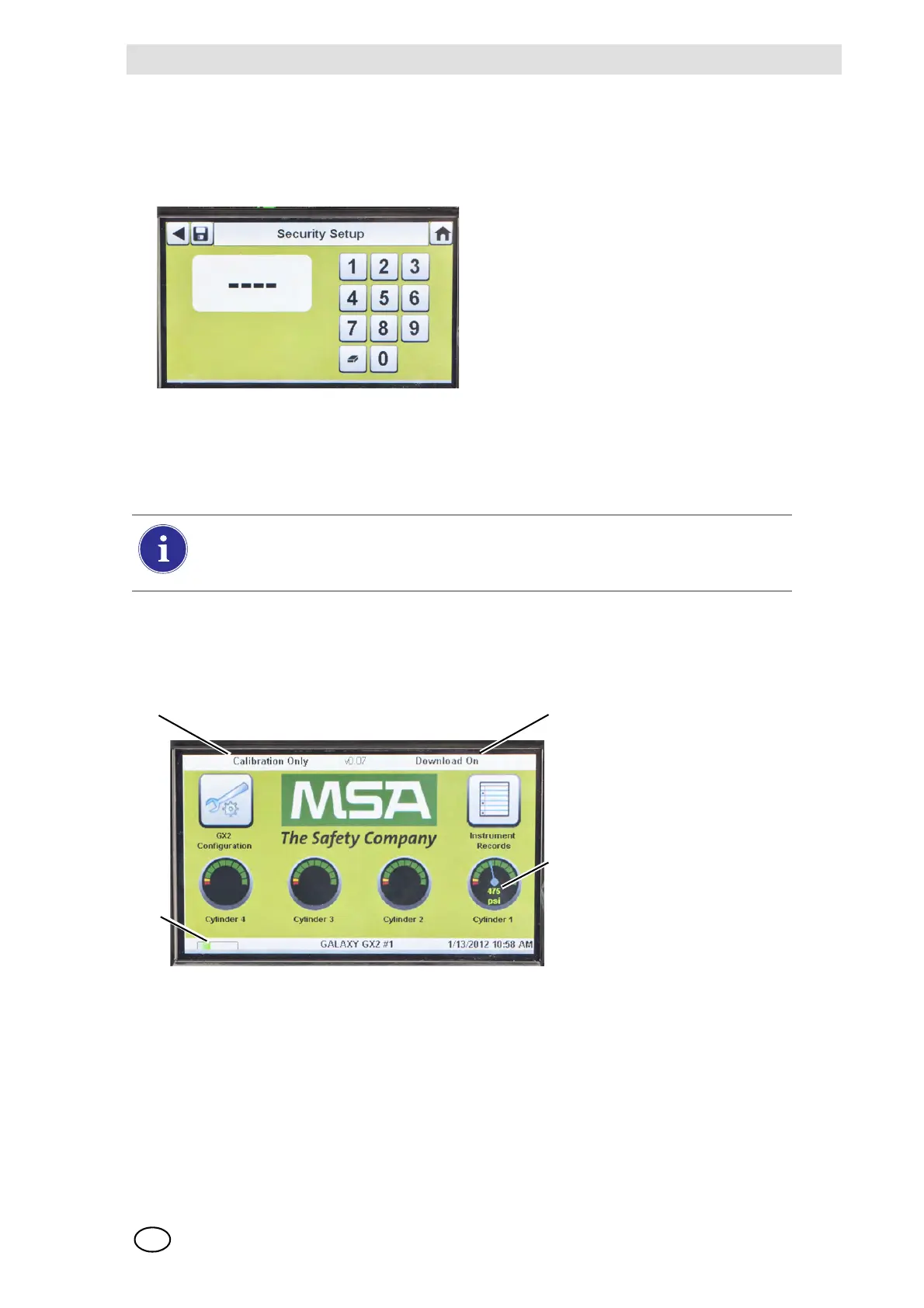
The Home Screen displays the relevant parameters for the Test Stand and electronic Cylinder
Holders.
Fig. 14 Test Stand Home Screen
If no password is desired, enter "0000" to
disable the password feature. The Test
Stand is shipped with the password dis-
abled.
(1) Enter a four-digit password for the
GALAXY GX2.
(2) Select Save.
Retain a copy of the password for
your records.
(3) Select Home.
(4) The GALAXY GX2 Home screen
displays [ Fig. 14].
To change the password, return to the Security Setup screen, enter a new password
and select Save.
If your password has been misplaced, call MSA Customer Service for reset instructions.
1 Test Mode 3 Gas Cylinder Pressure Gauge
2 Gas Detector Datalog Download Mode 4 Gas Detector Charging status



 To Next Page