GALAXY GX2
42
Setting Up the GALAXY GX2
MSA
US
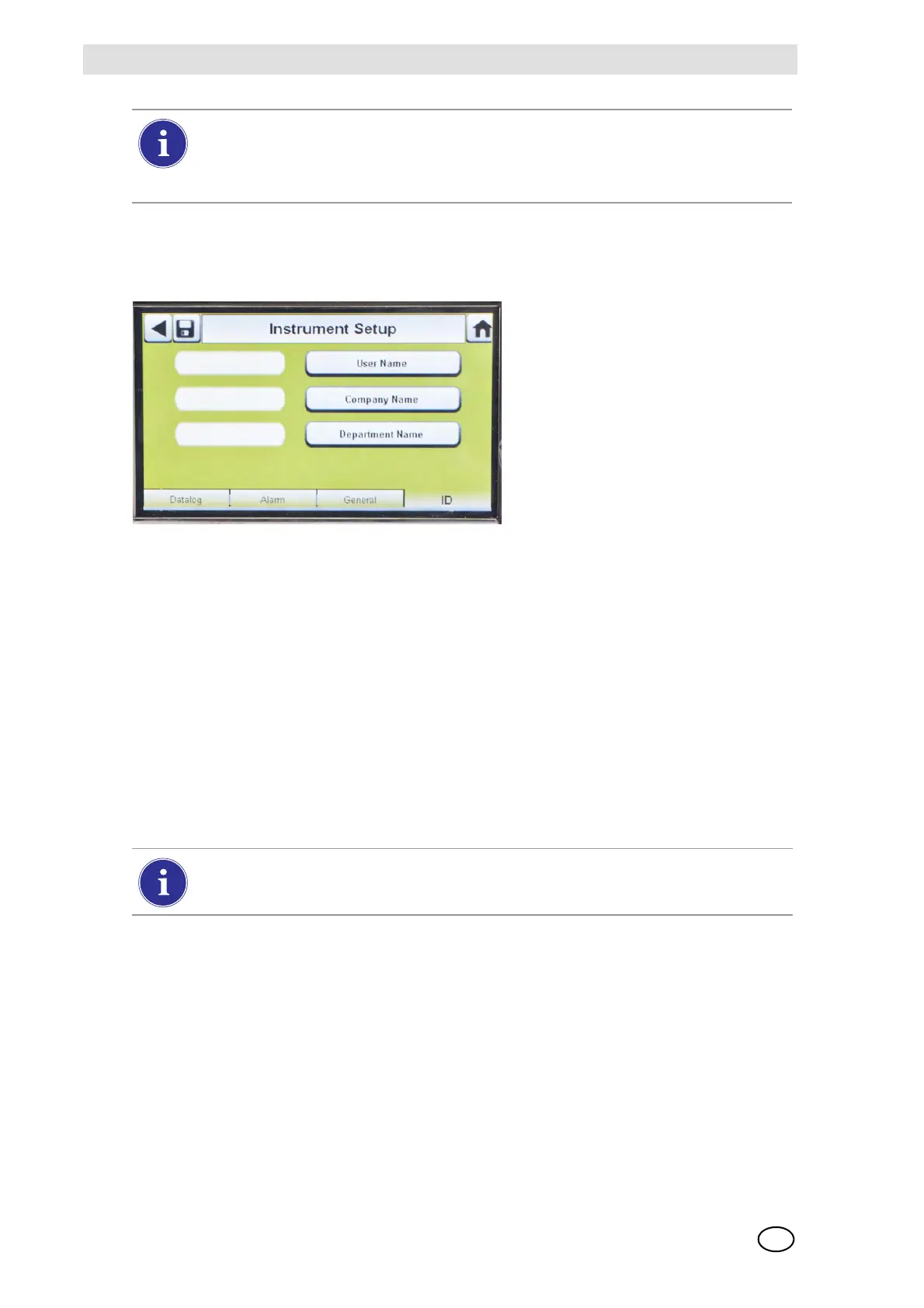
ID Tab
Select the ID tab to set the instrument name, company, and department.
Fig. 22 Instrument Setup - ID
(1) Select User Name to assign a designation.
(2) Enter the name on the keypad.
(3) Select Save and then select the back arrow.
(4) Select Company Name.
(5) Enter the name on the keypad.
(6) Select Save and then select the back arrow.
(7) Select Department Name.
(8) Enter the name on the keypad.
(9) Select Save.
Sensor Setup
The GALAXY GX2 displays the gas types the instrument is programmed to detect. The user can
enable or disable sensor settings, change span value, enable or disable alarms, and set alarm
latching. Adding new sensors or changing sensor types cannot be done in the GALAXY GX2.
These tasks must be completed at an MSA-authorized service center.
For proper operation, ensure the GALAXY GX2 and instrument Calibration Due
intervals are the same value. If not selected, calibration occurs based on the gas de-
tector Cal Interval. This can lead to more (or less, depending on setting) frequent instru-
ment calibration and unwanted overdue indications.
To apply settings to the instrument select Update Settings on the Instrument Configu-
ration screen [ Fig. 18], before removing the instrument from the GALAXY GX2.



 To Next Page