GALAXY GX2
30
Setting Up the GALAXY GX2
MSA
US
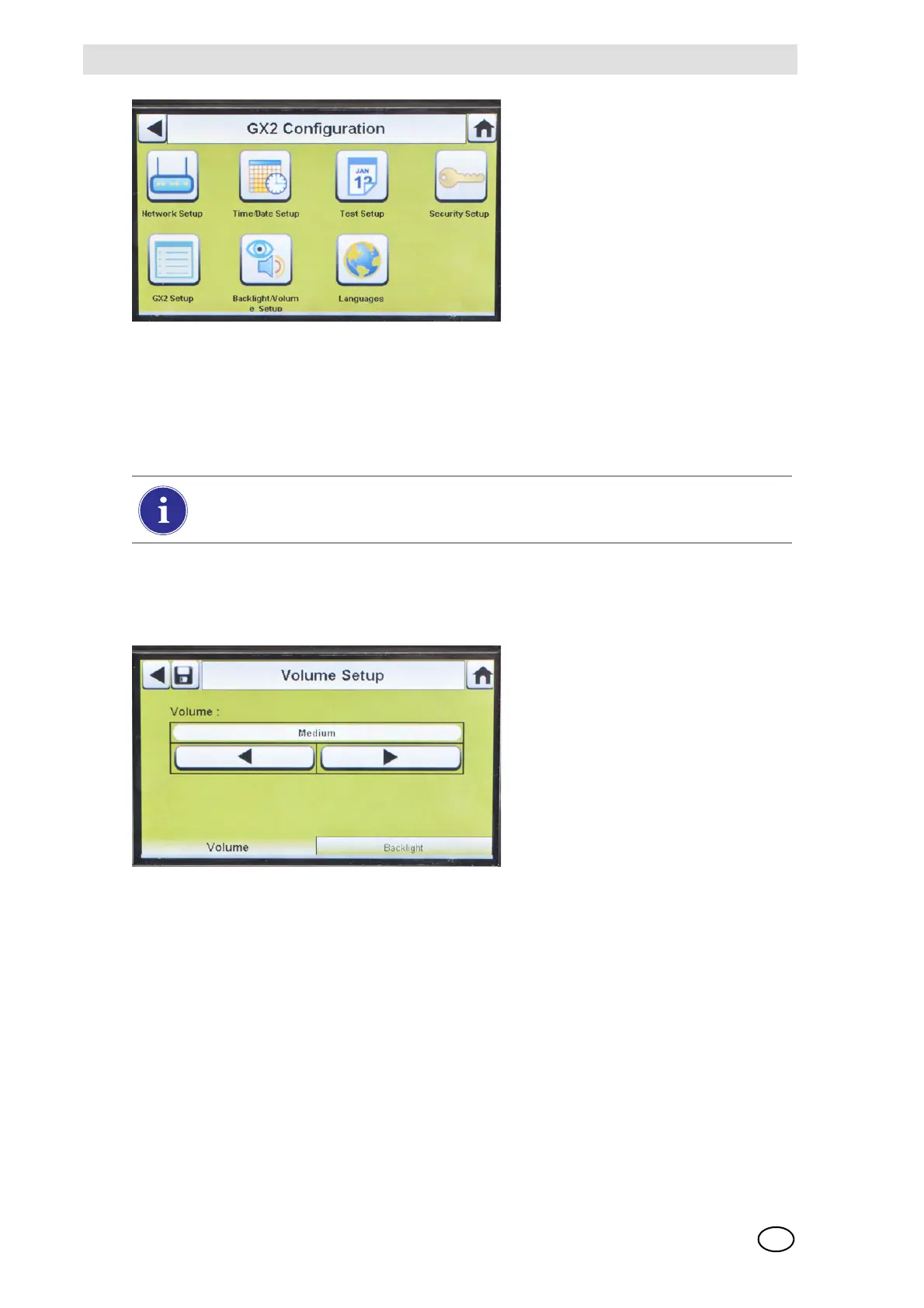
Fig. 16 GX2 Configuration
Backlight/Volume Setup
Select Backlight/Volume Setup on the GALAXY GX2 Configuration screen [ Fig. 16] to access
the Backlight/Volume screens.
Volume Tab
The user can set the volume for audio indicators.
(1) Set the volume by selecting either the left or right arrows on the volume screen.
Z The default volume level is set to Medium.
(2) Select Save.
Backlight Tab
The user can set the backlight intensity of the display screen.
(1) Set the backlight by selecting either the left or right arrows on the backlight screen.
Z The default backlight level is set to Medium.
(2) Select Save.
1 Network Setup [ chapter 4.5] 5 GX2 Setup [ chapter 4.5]
2 Time/Date Setup [
chapter 4.1] 6 Backlight/Volume Setup [ chapter 4.5]
3 Test Setup [
chapter 4.5] 7 Languages [ chapter 4.1]
4 Security Setup [
chapter 4.2]
The Time/Date Setup, Security Setup, and Languages Setup have been described in
the Initial Setup section [ chapters 4.1 and 4.2].



 To Next Page