GALAXY GX2
46
Setting Up the GALAXY GX2
MSA
US
4.7 Cylinder Configuration
The user can configure the GALAXY GX2 to change assigned gases in each cylinder holder
attached to the Test Stand(s).
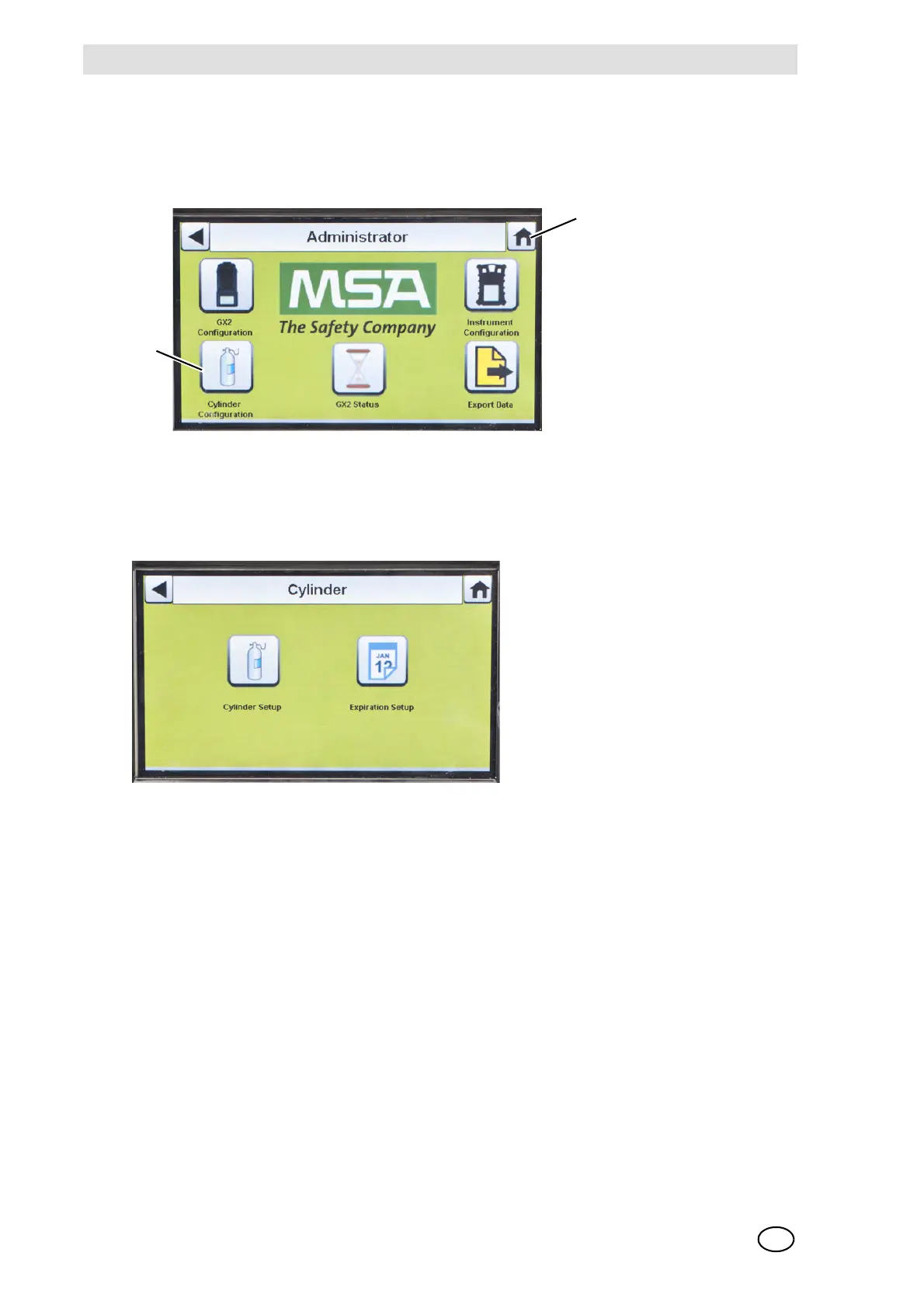
(1) To access Cylinder Configuration, navigate to the Administrator screen:
Fig. 23 Administrator screen
(2) Select Cylinder Configuration.
Z The Cylinder screen displays.
1 Icon - Cylinder Configuration 2 Icon - Home Screen



 To Next Page