GALAXY GX2
20
Installation
MSA
US
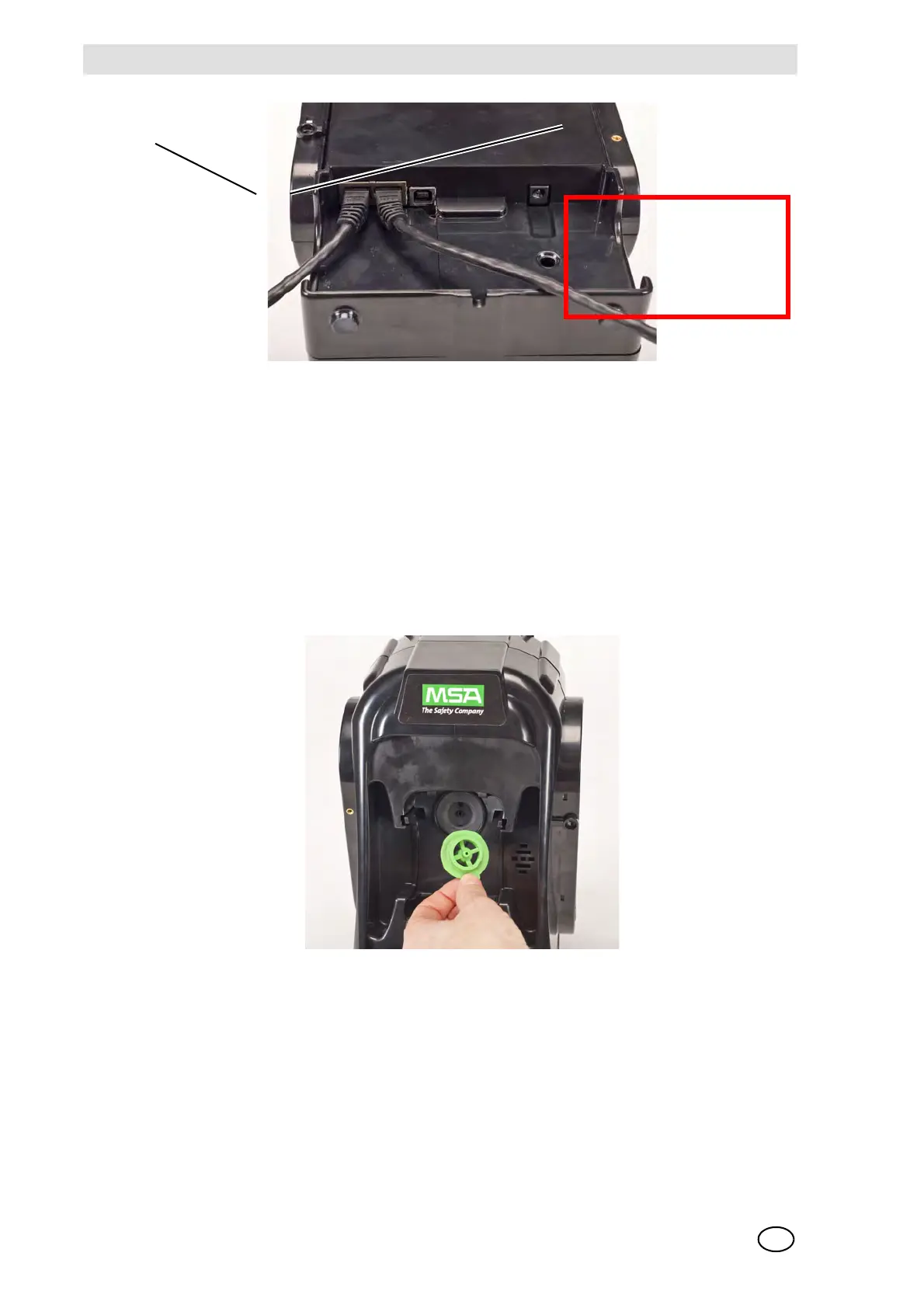
Fig. 11 Test Stand Ethernet connections
(2) If connecting the bank to a computer with the MSA Link Pro software, use a customer-
supplied ethernet cable and connect via the Master Test Stand ethernet port #1 shown
above.
3.4 Removing Gas Seal for Certain ALTAIR and ALTAIR Pro Instruments
All ALTAIR/ALTAIR Pro Test Stands will be shipped with a black rubber base seal and a green
rubber gas seal. The green seal is used only for ALTAIR H
2
S and ALTAIR CO instruments.
The seal should be removed and stored for ALTAIR O
2
and all ALTAIR Pro instruments.
Fig. 12 Altair and Altair Pro Inlet Seals
1 MSA Link Pro port 2 Test Stand to Test Stand port
2
1
DUMMY!
Will be replacing this
photo - mid March



 To Next Page