GALAXY GX2
54
Using the GALAXY GX2
MSA
US
After Setup is complete:
After initial installation and setup are complete, confirm the GALAXY GX2 is properly configured.
Perform manual calibrations on several instruments and then repeat the calibration using the
GALAXY GX2. Confirm the calibration results are equivalent.
5.4 Classic Mode
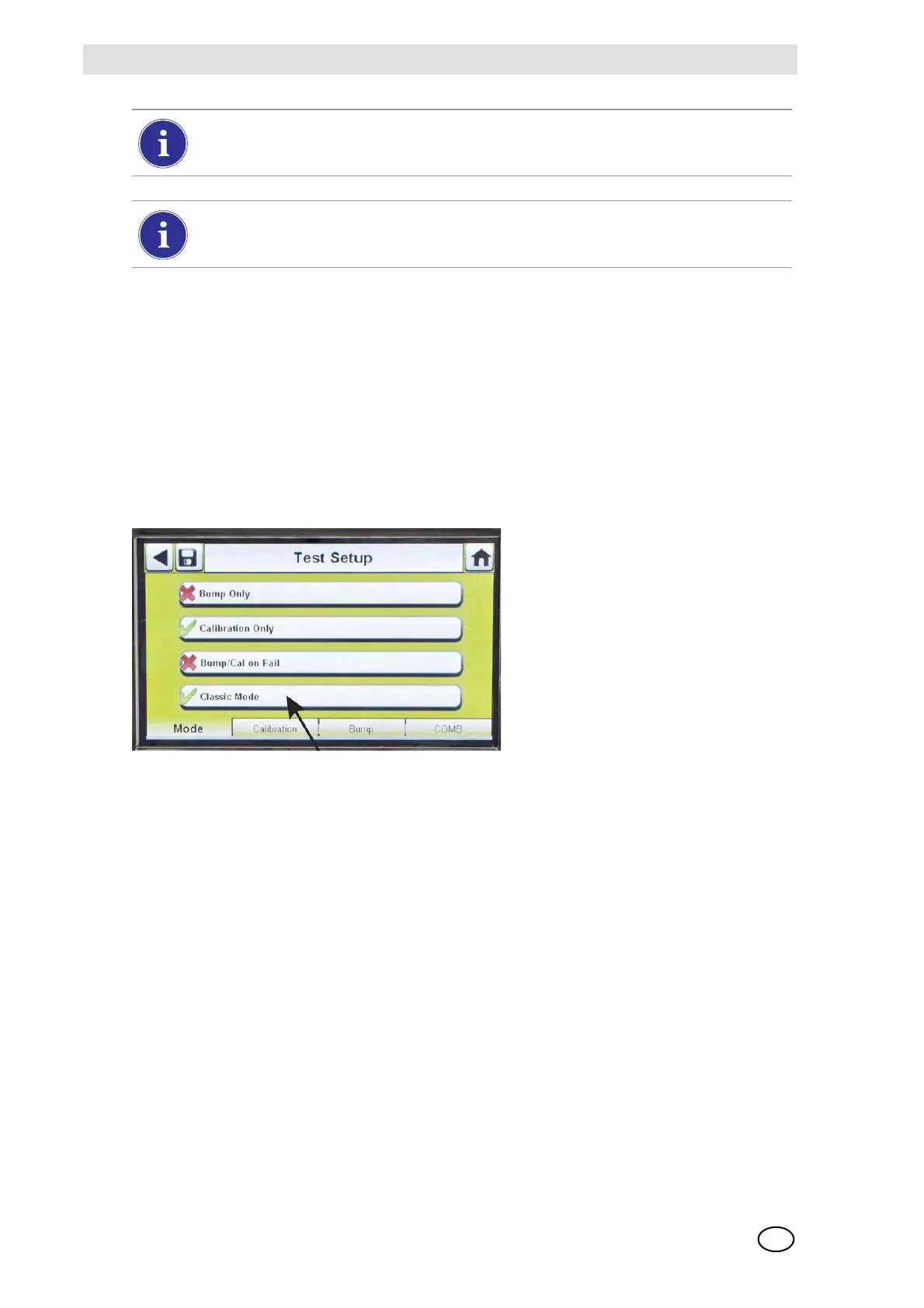
If the Classic Mode button is enabled (3), every time a gas detector is inserted in the Test Stand
it will be tested according to the user-selected Mode. This feature ignores the Calibration and
Bump Interval.
Fig. 24 Test Setup
If the user disables the Classic Mode (2) and datalog downloading is enabled, the Test Stand will
determine if testing is due. If not, the Test Stand downloads the datalogs.
If performing a manual bump or calibration on an individual sensor in a multi-gas detec-
tor, always perform the manual test after the GALAXY GX2 test is complete.
If using MSA Link Pro software, partial bump tests will result in the instrument being list-
ed as "Overdue" for bump testing since not all sensors were tested.



 To Next Page