Troubleshooting
GALAXY GX2
57
US
6 Troubleshooting
Use the following information to diagnose abnormal conditions.
6.1 Instrument Will Not Initiate a Bump or Cali
bration
(1) Ensure the instrument is turned on and errors are not displayed.
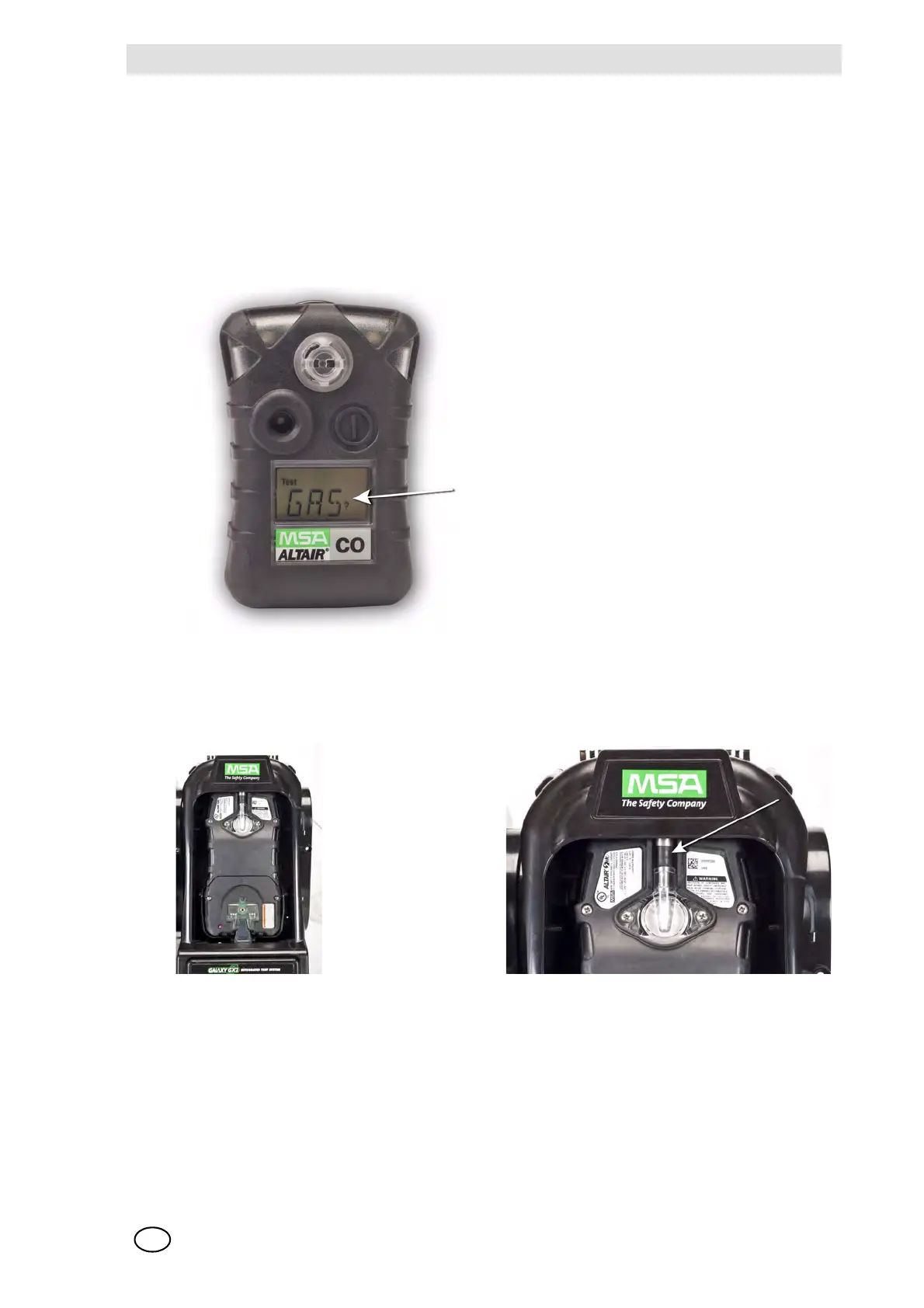
(2) If using an ALTAIR or ALTAIR Pro, press and hold the button for one second. The screen on
the gas detector must display Gas? prior to insertion into the Test Stand.
(3) Ensure the instrument is seated securely in the Test Stand cradle.
(4) If using the ALTAIR 5 or 5X, ensure the instrument pump inlet is seated securely in the
Test Stand gas inlet sleeve.
(5) Verify errors are not displayed from the electronic Cylinder Holder. If using the non-electronic
Cylinder Holder, ensure adequate connections are made and verify cylinder pressure.
(6) If using a GALAXY GX2 with the charging option for the ALTAIR 4/4X or 5/5X ensure the
charging connection fits securely to the instrument. This properly aligns the instrument in the
test stand.
(7) Ensure the GALAXY GX2 is set in the desired test mode. Refer to the GALAXY GX2
Configuration [ chapter 4.5] in the Setup section of this manual.



 To Next Page