Troubleshooting
GALAXY GX2
61
US
6.7 System Error Messages
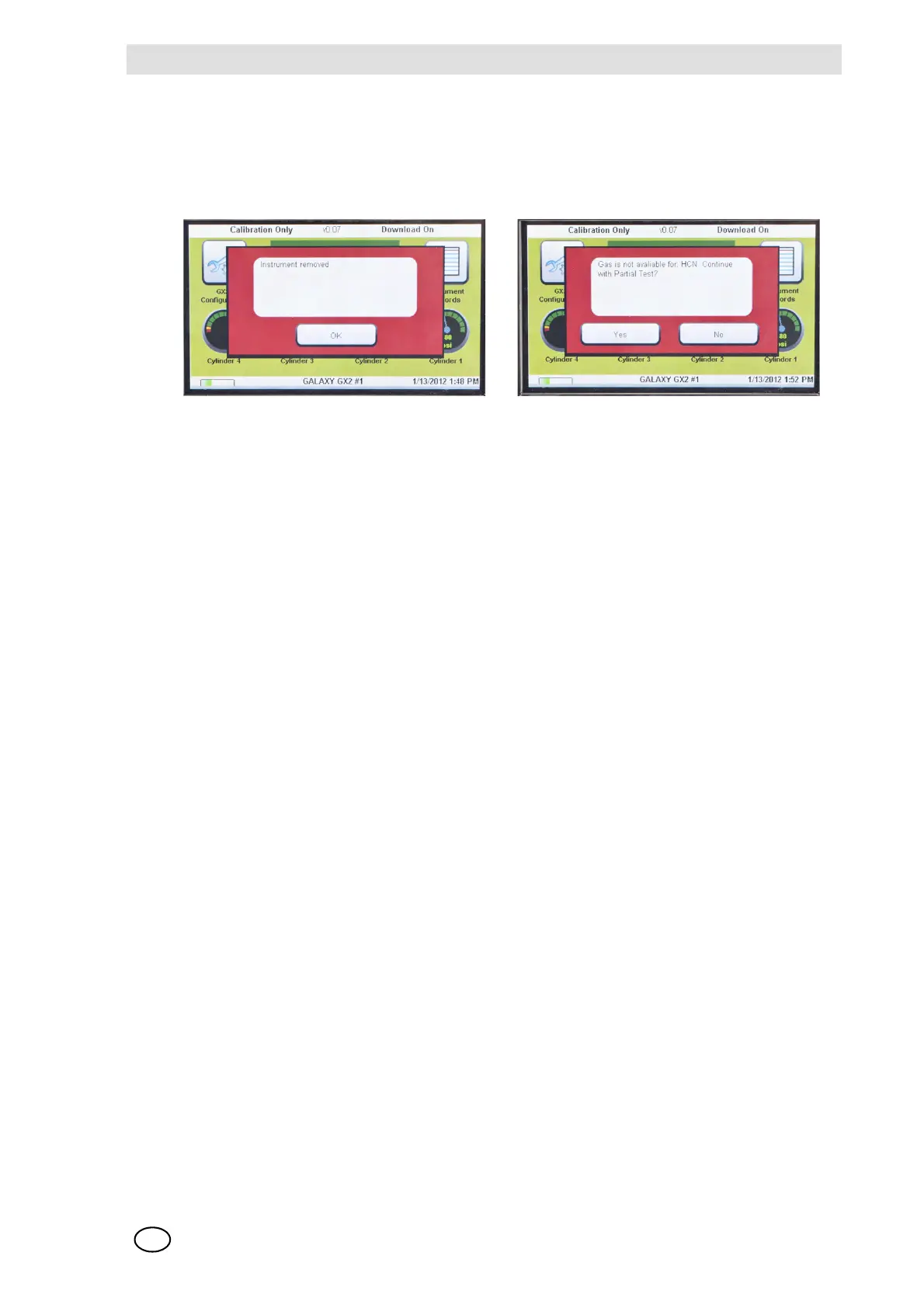
The GALAXY GX2 can display a number of system errors that display on the Test Stand screen
with a red error box. The error message must be acknowledged for Test Stand operations to
resume.
Memory Card Write Protect
Occurs if the memory card cannot accept data. Ensure the switch on the side of the memory card
is unlocked so it can accept data.
Serial Number Required
Occurs when the instrument is missing its serial number. Use the free MSA Link software appli-
cation and an IR dongle to assign a serial number to the instrument. A unique non-zero serial
number is required for each gas detector model.
Pump Fault or Flow Fault
Occurs if pump(s) is blocked during a test, the test cylinder(s) read empty, the fresh air filter is
clogged, or an internal flow error occurs. Visually inspect the air filter for contamination and re-
place as needed. Refer to the Instrument Will Not Initiate a Bump or Calibration section
[ chapter 6.1] of this manual.
Partial Test
The test system lacks gases for a full test. Ensure the cylinder(s) configuration is set up correctly
and that adequate gas is present in the cylinder(s). Refer to Cylinder Configuration section
[ chapter 4.7] of this manual.
USB Drive Failure
Occurs if the user's flash drive cannot accept data. Ensure the flash drive is functioning properly.
If the USB Drive is full, delete unneeded data or replace with a new USB Drive. Check the USB
Drive Enable setting in the GALAXY GX2 Setup section [ chapter 4] of this manual.
Network Connection Lost
Occurs if the optional network set up malfunctions. Ensure the Ethernet cables are secure
between Test Stands, from the master unit to the PC, and that they are type 10/100 Mbps. Addi-
tional information on network connections can be found in the software product end-user manual.



 To Next Page