Introduction
GALAXY GX2
13
US
2.3 Ethernet Interface
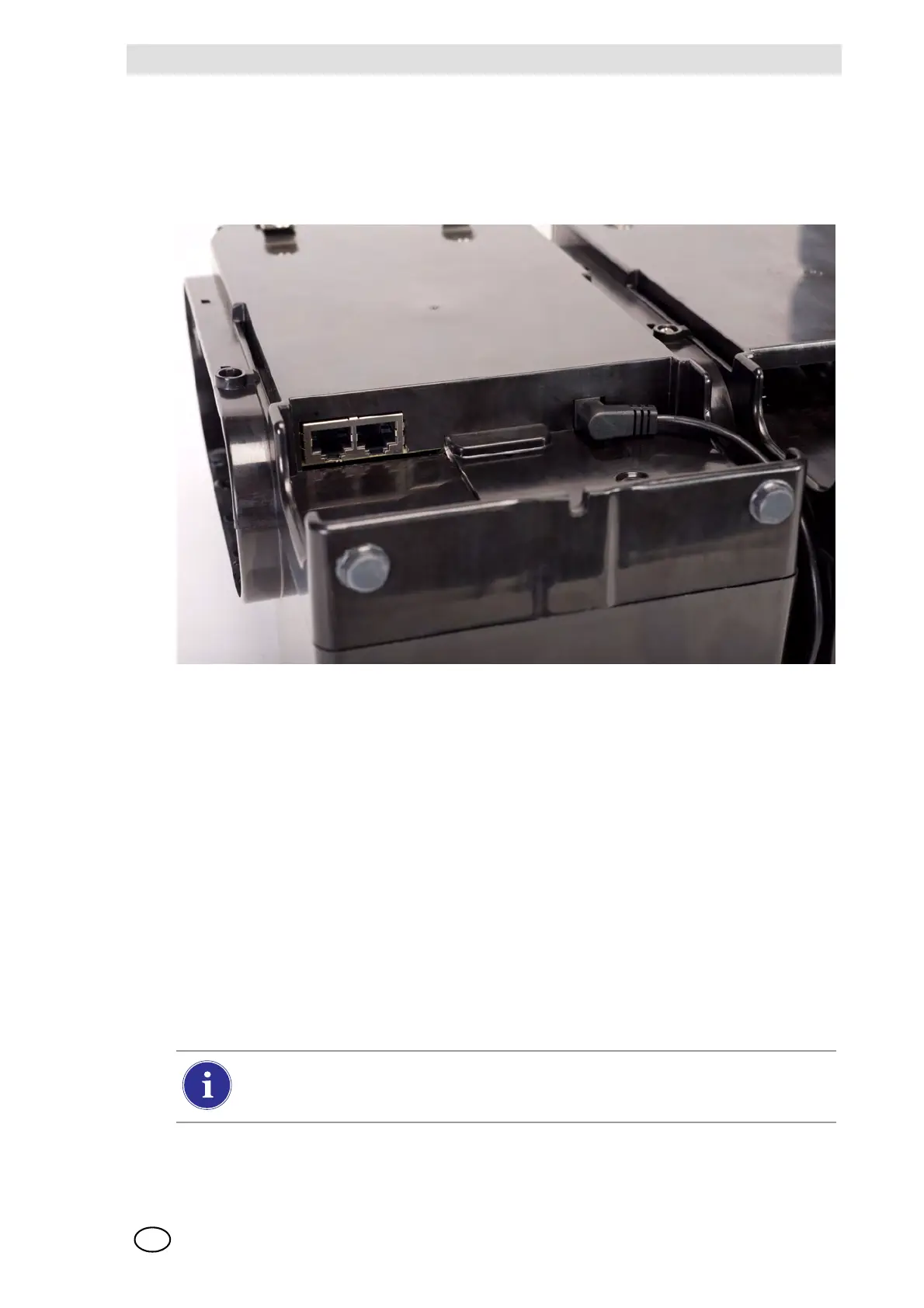
Two Ethernet Interfaces
are provided on the rear of the GALAXY GX2 [ Fig. 6]. The ports allow
for the connection and communication distribution between multiple Test Stands. If networking to
a computer, one USB port on the Master Test Stand is used to communicate with the
MSA Link Pro software application.
Fig. 6 Test Stand Ethernet jacks
2.4 Software Options
The GALAXY GX2 functions as a standalone system, but the optional MSA Link Pro software
application can be used to network the Test Stand to a PC through an Ethernet cable. This appli-
cation provides a best-in-class user interface and data analysis toolset to quickly identify issues
or concerns that require user action.
MSA Link Pro provides the user:
- Database storage of instrument Periodic and Session datalogs.
- Automatic or customized reports from the collected data.
- Single glance notification of instruments that are overdue for calibration or bump test.
- Email notifications of GALAXY GX2 and instrument warnings and error messages.
- Single setting configuration of all GALAXY GX2 units in a bank.
No need to individually configure each Test Stand.
To learn more about installing and using MSA Link Pro, refer to the software product end-user
manual.
Users may use the free MSA Link software application and an IR dongle
[ chapter 7.2] to communicate directly with their gas detector. MSA Link allows a user
to upload and download instrument settings, and download datalogs.



 To Next Page